


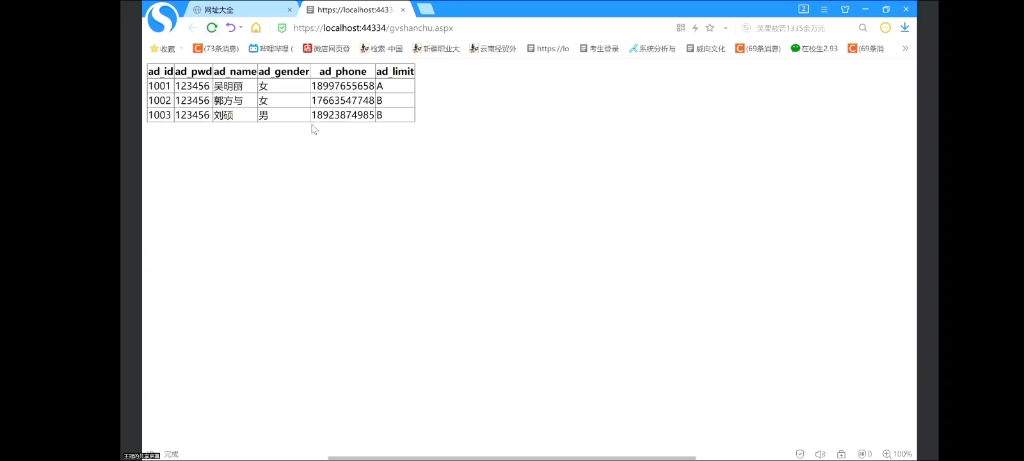
在ASP.NET中遍历文件夹及其子文件夹并将结果绑定到GridView控件,可通过System.IO命名空间中的Directory类实现递归文件检索,结合LINQ进行高效数据处理,以下是详细实现方案:


核心方法:递归遍历文件系统
using System.IO;
using System.Collections.Generic;
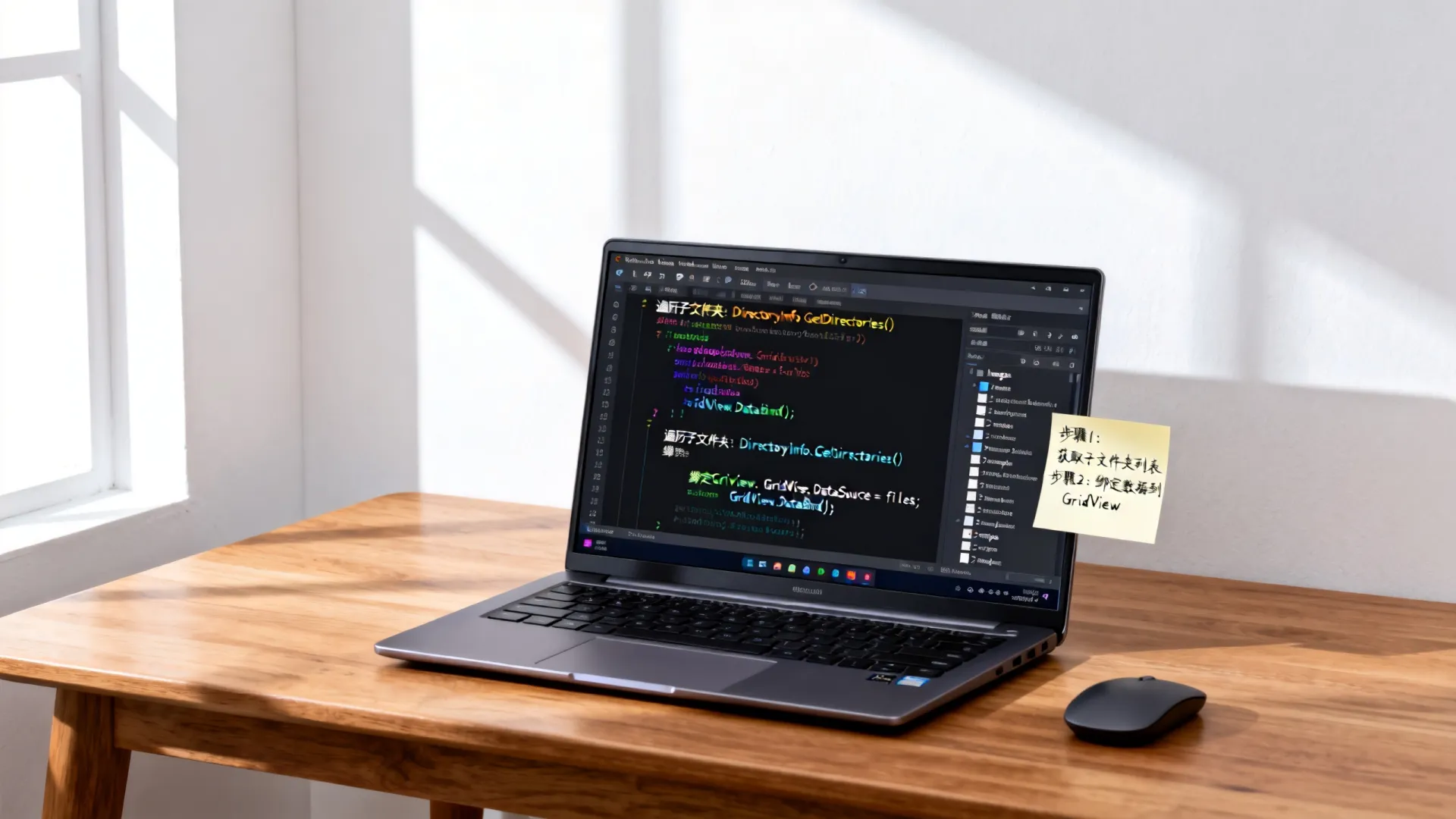
public List<CustomFileInfo> GetAllDirectories(string rootPath)
{
    var directories = new List<CustomFileInfo>();
    TraverseDirectories(rootPath, directories);
    return directories;
}
private void TraverseDirectories(string currentPath, List<CustomFileInfo> result)
{
    try
    {
        // 添加当前目录
        result.Add(new CustomFileInfo
        {
            Name = Path.GetFileName(currentPath),
            Path = currentPath,
            Type = "Folder",
            LastModified = Directory.GetLastWriteTime(currentPath)
        });
        // 递归子目录
        foreach (string subDir in Directory.GetDirectories(currentPath))
        {
            TraverseDirectories(subDir, result);
        }
    }
    catch (UnauthorizedAccessException) { / 权限处理 / }
}
创建数据模型类
public class CustomFileInfo
{
    public string Name { get; set; }
    public string Path { get; set; }
    public string Type { get; set; }
    public DateTime LastModified { get; set; }
    public int FileCount => Directory.GetFiles(Path).Length;
}
绑定GridView控件(Page_Load事件)
protected void Page_Load(object sender, EventArgs e)
{
    if (!IsPostBack)
    {
        string rootPath = @"C:ProjectAssets"; // 替换为实际路径
        var directoryData = GetAllDirectories(rootPath);
        // 添加文件计数列(动态生成)
        GridView1.AutoGenerateColumns = false;
        GridView1.Columns.Add(new BoundField { DataField = "Name", HeaderText = "文件夹名" });
        GridView1.Columns.Add(new BoundField { DataField = "Path", HeaderText = "完整路径" });
        GridView1.Columns.Add(new BoundField { DataField = "FileCount", HeaderText = "文件数量" });
        GridView1.Columns.Add(new BoundField {
            DataField = "LastModified",
            HeaderText = "修改日期",
            DataFormatString = "{0:yyyy-MM-dd HH:mm}"
        });
        GridView1.DataSource = directoryData;
        GridView1.DataBind();
    }
}
性能优化关键技巧
-
异步加载技术
protected async void Page_Load(object sender, EventArgs e) { await Task.Run(() => { // 数据获取代码 }); } -
缓存机制
Cache.Insert("DirData", directoryData, null, DateTime.Now.AddMinutes(30), Cache.NoSlidingExpiration); -
分页处理
GridView1.AllowPaging = true;
GridView1.PageSize = 20;
GridView1.PagerSettings.Mode = PagerButtons.Numeric;
安全增强措施
-
路径验证

if (!Path.IsPathRooted(rootPath) || rootPath.IndexOf("..") != -1) { throw new ArgumentException("非法路径"); } -
错误处理框架
try
{
 // 目录操作代码
}
catch (DirectoryNotFoundException ex)
{
 lblError.Text = $"目录不存在: {ex.Message}";
}
catch (IOException ex)
{
 lblError.Text = $"IO错误: {ex.Message}";
}

高级应用场景
实现搜索过滤功能
txtSearch.TextChanged += (s, ev) =>
{
    var filtered = directoryData.Where(d => d.Name.Contains(txtSearch.Text));
    GridView1.DataSource = filtered;
    GridView1.DataBind();
};
导出Excel功能
Response.Clear();
Response.AddHeader("content-disposition", "attachment;filename=Directories.xls");
Response.ContentType = "application/vnd.ms-excel";
StringWriter sw = new StringWriter();
HtmlTextWriter hw = new HtmlTextWriter(sw);
GridView1.RenderControl(hw);
Response.Write(sw.ToString());
Response.End();
移动端适配方案
/ 响应式CSS /
@media (max-width: 768px) {
    .gridview-header { display: none; }
    .gridview-row td { display: block; }
    td:before { content: attr(data-label); float: left; }
}
行业实践建议:大型文件系统遍历时,推荐采用后台任务+进度条设计,通过
System.Threading.Tasks创建独立线程,配合AJAX更新进度状态,避免阻塞主线程导致页面超时。
您在实际项目中遇到过哪些文件遍历的挑战? 是否遇到过权限控制或超大规模目录结构的性能瓶颈?欢迎分享您的解决方案或提出具体问题,我们将深入探讨行业最佳实践!
首发原创文章,作者:王坚,如若转载,请注明出处:https://idctop.com/article/17070.html










评论列表(3条)
这篇文章写得非常好,内容丰富,观点清晰,让我受益匪浅。特别是关于控件的部分,分析得很到位,给了我很多新的启发和思考。感谢作者的精心创作和分享,期待看到更多这样高质量的内容!
这篇文章写得非常好,内容丰富,观点清晰,让我受益匪浅。特别是关于控件的部分,分析得很到位,给了我很多新的启发和思考。感谢作者的精心创作和分享,期待看到更多这样高质量的内容!
这篇文章写得非常好,内容丰富,观点清晰,让我受益匪浅。特别是关于控件的部分,分析得很到位,给了我很多新的启发和思考。感谢作者的精心创作和分享,期待看到更多这样高质量的内容!