ASP.NET 消息提醒:构建高效、优雅的用户通知系统
ASP.NET 消息提醒的核心在于为Web应用提供即时、清晰且非干扰式的用户反馈机制,涵盖操作结果提示、系统状态更新及重要事件通知。 实现此功能需融合服务器端逻辑、客户端呈现技术与实时通信能力,确保用户及时感知关键信息。

基础实践:服务器端生成与客户端呈现
ASP.NET Core 原生支持通过 TempData 或 ViewData 传递一次性提示信息:
// Controller中设置消息
public IActionResult SubmitOrder(Order order)
{
    if (ModelState.IsValid)
    {
        _orderService.Process(order);
        TempData["SuccessMessage"] = "订单提交成功!预计2小时内发货。";
        return RedirectToAction("Index");
    }
    TempData["ErrorMessage"] = "表单验证失败,请检查输入项。";
    return View(order);
}
客户端渲染优化(Razor视图):
@if (TempData["SuccessMessage"] != null)
{
    <div class="alert alert-success alert-dismissible fade show">
        @TempData["SuccessMessage"]
        <button type="button" class="btn-close" data-bs-dismiss="alert"></button>
    </div>
}
进阶方案:实时动态通知(SignalR集成)
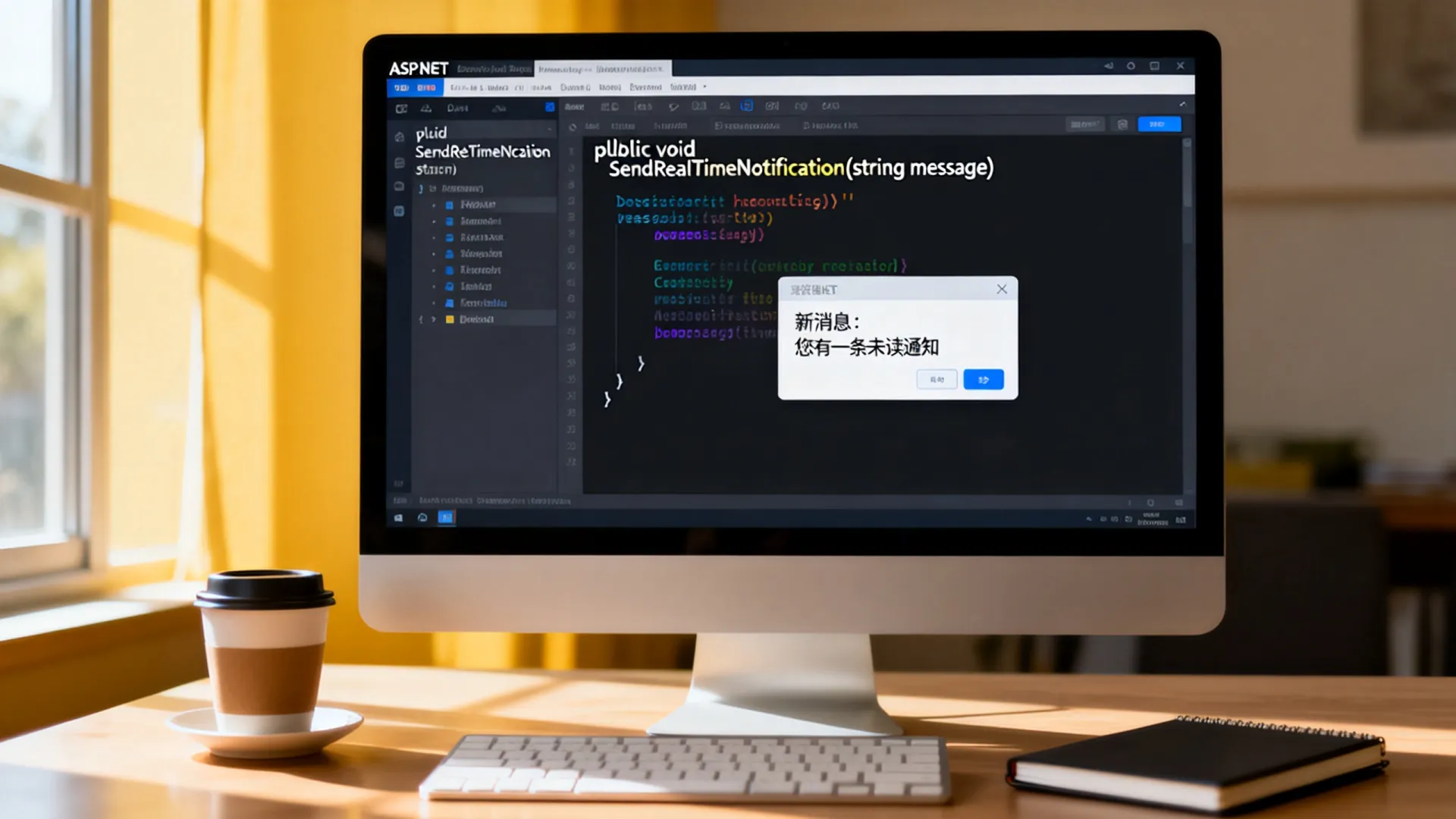
对于需实时推送的场景(如新消息、审批结果),SignalR 提供双向通信能力:
// 通知分发中心
public class NotificationHub : Hub
{
    public async Task SendNotification(string userId, string message)
    {
        await Clients.User(userId).SendAsync("ReceiveNotification", message);
    }
}
// 服务层调用
public class NotificationService
{
    private readonly IHubContext<NotificationHub> _hubContext;
    public NotificationService(IHubContext<NotificationHub> hubContext)
    {
        _hubContext = hubContext;
    }
    public async Task NotifyUser(string userId, string content)
    {
        await _hubContext.Clients.User(userId)
            .SendAsync("ReceiveNotification", new {
                Title = "系统通知",
                Content = content,
                Timestamp = DateTime.UtcNow
            });
    }
}
前端实时接收(JavaScript):

const connection = new signalR.HubConnectionBuilder()
    .withUrl("/notificationHub")
    .build();
connection.on("ReceiveNotification", (data) => {
    showToastNotification(data.title, data.content); // 调用UI组件展示
});
connection.start();
提升用户体验的关键设计
-
分层通知策略
- 即时反馈:操作结果(成功/失败)使用Toast提示(3秒自动关闭)
- 延时通知:后台任务完成通过消息中心推送
- 聚合提醒:高频通知合并为摘要(如“您有5条新评论”)
-
移动端适配方案
- 采用响应式通知组件(如Toastr.js/SweetAlert2)
- 支持PWA Web Push API(需HTTPS):
// 注册Service Worker
navigator.serviceWorker.register('/sw.js')
   .then(reg => reg.pushManager.subscribe({ userVisibleOnly: true }));
-
通知持久化与回溯
CREATE TABLE UserNotifications (
   Id INT PRIMARY KEY IDENTITY,
   UserId NVARCHAR(450) NOT NULL,
   Content NVARCHAR(MAX),
   IsRead BIT DEFAULT 0,
   CreatedAt DATETIME2 DEFAULT GETUTCDATE(),
   FOREIGN KEY (UserId) REFERENCES AspNetUsers(Id)
);
安全与性能保障
-
安全防护

- 输出编码防XSS:
@Html.Raw()禁止直接渲染用户输入 - 通知权限控制:
if (UserCanViewNotification(userId, notificationId))
    return View(notification);
else
    return Forbid();
- 输出编码防XSS:
-
性能优化
- SignalR 连接复用:配置
MaxIncomingWebSocketMessageSize - 数据库分页查询:
var pagedNotifications = _context.Notifications .Where(n => n.UserId == currentUserId) .OrderByDescending(n => n.CreatedAt) .Page(1, 20) // 分页扩展方法 .ToListAsync(); - 内存缓存高频通知模板
- SignalR 连接复用:配置

主流通知库推荐
- Toastr:轻量级Toast组件,支持队列管理
toastr.success('订单状态已更新', '操作成功'); - SweetAlert2:模态框式通知,支持富文本与自定义按钮
- ASP.NET Core Identity UI:内置验证状态通知组件
您在实际项目中如何处理高并发下的实时通知延迟问题?是否有采用Redis作为SignalR背板的经验?欢迎分享您的架构设计挑战与解决方案!
首发原创文章,作者:王坚,如若转载,请注明出处:https://idctop.com/article/21711.html