在 Linux 系统中,“代理访问”通常指的是通过配置代理服务器(如 HTTP/HTTPS、SOCKS5 等)来访问互联网,或者通过 SSH 代理进行远程连接,以下是几种常见场景的配置方法:
配置系统级 HTTP/HTTPS 代理
适用于浏览器、curl、wget、apt、yum 等工具。

临时设置(当前终端会话有效)
export http_proxy="http://proxy.example.com:8080"
export https_proxy="http://proxy.example.com:8080"
export ftp_proxy="http://proxy.example.com:8080"
# 如果需要认证
export http_proxy="http://username:password@proxy.example.com:8080"
永久设置(写入配置文件)
写入 ~/.bashrc 或 ~/.zshrc
echo 'export http_proxy="http://proxy.example.com:8080"' >> ~/.bashrc
echo 'export https_proxy="http://proxy.example.com:8080"' >> ~/.bashrc
source ~/.bashrc
写入 /etc/environment(全局生效,无需 source)
sudo nano /etc/environment
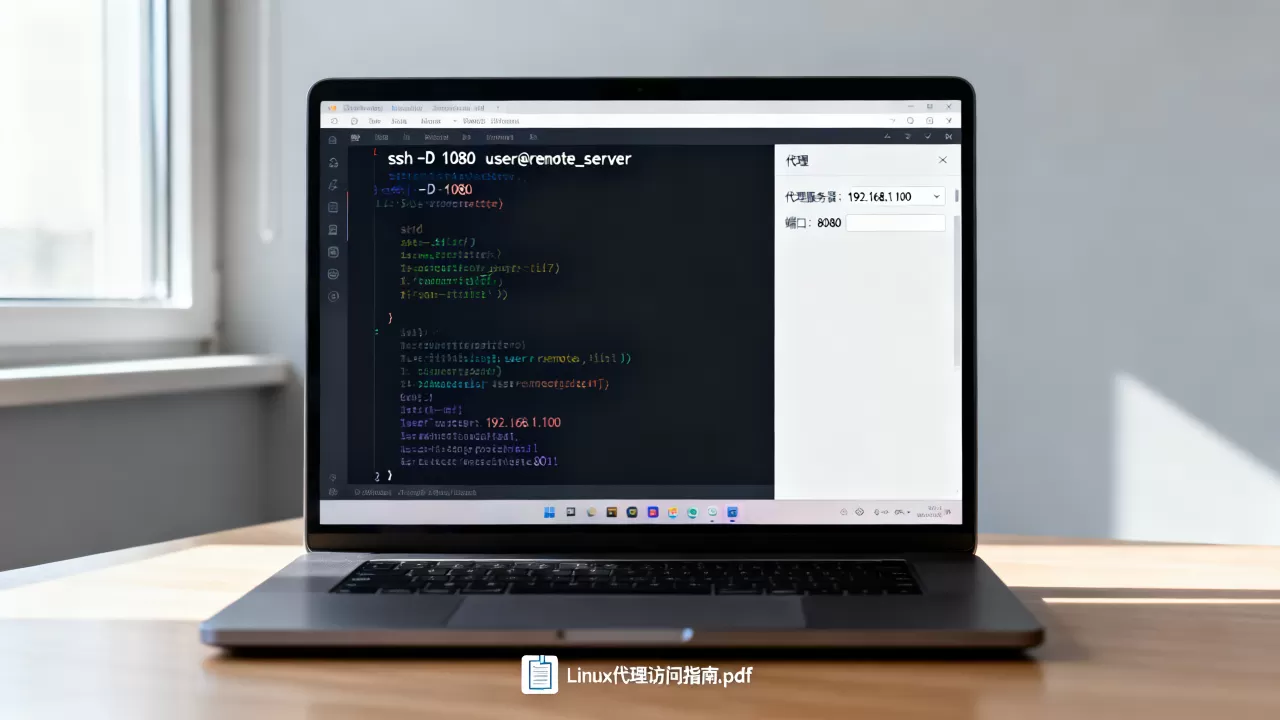
添加:
http_proxy="http://proxy.example.com:8080"
https_proxy="http://proxy.example.com:8080"
ftp_proxy="http://proxy.example.com:8080"
注意:
/etc/environment不支持变量扩展,且只对登录会话生效。
APT 配置(适用于 Ubuntu/Debian)
创建或编辑 /etc/apt/apt.conf.d/proxy.conf:
Acquire::http::Proxy "http://proxy.example.com:8080";
Acquire::https::Proxy "http://proxy.example.com:8080";
配置 SOCKS5 代理(如用于 SSH 或浏览器)
使用 proxychains 实现全局 SOCKS5 代理
安装 proxychains:
# Ubuntu/Debian
sudo apt install proxychains4
# CentOS/RHEL
sudo yum install proxychains-ng
编辑配置文件 /etc/proxychains.conf,找到 [ProxyList] 部分,添加:
[ProxyList]
socks5  127.0.0.1 1080
使用方式:
proxychains curl https://www.google.com
proxychains wget https://example.com/file.zip
浏览器代理设置
- Firefox

:设置 → 网络设置 → 手动代理配置 → SOCKS 主机:127.0.0.1,端口:1080
- Chrome:可通过系统代理设置或使用插件(如 SwitchyOmega)
SSH 代理访问(跳板机/堡垒机)
通过跳板机连接内网服务器
ssh -J user@jump-host.example.com user@internal-server.example.com
或配置 ~/.ssh/config:
Host jump-host
    HostName jump-host.example.com
    User user
Host internal-server
    HostName 192.168.1.100
    User user
    ProxyJump jump-host
然后直接:
ssh internal-server
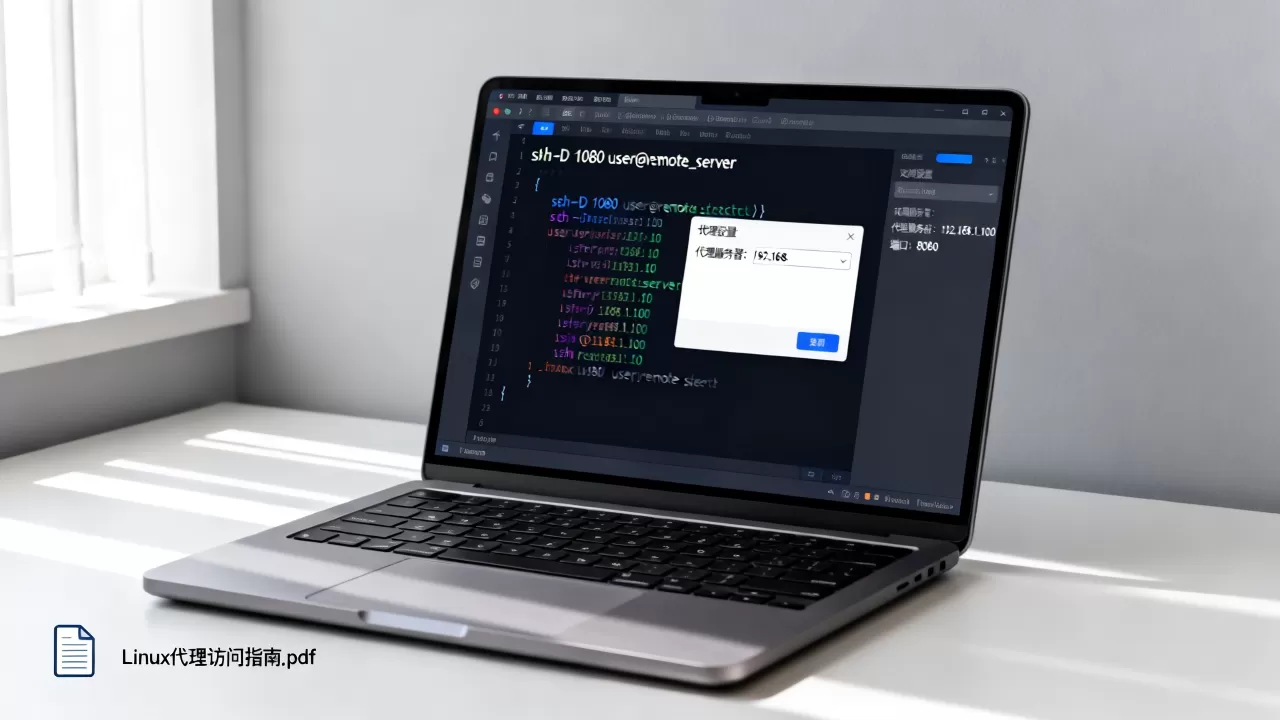
使用 SSH 动态端口转发(SOCKS5 代理)
ssh -D 1080 user@jump-host.example.com
之后可将浏览器或工具设置为使用 socks5://127.0.0.1:1080。
Docker 容器内使用代理
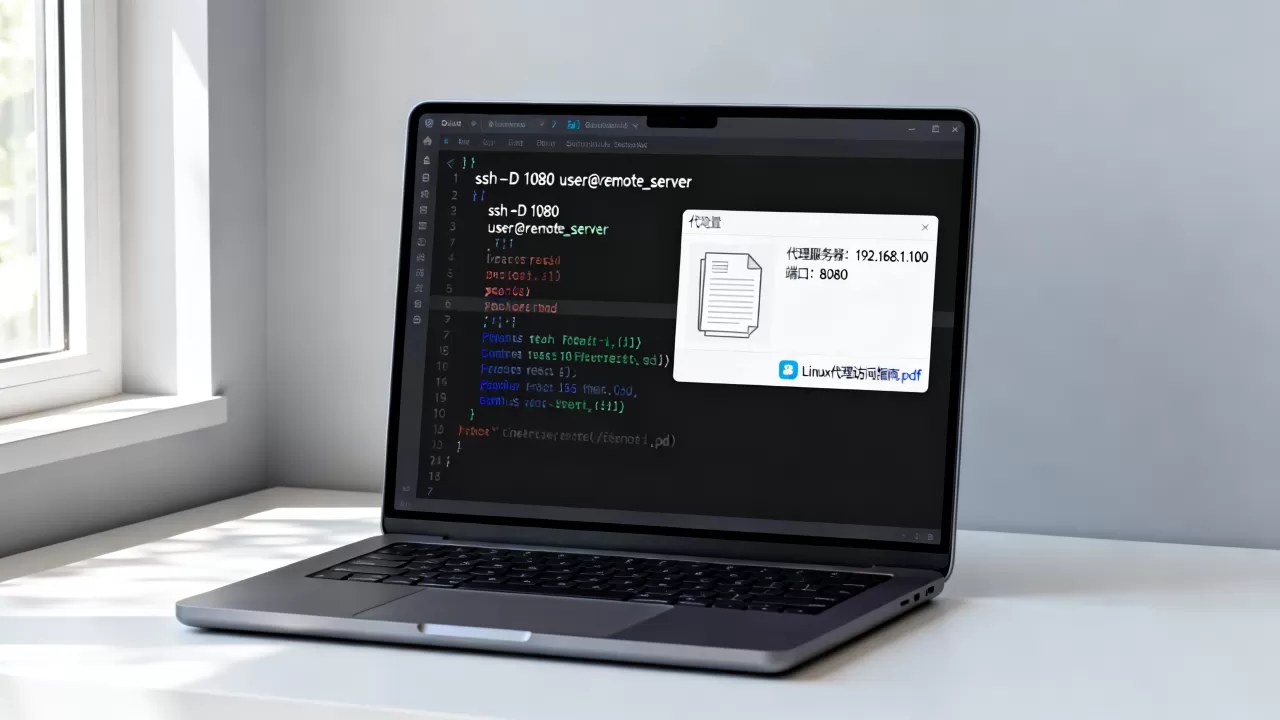
编辑 /etc/systemd/system/docker.service.d/http-proxy.conf:
[Service]
Environment="HTTP_PROXY=http://proxy.example.com:8080"
Environment="HTTPS_PROXY=http://proxy.example.com:8080"
然后重启 Docker:
sudo systemctl daemon-reload
sudo systemctl restart docker
验证代理是否生效
curl -I https://www.google.com
# 或使用
wget --no-check-certificate -O - https://www.google.com
如果返回 HTTP 200,说明代理配置成功。
常见问题
| 问题 | 解决方案 |
|---|---|
| 代理认证失败 | 确保用户名密码正确,使用 http://user:pass@host:port 格式 |
| 证书错误 | 添加 --no-check-certificate(curl/wget)或配置 CA 证书 |
| 某些工具不识别代理 | 检查工具是否支持 http_proxy 环境变量,或单独配置 |
| IPv6 问题 | 确保代理服务器支持 IPv6,或使用 export http_proxy="http://[::1]:8080" |
如果你有具体的使用场景(如:配置 apt、使用 SSH 跳板机、Docker 代理等),可以提供更多细节,我可以给出更精确的配置方案。
首发原创文章,作者:王坚,如若转载,请注明出处:https://idctop.com/article/482984.html