Python Tetromino (俄罗斯方块)
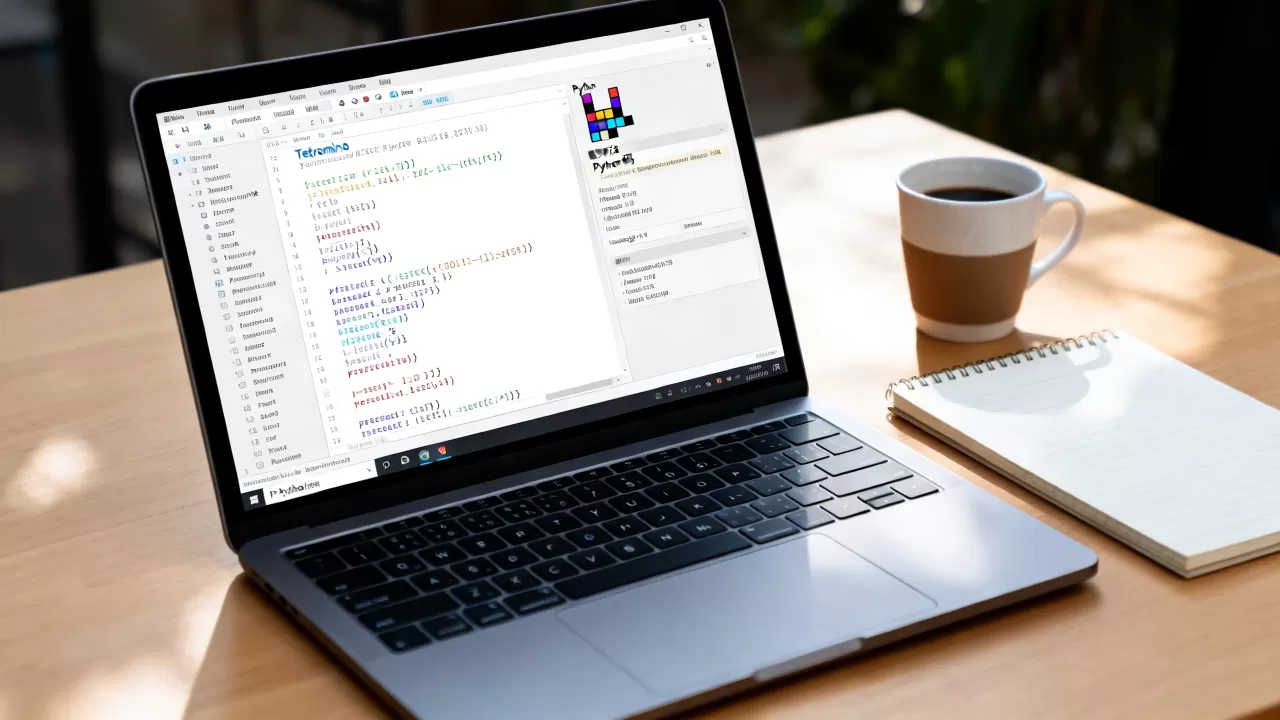
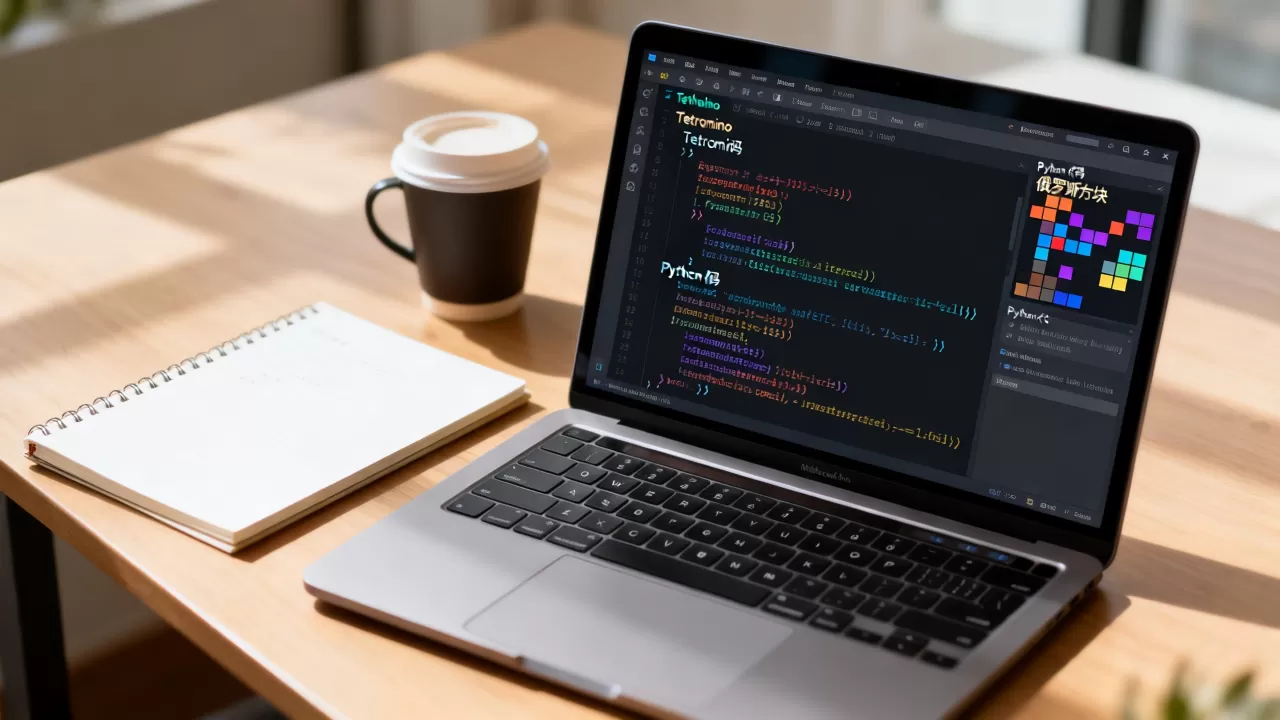
下面是一个完整的、可运行的 Python Tetromino(俄罗斯方块)实现,使用 pygame 库。
安装依赖
pip install pygame
完整代码
import pygame
import random
import sys
# 初始化 pygame
pygame.init()
# ==================== 常量 ====================
BLOCK_SIZE = 30
COLS = 10
ROWS = 20
SCREEN_WIDTH = COLS BLOCK_SIZE + 200 # 留出侧边栏
SCREEN_HEIGHT = ROWS BLOCK_SIZE
# 颜色定义
BLACK = (0, 0, 0)
WHITE = (255, 255, 255)
GRAY = (40, 40, 40)
DARK_GRAY = (80, 80, 80)
# 方块颜色
COLORS = [
(0, 255, 255), # I - 青色
(0, 0, 255), # J - 蓝色
(255, 165, 0), # L - 橙色
(255, 255, 0), # O - 黄色
(0, 255, 0), # S - 绿色
(128, 0, 128), # T - 紫色
(255, 0, 0), # Z - 红色
]
# 方块形状定义 (每个方块有4个旋转状态)
SHAPES = [
# I
[
[[1, 1, 1, 1]],
[[1], [1], [1], [1]],
],
# J
[
[[1, 0, 0], [1, 1, 1]],
[[1, 1], [1, 0], [1, 0]],
[[1, 1, 1], [0, 0, 1]],
[[0, 0, 1], [0, 1], [0, 1]],
],
# L
[
[[0, 0, 1], [1, 1, 1]],
[[1, 0], [1, 0], [1, 1]],
[[1, 1, 1], [1, 0, 0]],
[[0, 1], [0, 1], [1, 1]],
],
# O
[
[[1, 1], [1, 1]],
],
# S
[
[[0, 1, 1], [1, 1, 0]],
[[1, 0], [1, 1], [0, 1]],
],
# T
[
[[0, 1, 0], [1, 1, 1]],
[[0, 1], [1, 1], [0, 1]],
[[1, 1, 1], [0, 1, 0]],
[[1, 0], [1, 1], [1, 0]],
],
# Z
[
[[1, 1, 0], [0, 1, 1]],
[[0, 1], [1, 1], [1, 0]],
],
]
# ==================== 方块类 ====================
class Piece:
def __init__(self, shape_index=None):
if shape_index is None:
self.shape_index = random.randint(0, len(SHAPES) - 1)
else:
self.shape_index = shape_index
self.color = COLORS[self.shape_index]
self.rotation = 0
# 初始位置:顶部中间
self.x = COLS // 2 - 1
self.y = 0
def get_shape(self):
"""获取当前旋转状态下的形状"""
shapes = SHAPES[self.shape_index]
return shapes[self.rotation % len(shapes)]
def rotate(self):
"""旋转方块"""
self.rotation = (self.rotation + 1) % len(SHAPES[self.shape_index])
# ==================== 游戏主类 ====================
class Tetris:
def __init__(self):
self.screen = pygame.display.set_mode((SCREEN_WIDTH, SCREEN_HEIGHT))
pygame.display.set_caption("Tetromino - 俄罗斯方块")
self.clock = pygame.time.Clock()
self.font = pygame.font.SysFont("arial", 24)
self.big_font = pygame.font.SysFont("arial", 48, bold=True)
self.reset_game()
def reset_game(self):
"""重置游戏状态"""
self.board = [[None] COLS for _ in range(ROWS)]
self.current_piece = Piece()
self.next_piece = Piece()
self.score = 0
self.level = 1
self.lines_cleared = 0
self.game_over = False
self.drop_timer = 0
self.drop_interval = 500 # 毫秒,随等级加快
def get_valid_positions(self, piece, dx=0, dy=0):
"""获取方块所有有效位置(用于碰撞检测)"""
shape = piece.get_shape()
positions = []
for r, row in enumerate(shape):
for c, cell in enumerate(row):
if cell:
new_x = piece.x + c + dx
new_y = piece.y + r + dy
positions.append((new_x, new_y))
return positions
def is_valid(self, piece, dx=0, dy=0):
"""检查方块位置是否合法"""
positions = self.get_valid_positions(piece, dx, dy)
for x, y in positions:

# 检查边界
if x < 0 or x >= COLS or y >= ROWS:
return False
# 检查是否与已有方块重叠
if y >= 0 and self.board[y][x] is not None:
return False
return True
def lock_piece(self):
"""将当前方块锁定到棋盘"""
shape = self.current_piece.get_shape()
for r, row in enumerate(shape):
for c, cell in enumerate(row):
if cell:
x = self.current_piece.x + c
y = self.current_piece.y + r
if 0 <= y < ROWS and 0 <= x < COLS:
self.board[y][x] = self.current_piece.color
def clear_lines(self):
"""清除完整行并计分"""
lines_to_clear = []
for r in range(ROWS):
if all(cell is not None for cell in self.board[r]):
lines_to_clear.append(r)
if lines_to_clear:
# 从下往上删除行
for line in sorted(lines_to_clear, reverse=True):
del self.board[line]
self.board.insert(0, [None] COLS)
num_lines = len(lines_to_clear)
# 计分规则
points = [0, 100, 300, 500, 800]
self.score += points[num_lines] self.level
self.lines_cleared += num_lines
# 每10行升一级
self.level = self.lines_cleared // 10 + 1
self.drop_interval = max(100, 500 - (self.level - 1) 40)
def spawn_new_piece(self):
"""生成新方块"""
self.current_piece = self.next_piece
self.next_piece = Piece()
# 检查新方块是否立即碰撞(游戏结束)
if not self.is_valid(self.current_piece):
self.game_over = True
def get_ghost_piece(self):
"""获取幽灵方块(预测落点)"""
ghost = Piece()
ghost.shape_index = self.current_piece.shape_index
ghost.color = self.current_piece.color
ghost.rotation = self.current_piece.rotation
ghost.x = self.current_piece.x
ghost.y = self.current_piece.y
while self.is_valid(ghost, dy=1):
ghost.y += 1
return ghost
def draw_board(self):
"""绘制游戏棋盘"""
# 背景
self.screen.fill(BLACK)
# 绘制网格线
for r in range(ROWS + 1):
pygame.draw.line(self.screen, GRAY,
(0, r BLOCK_SIZE),
(COLS BLOCK_SIZE, r BLOCK_SIZE))
for c in range(COLS + 1):
pygame.draw.line(self.screen, GRAY,
(c BLOCK_SIZE, 0),
(c BLOCK_SIZE, ROWS BLOCK_SIZE))
# 绘制已锁定的方块
for r in range(ROWS):
for c in range(COLS):
if self.board[r][c] is not None:
rect = pygame.Rect(c BLOCK_SIZE, r BLOCK_SIZE,
BLOCK_SIZE, BLOCK_SIZE)
pygame.draw.rect(self.screen, self.board[r][c], rect)
pygame.draw.rect(self.screen, DARK_GRAY, rect, 2)
# 绘制幽灵方块
if not self.game_over:
ghost = self.get_ghost_piece()
shape = ghost.get_shape()
for r, row in enumerate(shape):
for c, cell in enumerate(row):
if cell:
gx = ghost.x + c
gy = ghost.y + r
if 0 <= gy < ROWS:
rect = pygame.Rect(gx BLOCK_SIZE, gy BLOCK_SIZE,
BLOCK_SIZE, BLOCK_SIZE)
pygame.draw.rect(self.screen, (255, 255, 255, 50),
rect, 2)
# 绘制当前方块
if not self.game_over:
shape = self.current_piece.get_shape()
for r, row in enumerate(shape):
for c, cell in enumerate(row):
if cell:
x = self.current_piece.x + c
y = self.current_piece.y + r
if y >= 0: # 只绘制可见部分
rect = pygame.Rect(x BLOCK_SIZE, y BLOCK_SIZE,
BLOCK_SIZE, BLOCK_SIZE)
pygame.draw.rect(self.screen, self.current_piece.color, rect)
pygame.draw.rect(self.screen, DARK_GRAY, rect, 2)
def draw_sidebar(self):
"""绘制侧边栏(分数、下一个方块等)"""
sidebar_x = COLS BLOCK_SIZE + 20
# 标题
title = self.big_font.render("TETRIS", True, WHITE)
self.screen.blit(title, (sidebar_x, 20))
# 分数
score_text = self.font.render(f"Score: {self.score}", True, WHITE)
self.screen.blit(score_text, (sidebar_x, 100))
# 等级
level_text = self.font.render(f"Level: {self.level}", True, WHITE)
self.screen.blit(level_text, (sidebar_x, 140))
# 行数
lines_text = self.font.render(f"Lines: {self.lines_cleared}", True, WHITE)
self.screen.blit(lines_text, (sidebar_x, 180))
# 下一个方块
next_title = self.font.render("Next:", True, WHITE)
self.screen.blit(next_title, (sidebar_x, 240))
# 绘制下一个方块预览
shape = self.next_piece.get_shape()
preview_x = sidebar_x + 10
preview_y = 280
for r, row in enumerate(shape):
for c, cell in enumerate(row):
if cell:
rect = pygame.Rect(preview_x + c BLOCK_SIZE,
preview_y + r BLOCK_SIZE,
BLOCK_SIZE, BLOCK_SIZE)
pygame.draw.rect(self.screen, self.next_piece.color, rect)
pygame.draw.rect(self.screen, DARK_GRAY, rect, 2)
# 操作说明
controls_y = 400
controls = [
"Controls:",
"← → : Move",
"↑ : Rotate",
"↓ : Soft Drop",
"Space: Hard Drop",
"P : Pause",
"R : Restart",
"Q : Quit"
]
for i, text in enumerate(controls):
color = WHITE if i > 0 else (200, 200, 0)
t = self.font.render(text, True, color)
self.screen.blit(t, (sidebar_x, controls_y + i 28))
# 游戏结束
if self.game_over:
overlay = pygame.Surface((SCREEN_WIDTH, SCREEN_HEIGHT))
overlay.set_alpha(180)
overlay.fill(BLACK)
self.screen.blit(overlay, (0, 0))
go_text = self.big_font.render("GAME OVER", True, (255, 0, 0))
text_rect = go_text.get_rect(center=(SCREEN_WIDTH // 2, SCREEN_HEIGHT // 2 - 30))
self.screen.blit(go_text, text_rect)
score_text = self.font.render(f"Final Score: {self.score}", True, WHITE)
score_rect = score_text.get_rect(center=(SCREEN_WIDTH // 2, SCREEN_HEIGHT // 2 + 20))
self.screen.blit(score_text, score_rect)
restart_text = self.font.render("Press R to Restart", True, WHITE)
restart_rect = restart_text.get_rect(center=(SCREEN_WIDTH // 2, SCREEN_HEIGHT // 2 + 60))
self.screen.blit(restart_text, restart_rect)
def draw(self):
"""绘制整个游戏画面"""
self.draw_board()
self.draw_sidebar()
pygame.display.flip()
def handle_input(self):
"""处理用户输入"""
keys = pygame.key.get_pressed()
dt = self.clock.get_time()
if not self.game_over:
# 左右移动
if keys[pygame.K_LEFT]:
if self.is_valid(self.current_piece, dx=-1):
self.current_piece.x -= 1
if keys[pygame.K_RIGHT]:
if self.is_valid(self.current_piece, dx=1):
self.current_piece.x += 1
# 旋转
if keys[pygame.K_UP]:
old_rotation = self.current_piece.rotation
self.current_piece.rotate()
if not self.is_valid(self.current_piece):
# 尝试墙踢(wall kick)
for offset in [-1, 1, -2, 2]:
if self.is_valid(self.current_piece, dx=offset):
self.current_piece.x += offset
break
else:
# 回滚旋转
self.current_piece.rotation = old_rotation
break
# 软降
if keys[pygame.K_DOWN]:
self.drop_timer += dt 3 # 加速下落
# 硬降
if keys[pygame.K_SPACE]:
while self.is_valid(self.current_piece, dy=1):
self.current_piece.y += 1
self.lock_piece()
self.clear_lines()
self.spawn_new_piece()
self.drop_timer = 0
# 暂停
if keys[pygame.K_p]:
pass # 简化:不实现暂停切换
# 重启
if keys[pygame.K_r]:
self.reset_game()
# 退出
if keys[pygame.K_q]:
pygame.quit()
sys.exit()
def update(self):
"""更新游戏状态"""
if not self.game_over:
self.drop_timer += self.clock.get_time()
if self.drop_timer >= self.drop_interval:
if self.is_valid(self.current_piece, dy=1):
self.current_piece.y += 1
else:
# 锁定方块
self.lock_piece()
self.clear_lines()
self.spawn_new_piece()
self.drop_timer = 0
def run(self):
"""游戏主循环"""
running = True
while running:
for event in pygame.event.get():
if event.type == pygame.QUIT:
running = False
elif event.type == pygame.KEYDOWN:
if event.key == pygame.K_q:
running = False
elif event.key == pygame.K_r:
self.reset_game()
self.handle_input()
self.update()
self.draw()
self.clock.tick(60) # 60 FPS
pygame.quit()
sys.exit()
# ==================== 运行游戏 ====================
if __name__ == "__main__":
game = Tetris()
game.run()

功能特性
| 功能 | 说明 |
|---|---|
| 7种标准方块 | I, J, L, O, S, T, Z |
| 旋转系统 | 支持墙踢(Wall Kick) |
| 幽灵方块 | 白色半透明预览落点 |
| 下一个方块预览 | 侧边栏显示下一个方块 |
| 计分系统 | 单行100分,双行300分,三行500分,四行800分(乘以等级) |
| 等级系统 | 每清除10行升一级,下落速度加快 |
| 硬降/软降 | 空格硬降,↓键软降 |
操作说明
- : 左右移动
- : 旋转
- : 加速下落
- 空格 : 直接落到底部
- R : 重新开始
- Q : 退出游戏
运行方式
python tetromino.py
确保已安装
pygame:pip install pygame
首发原创文章,作者:王坚,如若转载,请注明出处:https://idctop.com/article/484379.html