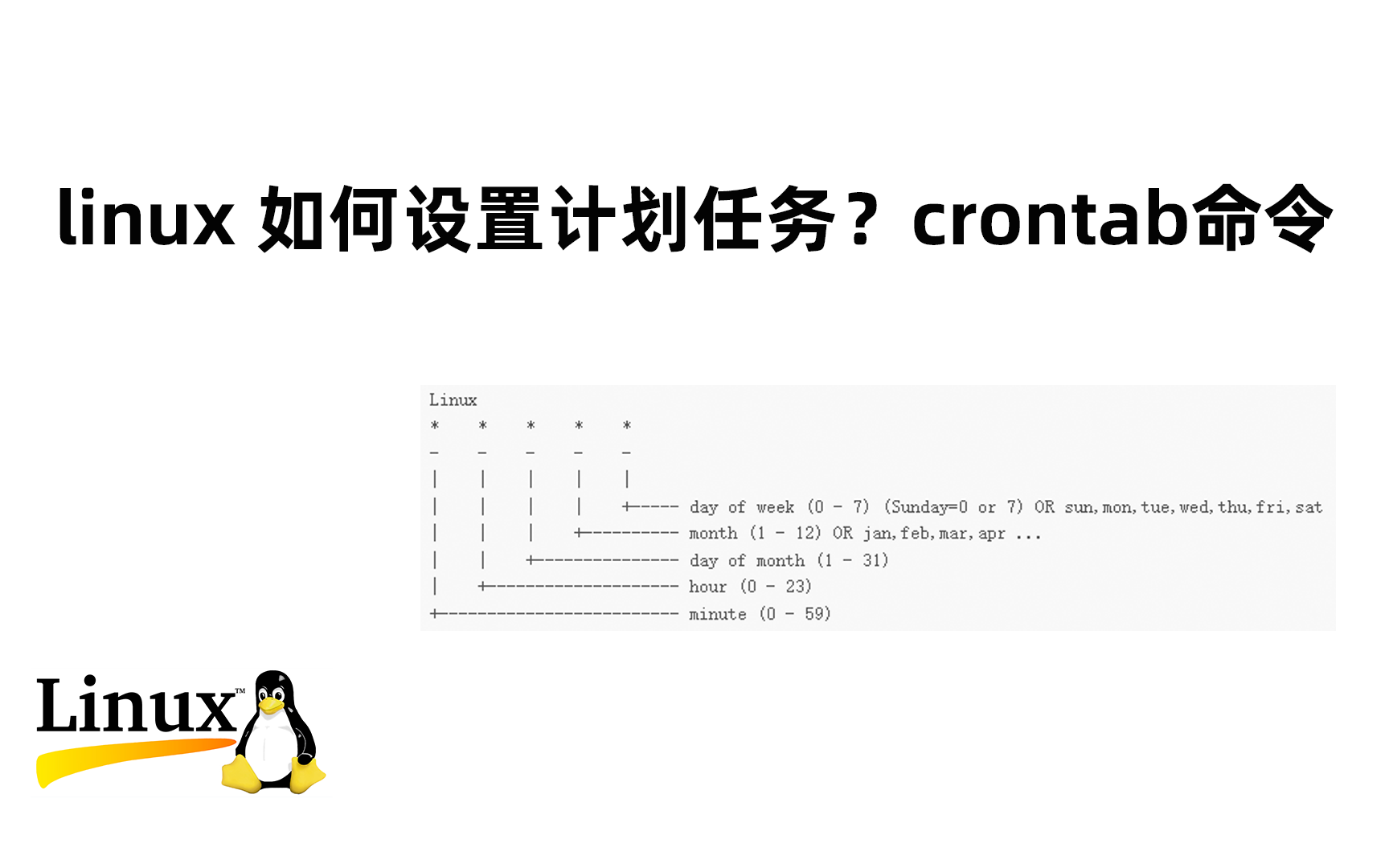
在 Linux 系统中,crontab 本身不是一个独立运行的服务进程,而是由系统后台的定时任务守护进程 cron(或 crond)来执行具体的任务。
“启动 crontab” 实际上是指 启动 cron 服务。

✅ 如何启动 cron 服务
检查 cron 服务状态
sudo systemctl status cron
# 或者在某些系统中是 crond
sudo systemctl status crond
启动 cron 服务
# 对于使用 systemd 的系统(如 Ubuntu、Debian、CentOS 7+)
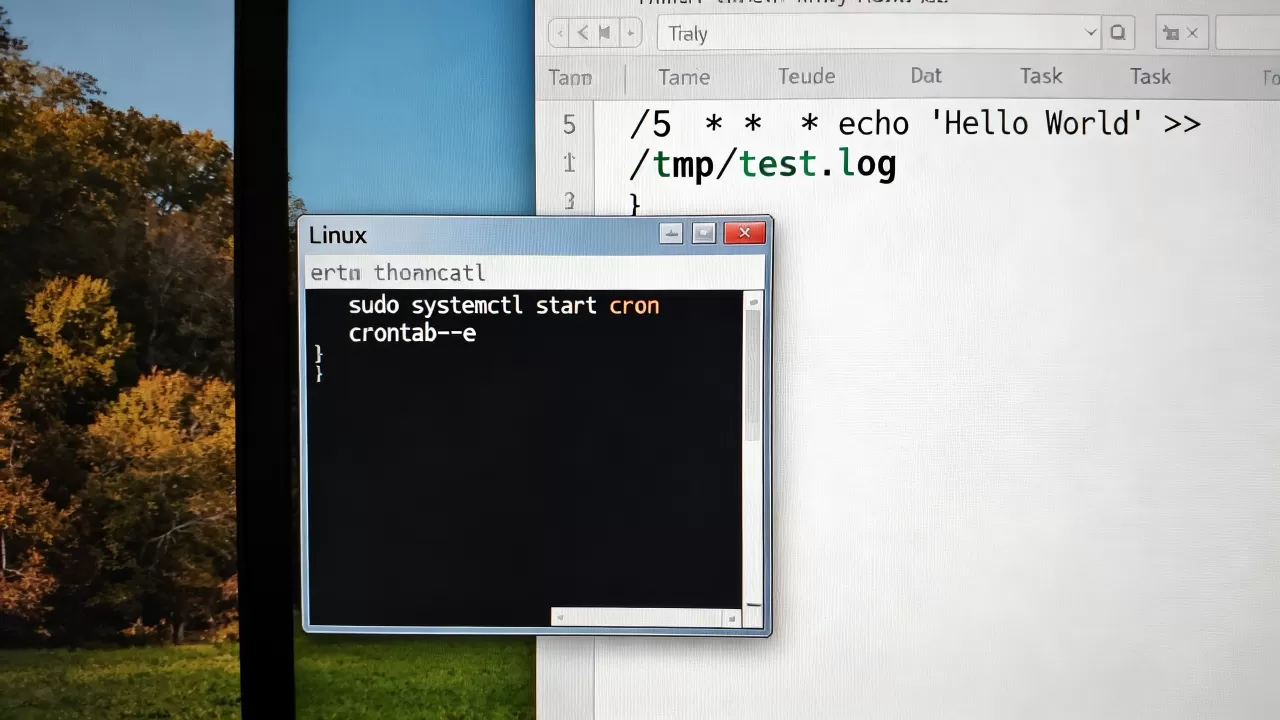
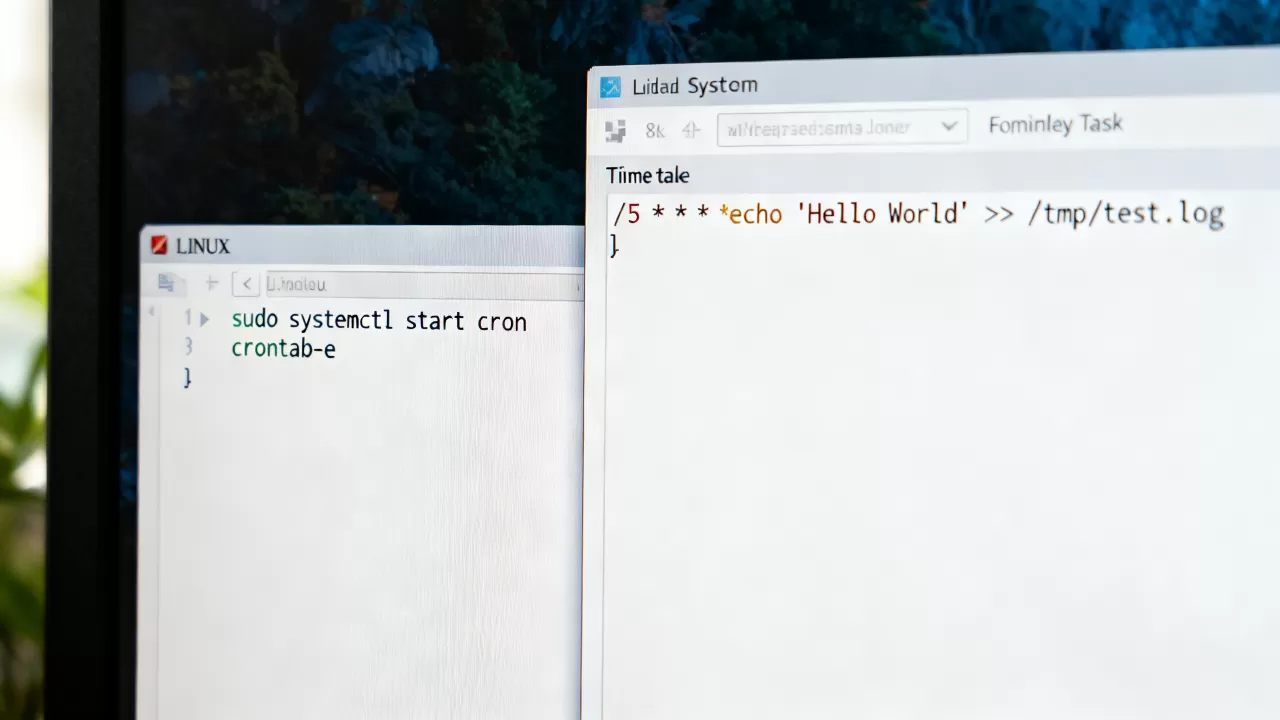
sudo systemctl start cron
# 或
sudo systemctl start crond
设置开机自启
sudo systemctl enable cron
# 或
sudo systemctl enable crond
📌 不同发行版的差异
| 发行版 | 服务名 | 启动命令 |
|---|---|---|
| Ubuntu/Debian | cron |
sudo systemctl start cron |
| CentOS/RHEL | crond |
sudo systemctl start crond |
| Fedora | crond |
sudo systemctl start crond |
| Arch Linux | cronie |
sudo systemctl start cronie |
💡 如果不确定你的系统使用哪个服务名,可以运行:
systemctl list-unit-files | grep -i cron
🔧 验证 cron 是否正常运行
-
查看服务状态:
sudo systemctl status cron
-

查看 cron 日志(Ubuntu/Debian):
sudo tail -f /var/log/syslog | grep CRON
CentOS/RHEL:
sudo tail -f /var/log/cron
-
测试一个简单的定时任务:
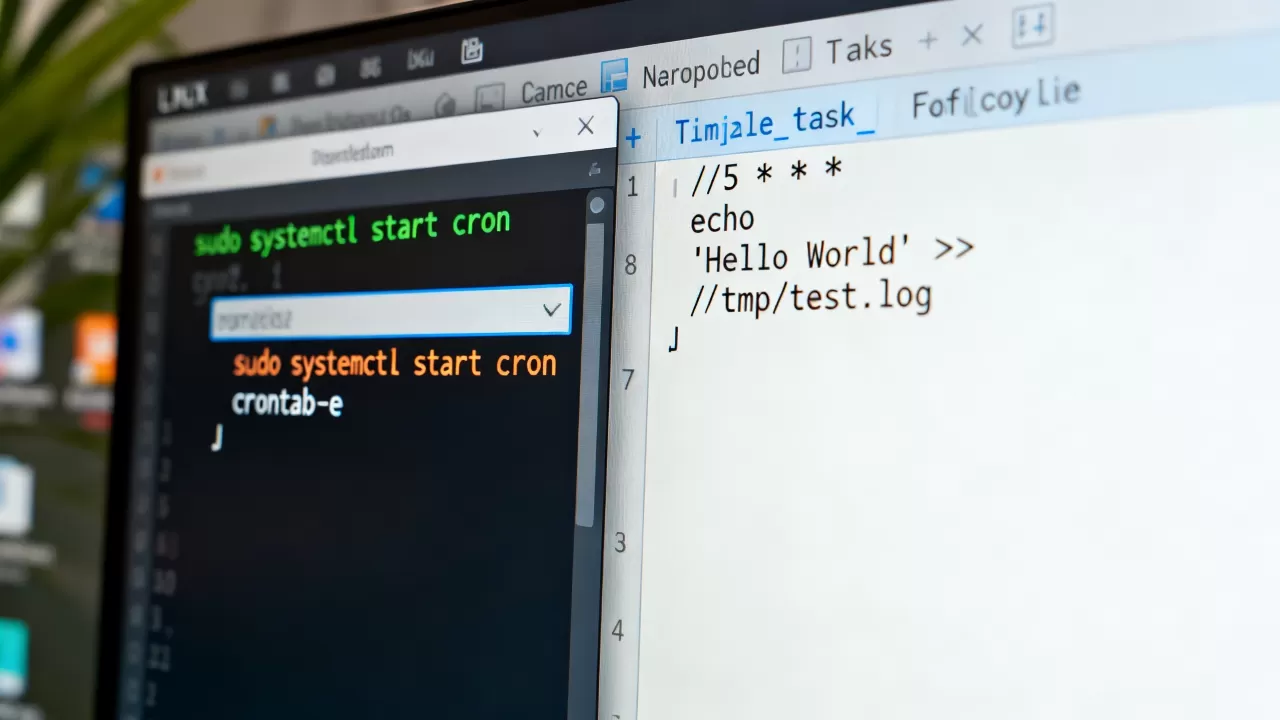
编辑 crontab:crontab -e
添加一行(每分钟执行一次):
echo "Cron is working" >> /tmp/cron_test.log然后检查
/tmp/cron_test.log是否有内容输出。
⚠️ 常见问题
-
服务未安装:
# Ubuntu/Debian
sudo apt install cron
# CentOS/RHEL
sudo yum install crontabs
-
权限问题:确保你有权编辑 crontab:
crontab -l # 查看当前用户的 crontab -
时区问题:cron 使用系统时区,确保系统时间正确:
timedatectl status
| 操作 | 命令 |
|---|---|
| 启动服务 | sudo systemctl start cron |
| 停止服务 | sudo systemctl stop cron |
| 重启服务 | sudo systemctl restart cron |
| 设置开机自启 | sudo systemctl enable cron |
| 查看服务状态 | sudo systemctl status cron |
根据你的 Linux 发行版,将 cron 替换为 crond 或 cronie 即可。
首发原创文章,作者:王坚,如若转载,请注明出处:https://idctop.com/article/486667.html