


<%@ Language=VBScript %>
<%
‘核心注册逻辑
If Request.ServerVariables(“REQUEST_METHOD”) = “POST” Then
Dim conn, rs, sql
Dim username, password, email
Dim hasError, errorMsg
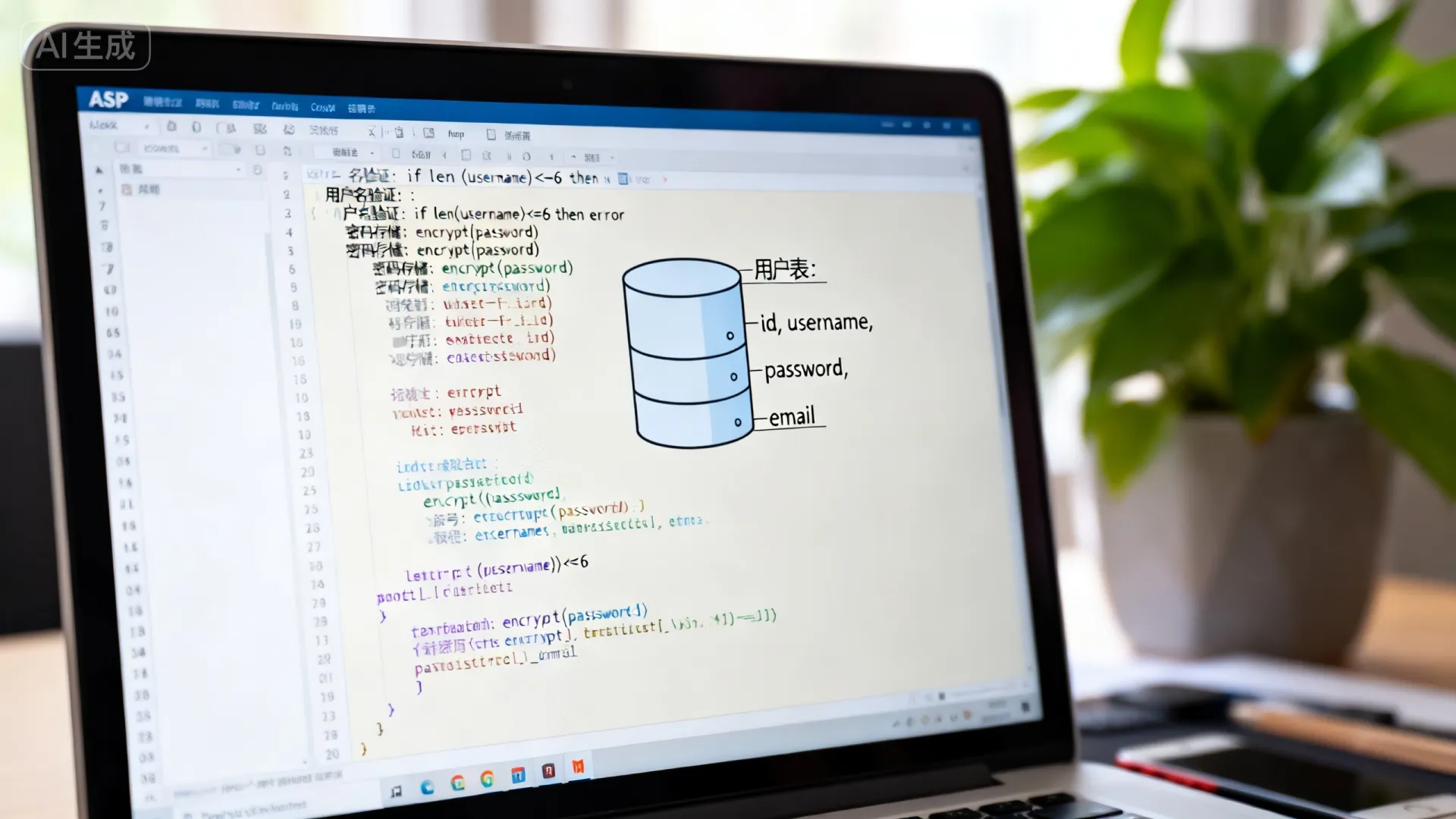
'获取表单值(实际项目需增加XSS过滤)
username = Trim(Request.Form("username"))
password = Trim(Request.Form("password"))
email = Trim(Request.Form("email"))
'初始化验证
hasError = false
errorMsg = ""
'数据验证模块
If Len(username) < 4 Then
    hasError = true
    errorMsg = errorMsg & "|用户名至少4位"
End If
If Len(password) < 8 Then
    hasError = true
    errorMsg = errorMsg & "|密码至少8位"
End If
If InStr(email, "@") = 0 Then
    hasError = true
    errorMsg = errorMsg & "|邮箱格式错误"
End If
'无错误时执行数据库操作
If Not hasError Then
    On Error Resume Next
    Set conn = Server.CreateObject("ADODB.Connection")
    conn.Open "Provider=SQLOLEDB;Data Source=您的服务器;Initial Catalog=用户数据库;User ID=sa;Password=密码;"
    '防SQL注入关键:参数化查询
    sql = "INSERT INTO Users (Username, PasswordHash, Email, RegDate) " & _
          "VALUES (?, ?, ?, GETDATE())"
    Set cmd = Server.CreateObject("ADODB.Command")
    With cmd
        .ActiveConnection = conn
        .CommandText = sql
        .Parameters.Append .CreateParameter("@username", 200, 1, 50, username) 'adVarChar
        .Parameters.Append .CreateParameter("@password", 200, 1, 255, HashPassword(password)) '密码哈希函数
        .Parameters.Append .CreateParameter("@email", 200, 1, 100, email)
        .Execute
    End With
    If Err.Number <> 0 Then
        '唯一性冲突检测
        If InStr(Err.Description, "PRIMARY KEY") > 0 Then
            errorMsg = "用户名已存在"
        Else
            errorMsg = "系统错误:" & Err.Description
        End If
        hasError = true
    Else
        '注册成功操作
        Response.Redirect "reg_success.asp"
    End If
    conn.Close
    Set conn = Nothing
End If
End If
%>
<form method=”post” action=”<%=Request.ServerVariables(“SCRIPT_NAME”)%>”>
<div class="form-group">
    <label>密码:</label>
    <input type="password" name="password" required
           minlength="8"
           pattern="^(?=.[A-Za-z])(?=.d).{8,}$"
           title="至少包含字母和数字">
</div>
<div class="form-group">
    <label>邮箱:</label>
    <input type="email" name="email" required>
</div>
<% If hasError Then %>
    <div class="error-alert">
        <%= Replace(errorMsg, "|", "<br>") %>
    </div>
<% End If %>
<button type="submit">注册</button>
安全增强实践
-
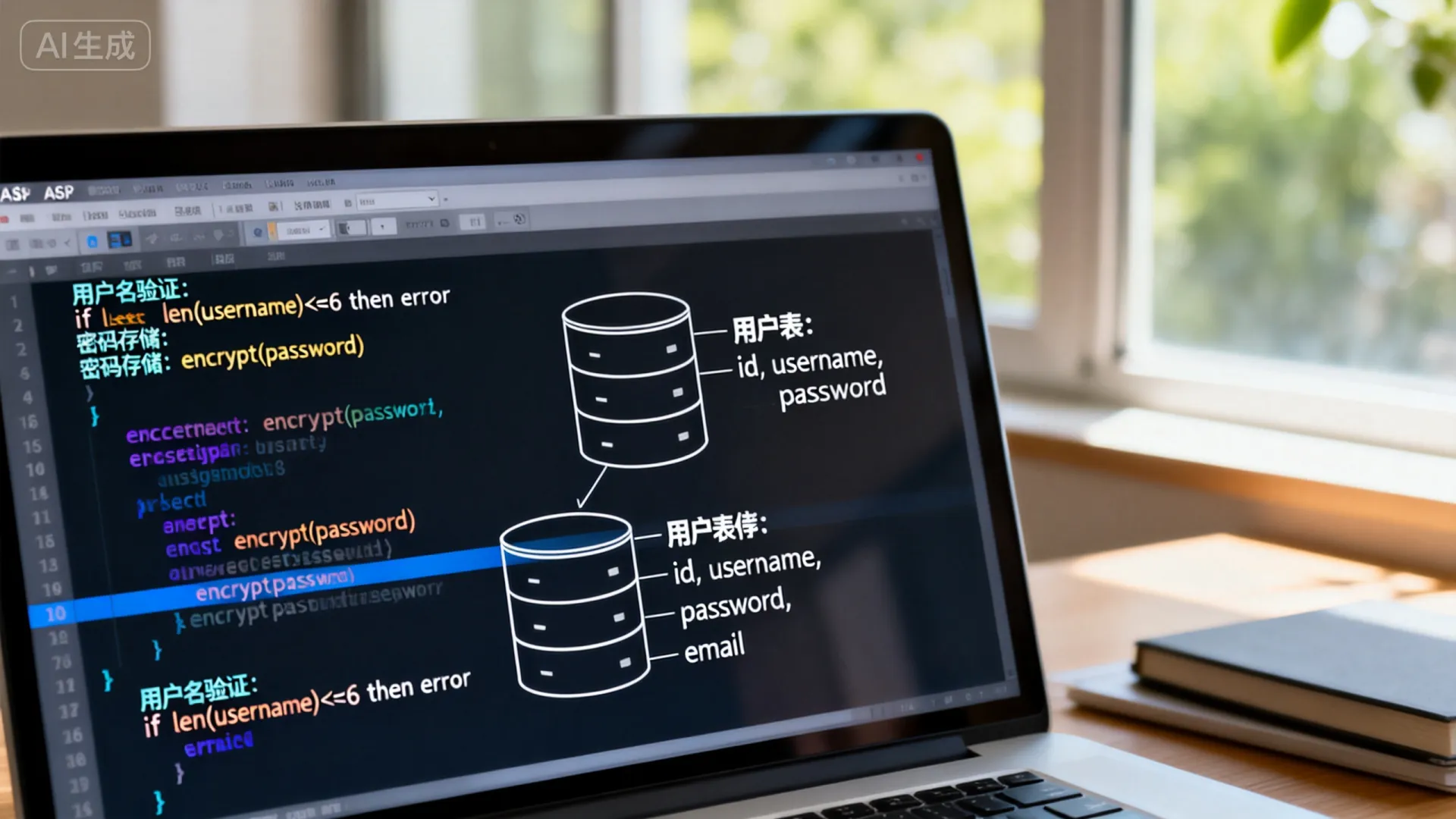
密码存储方案:

Function HashPassword(pwd)
 ' 实际项目应使用PBKDF2或bcrypt
 Dim salt
 salt = "固定盐值" ' 应为随机值并存储
 HashPassword = SHA256(pwd & salt)
End Function
-
防暴力破解:
' 在登录验证前添加
Dim failCount
failCount = Application("attempt_" & Request.ServerVariables("REMOTE_ADDR"))
If failCount >= 5 Then
 Response.Write "尝试次数过多,请10分钟后重试"
 Response.End
End If
性能优化要点
- 连接池配置:在数据库连接字符串中加入
Pooling=True;Max Pool Size=100;Connection Timeout=30; - 异步处理:对于邮件发送等耗时操作使用
Server.ExecuteAsync()
SEO友好设计
<!-- 结构化数据标记 -->
<script type="application/ld+json">
{
  "@context": "https://schema.org",
  "@type": "WebPage",
  "name": "用户注册",
  "description": "创建账户享受专属服务"
}
</script>
关于架构选择的专业建议
在ASP经典版本中,推荐采用分层架构:
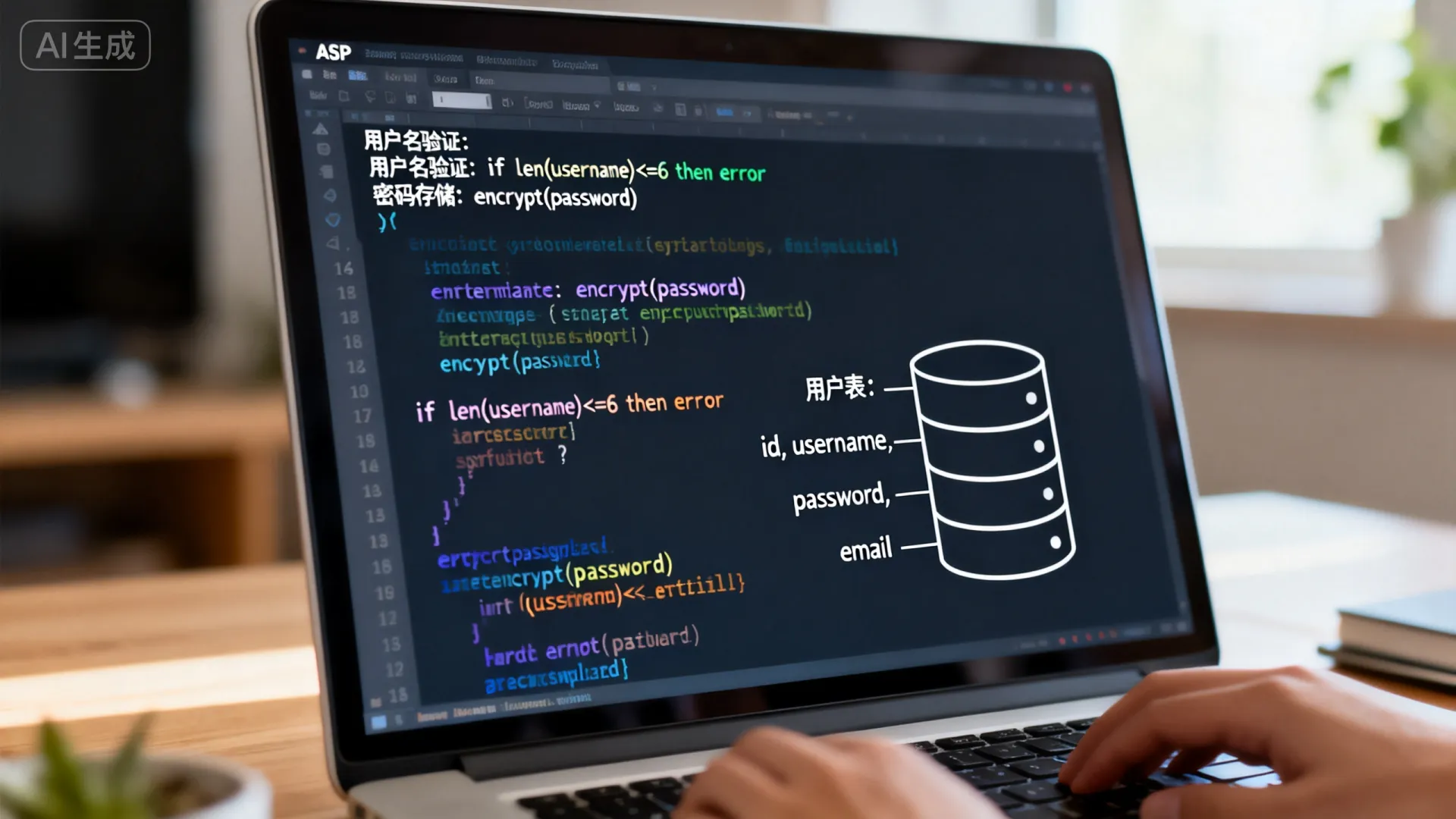
- 表现层:ASP页面处理UI渲染
- 业务层:COM+组件封装核心逻辑
- 数据层:存储过程处理SQL操作
这种架构虽然较传统,但在Windows Server环境中仍能提供企业级可靠性,对于新项目,建议考虑ASP.NET Core以获得更好的性能和安全性。
您在实际项目中遇到哪些注册流程的挑战? 是验证码集成问题?第三方登录对接?还是高并发下的性能瓶颈?欢迎分享您的具体场景,我们将提供针对性解决方案。
首发原创文章,作者:王坚,如若转载,请注明出处:https://idctop.com/article/7274.html










评论列表(3条)
这篇文章写得非常好,内容丰富,观点清晰,让我受益匪浅。特别是关于密码的部分,分析得很到位,
这篇文章写得非常好,内容丰富,观点清晰,让我受益匪浅。特别是关于密码的部分,分析得很到位,
@sunny919er:这篇文章写得非常好,内容丰富,观点清晰,让我受益匪浅。特别是关于密码的部分,分析得很到位,