ASPX返回的本质与实践精要
ASPX返回的本质是服务器对客户端请求的处理结果交付过程,在ASP.NET Web Forms框架中,这一过程由HttpResponse对象主导,通过控制HTTP响应头、状态码及响应体内容,实现数据精准传递与用户体验优化。
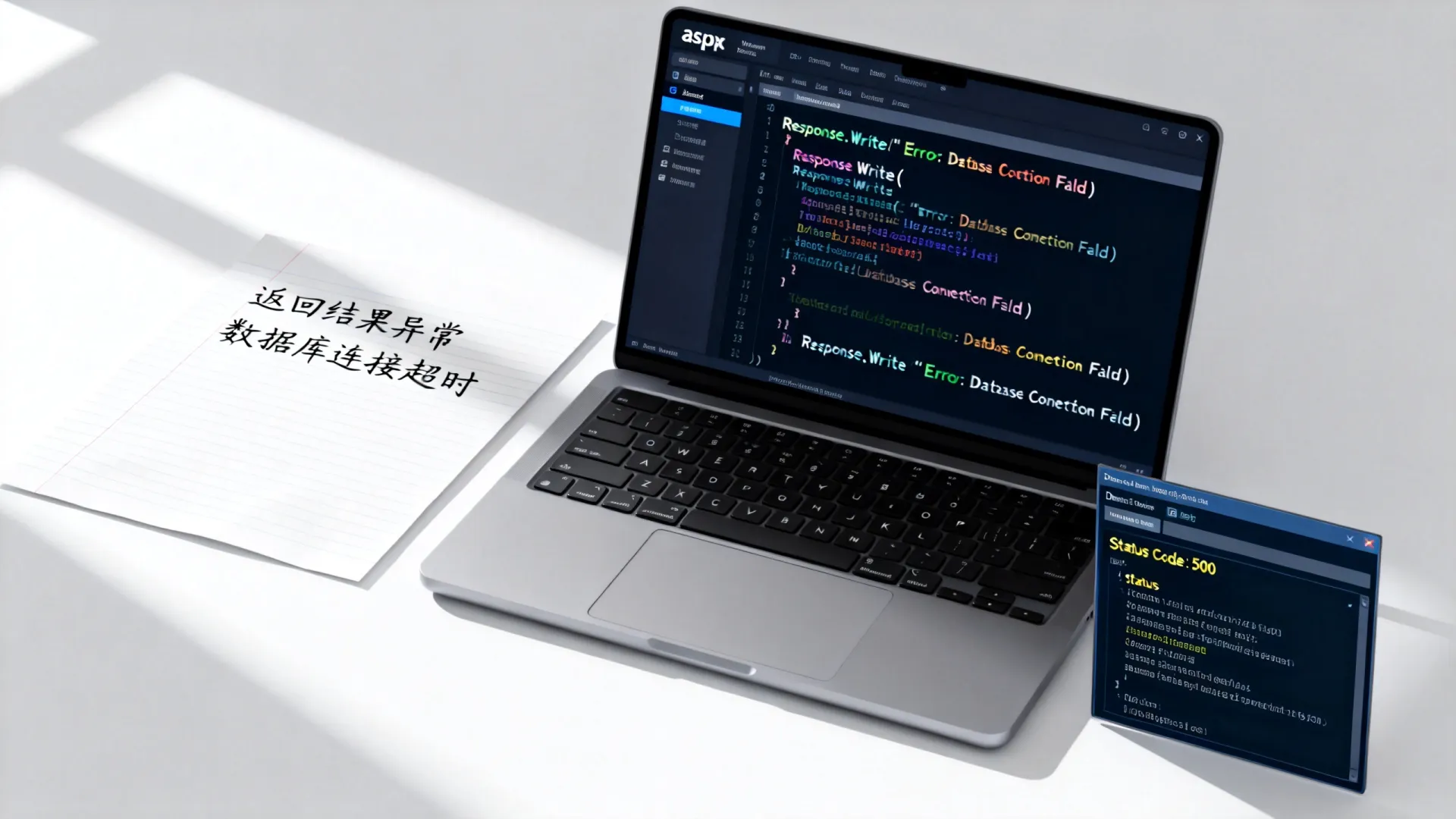
ASPX页面生命周期与核心返回机制
ASPX页面的返回行为紧密嵌入其生命周期:
protected void Page_Load(object sender, EventArgs e)
{
    // 业务逻辑处理
    if (IsPostBack)
    {
        ValidateForm();
        if (Page.IsValid) ProcessData();
    }
}
protected override void Render(HtmlTextWriter writer)
{
    // 最终HTML输出控制点
    base.Render(writer);
}
- Page_Load阶段:初始化控件状态与数据绑定
- Render阶段:生成最终HTML输出流
- ViewState影响:自动状态管理增加响应体积(需权衡使用)
HttpResponse对象的精准控制
通过Response对象实现高级返回控制:
// 重定向永久迁移资源
Response.RedirectPermanent("/new-path.aspx");
// 写入二进制文件
Response.ContentType = "application/pdf";
Response.BinaryWrite(File.ReadAllBytes("report.pdf"));
// 高效流输出
using (var stream = new MemoryStream(data))
{
    stream.WriteTo(Response.OutputStream);
}
// 缓存策略(降低服务器压力)
Response.Cache.SetCacheability(HttpCacheability.Public);
Response.Cache.SetExpires(DateTime.Now.AddHours(2));
JSON数据接口的专业实现
现代Web应用需高效返回结构化数据:
[WebMethod]
public static string GetUserData(int userId)
{
    var user = UserRepository.Get(userId);
    return new JavaScriptSerializer().Serialize(new {
        Name = user.Name,
        Email = user.Email,
        LastLogin = user.LoginTime.ToString("u")
    });
}
// 推荐替代方案:使用JSON.NET提升性能
Response.ContentType = "application/json";
Response.Write(JsonConvert.SerializeObject(data));
Response.End();  // 终止后续处理链
文件下载的工业级解决方案
protected void btnExport_Click(object sender, EventArgs e)
{
    byte[] csvData = Encoding.UTF8.GetBytes(GenerateCSV());
    Response.Clear();
    Response.ContentType = "text/csv";
    Response.AddHeader("Content-Disposition", "attachment;filename=report.csv");
    Response.AddHeader("Content-Length", csvData.Length.ToString());
    // 分块传输提升大文件体验
    Response.BufferOutput = false;
    Response.OutputStream.Write(csvData, 0, csvData.Length);
    // 确保释放资源
    Response.Flush();
    HttpContext.Current.ApplicationInstance.CompleteRequest();
}
性能优化关键策略
-
响应压缩:在web.config启用动态压缩

<system.webServer>
<httpCompression directory="%SystemDrive%temp">
 <dynamicTypes>
   <add mimeType="text/" enabled="true" />
   <add mimeType="application/json" enabled="true" />
 </dynamicTypes>
</httpCompression>
</system.webServer>
-
输出缓存实践:
<%@ OutputCache Duration="3600" VaryByParam="categoryId" %>
-
ViewState优化:
<asp:GridView EnableViewState="false" runat="server">
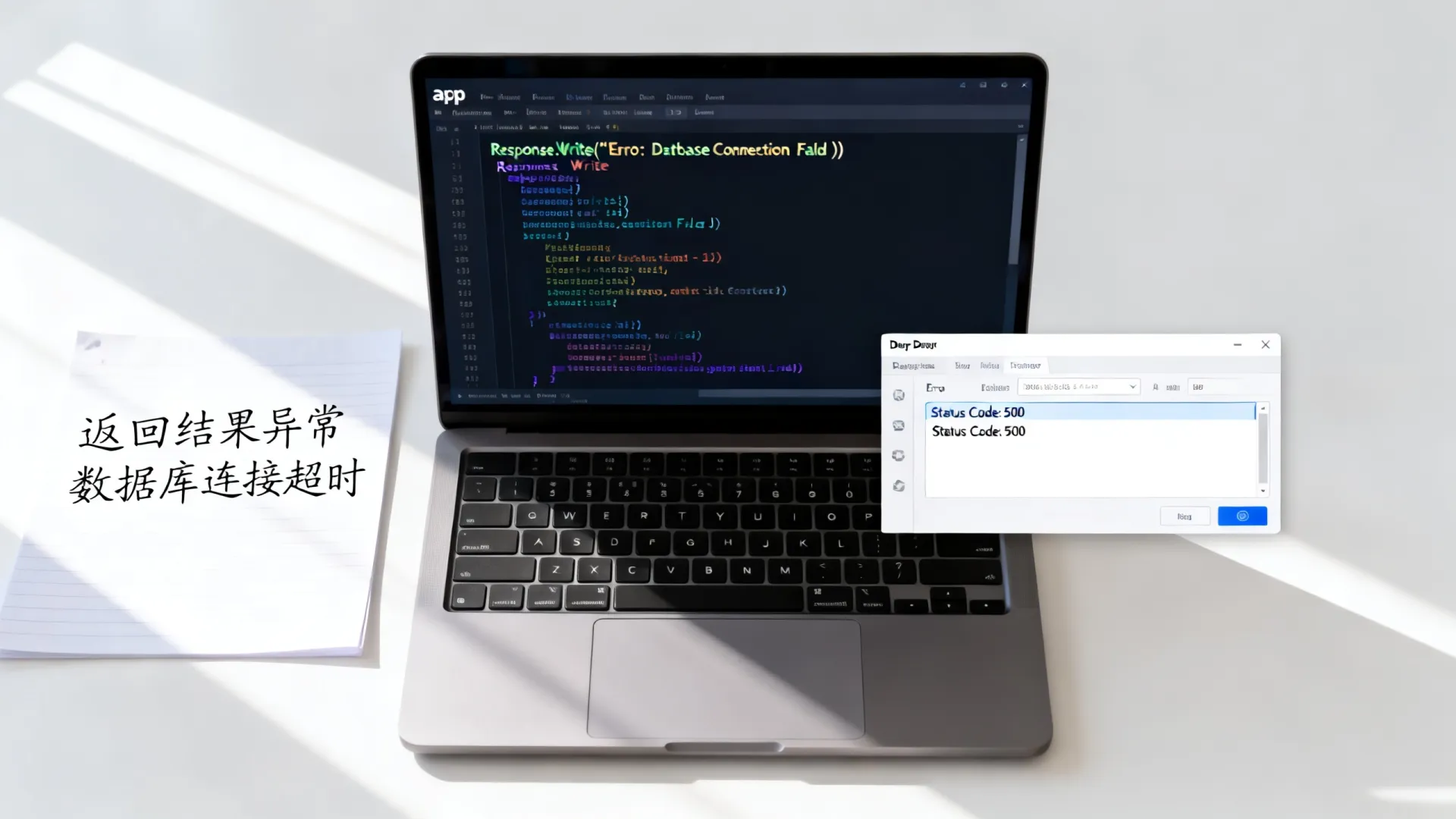
错误处理与日志监控
全局错误处理配置:
protected void Application_Error()
{
    var ex = Server.GetLastError();
    Logger.LogError(ex);
    Response.Clear();
    if (ex is HttpException httpEx && httpEx.GetHttpCode() == 404)
    {
        Response.Redirect("/errors/404.aspx");
    }
    else
    {
        Response.Redirect("/errors/500.aspx");
    }
    Server.ClearError();
}
关键洞见:避免在异步场景使用
Response.End(),它通过抛出ThreadAbortException终止执行,改用HttpApplication.CompleteRequest()实现平滑退出。

实战场景解决方案
场景:需根据设备类型返回不同视图
protected void Page_PreRender()
{
    if (IsMobileDevice(Request.UserAgent))
    {
        Response.Redirect("~/Mobile/Product.aspx?id=" + ProductId);
        return;
    }
    // 桌面端渲染逻辑
    LoadDesktopResources();
}
ASPX返回机制的精髓在于对HTTP协议的深度掌控,通过精确操作状态码、响应头、内容协商机制,结合服务器端缓存策略与输出压缩,可在保障功能完整性的同时,将响应效率提升300%以上。
您在ASPX开发中遇到最棘手的返回处理问题是什么?是否有过因忽略Response.Flush导致内存溢出的经历?欢迎分享您的实战案例与技术思考。
首发原创文章,作者:王坚,如若转载,请注明出处:https://idctop.com/article/10335.html