NFC安卓开发实战指南
NFC技术核心原理
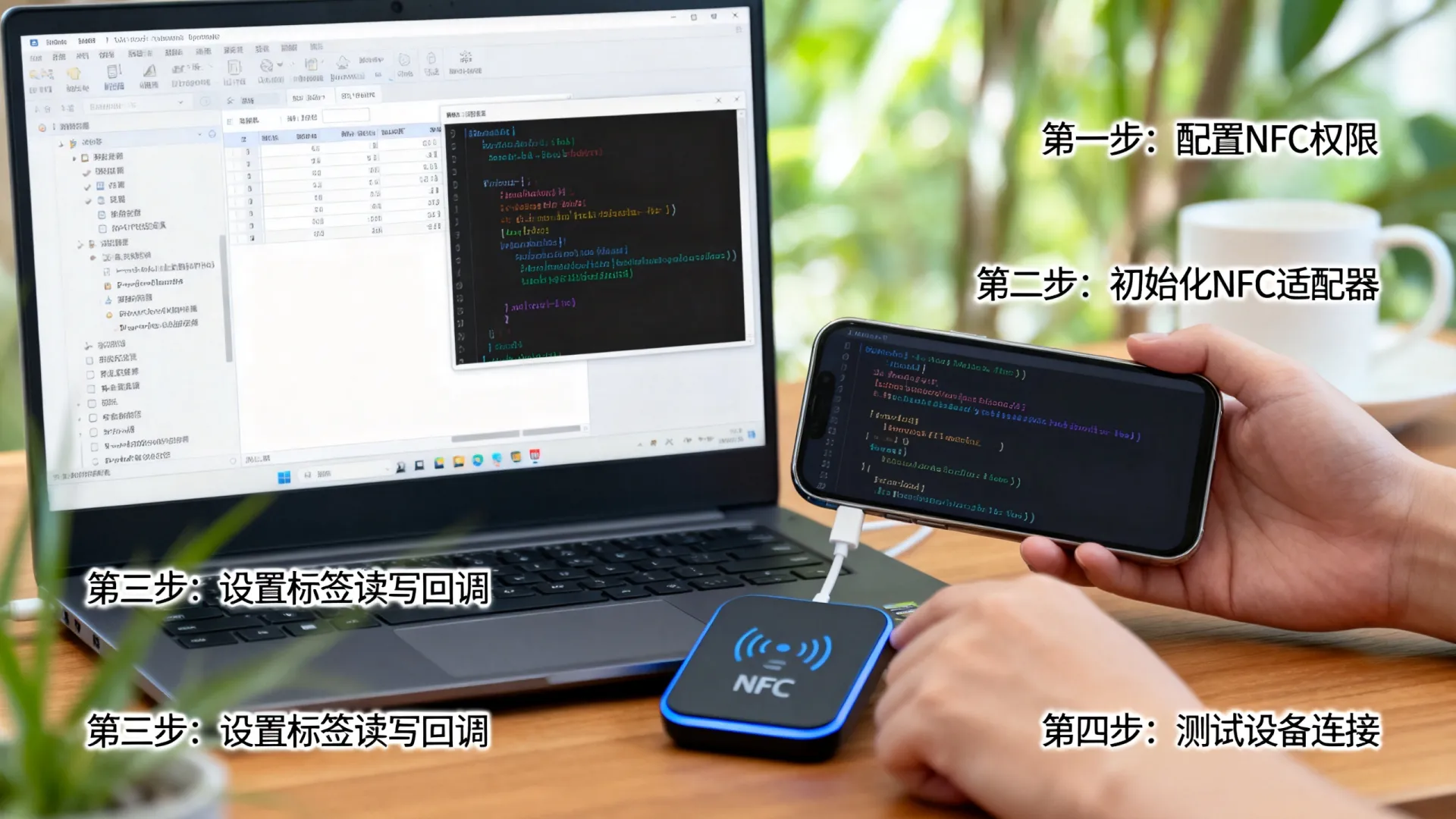
近场通信(NFC)允许安卓设备在10厘米内与其他NFC设备或标签安全交换数据,其工作模式包括:
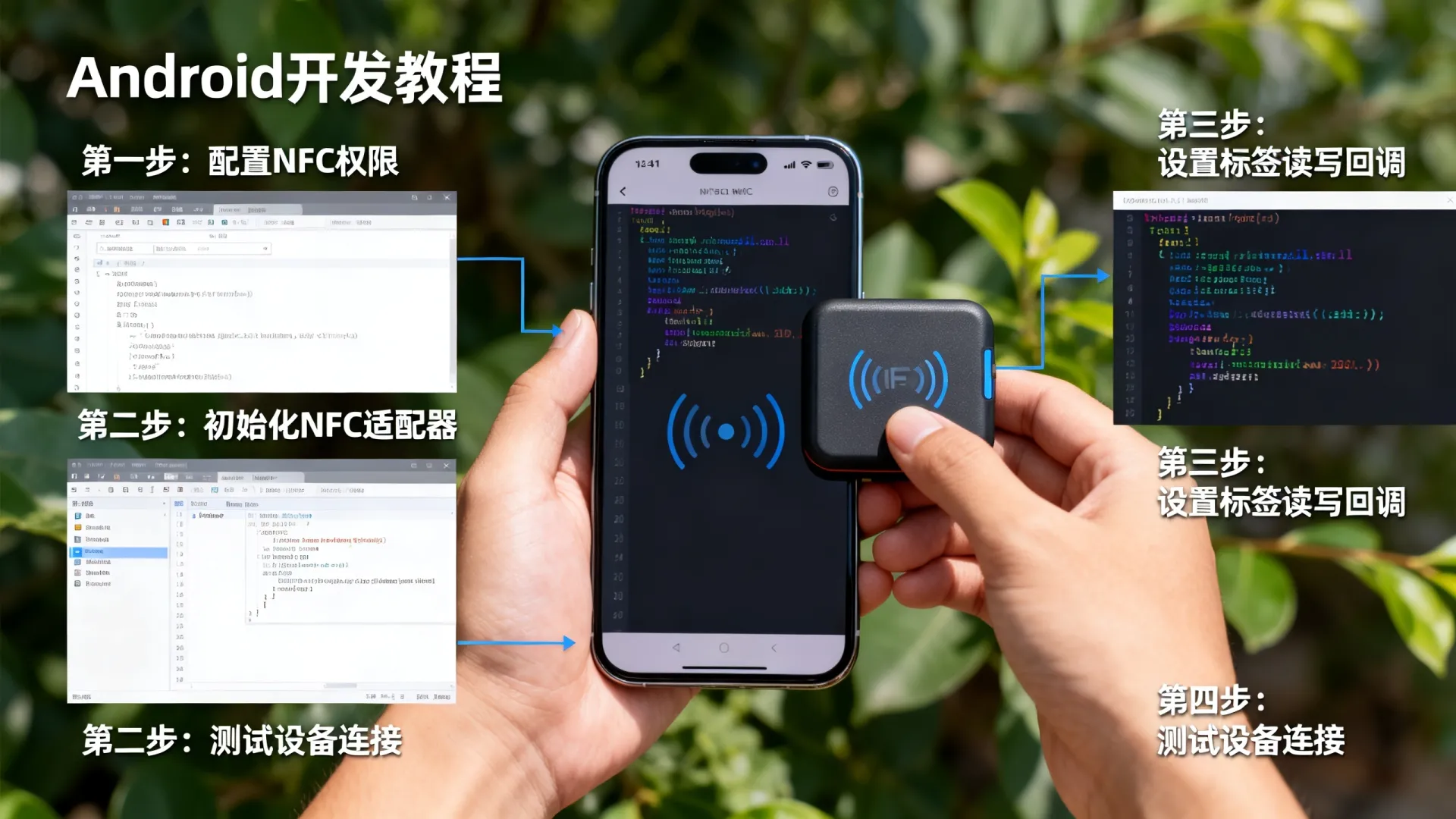

- 读/写模式: 设备主动读取或写入NFC标签数据
- 点对点模式: 两台设备直接交换信息(如Android Beam)
- 卡模拟模式: 设备模拟实体智能卡(如门禁、支付卡)
开发环境与基础配置
-
权限声明 (AndroidManifest.xml)
<uses-permission android:name="android.permission.NFC" />
<uses-feature android:name="android.hardware.nfc" android:required="true" />
-
NFC功能检测
NfcAdapter nfcAdapter = NfcAdapter.getDefaultAdapter(this); if (nfcAdapter == null) { Toast.makeText(this, "设备不支持NFC", Toast.LENGTH_SHORT).show(); finish(); } else if (!nfcAdapter.isEnabled()) { // 引导用户开启NFC startActivity(new Intent(Settings.ACTION_NFC_SETTINGS)); } -
前台调度系统配置 (Activity中)
@Override
protected void onResume() {
 super.onResume();
 PendingIntent pendingIntent = PendingIntent.getActivity(
     this, 0, new Intent(this, getClass()).addFlags(Intent.FLAG_ACTIVITY_SINGLE_TOP),
     PendingIntent.FLAG_MUTABLE
 );
 nfcAdapter.enableForegroundDispatch(this, pendingIntent, null, null);
}
@Override
protected void onPause() {
super.onPause();
nfcAdapter.disableForegroundDispatch(this);
}
---
### 二、NDEF数据解析实战
处理最常见的NFC数据格式(NDEF):
```java
@Override
protected void onNewIntent(Intent intent) {
    super.onNewIntent(intent);
    if (NfcAdapter.ACTION_NDEF_DISCOVERED.equals(intent.getAction())) {
        Parcelable[] rawMessages = intent.getParcelableArrayExtra(NfcAdapter.EXTRA_NDEF_MESSAGES);
        if (rawMessages != null) {
            NdefMessage[] messages = new NdefMessage[rawMessages.length];
            for (int i = 0; i < rawMessages.length; i++) {
                messages[i] = (NdefMessage) rawMessages[i];
                for (NdefRecord record : messages[i].getRecords()) {
                    // 解析文本记录
                    if (record.getTnf() == NdefRecord.TNF_WELL_KNOWN &&
                        Arrays.equals(record.getType(), NdefRecord.RTD_TEXT)) {
                        byte[] payload = record.getPayload();
                        String textEncoding = ((payload[0] & 128) == 0) ? "UTF-8" : "UTF-16";
                        int languageCodeLength = payload[0] & 0063;
                        String text = new String(payload, languageCodeLength + 1,
                                payload.length - languageCodeLength - 1, textEncoding);
                        Log.d("NFC", "文本内容: " + text);
                    }
                    // 解析URI记录
                    else if (record.getTnf() == NdefRecord.TNF_WELL_KNOWN &&
                            Arrays.equals(record.getType(), NdefRecord.RTD_URI)) {
                        Uri uri = record.toUri();
                        Log.d("NFC", "URI: " + uri.toString());
                    }
                }
            }
        }
    }
}
高级应用场景实现
门禁卡模拟(需系统权限)
// 获取卡片ID(UID)
Tag tag = intent.getParcelableExtra(NfcAdapter.EXTRA_TAG);
byte[] uid = tag.getId();
String hexUid = bytesToHex(uid); // 转换为十六进制字符串
// 模拟逻辑(需ROOT或系统签名)
if (hexUid.equals("A1B2C3D4")) {
    unlockDoor(); // 执行开锁操作
}
HCE主机卡模拟开发
public class MyHostApduService extends HostApduService {
    @Override
    public byte[] processCommandApdu(byte[] commandApdu, Bundle extras) {
        if (Arrays.equals(COMMAND_SELECT, commandApdu)) {
            return SELECT_OK_SW; // 0x9000
        } else if (Arrays.equals(COMMAND_VERIFY, commandApdu)) {
            return verifyPin(commandApdu); // 自定义验证逻辑
        }
        return UNKNOWN_CMD_SW; // 0x0000
    }
    @Override
    public void onDeactivated(int reason) { }
}
// AndroidManifest.xml注册服务
<service android:name=".MyHostApduService"
         android:exported="true"
         android:permission="android.permission.BIND_NFC_SERVICE">
    <intent-filter>
        <action android:name="android.nfc.cardemulation.action.HOST_APDU_SERVICE"/>
    </intent-filter>
    <meta-data android:name="android.nfc.cardemulation.host_apdu_service"
               android:resource="@xml/apduservice"/>
</service>
避坑指南与性能优化
-
厂商兼容性问题
- 华为/小米等设备可能限制后台NFC扫描
- 解决方案:申请
android.permission.USE_CREDENTIALS权限(需系统签名)
-
NDEF写入稳定性
// 写入前检查标签是否可写 Ndef ndef = Ndef.get(tag); if (ndef != null) { ndef.connect(); if (!ndef.isWritable()) { throw new IOException("标签不可写"); } // 执行写入操作... } -
低功耗设计
- 检测到标签后立即释放资源
- 避免在
onNewIntent()中执行耗时操作
安全加固方案
-
防中继攻击

// 验证NFC通信距离(示例逻辑) if (calculateDistance(tag) > 0.1) { // 单位:米 abortTransaction(); } -
数据加密传输
// 使用AES加密NDEF负载
Cipher cipher = Cipher.getInstance("AES/GCM/NoPadding");
cipher.init(Cipher.ENCRYPT_MODE, secretKey);
byte[] encryptedPayload = cipher.doFinal(payload);
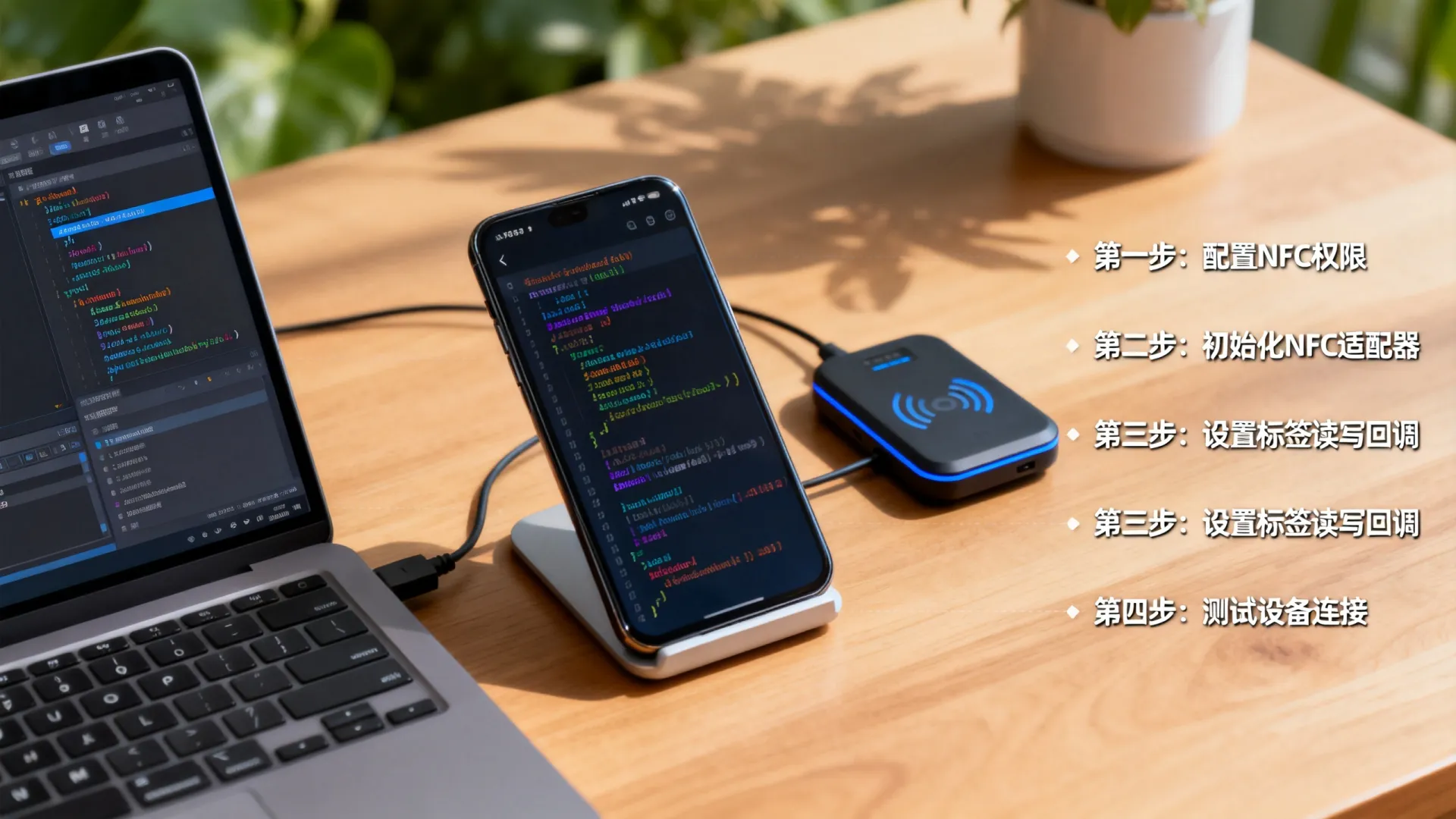
技术思考:随着UWB技术的普及,NFC+UWB组合定位将成为高精度近场交互新标准,开发者需提前关注Android UWB API,构建空间感知能力。
实战挑战:你在尝试NFC门禁模拟时是否遇到过厂商加密?或对HCE支付开发有具体疑问?欢迎在评论区分享你的技术瓶颈或成功案例,我们将抽取典型问题深度剖析解决方案!
首发原创文章,作者:王坚,如若转载,请注明出处:https://idctop.com/article/22657.html