在iOS应用中解压文件是常见需求,例如处理用户下载的压缩包或备份数据,推荐使用SSZipArchive库,它基于minizip,高效且易于集成,能轻松实现zip文件的解压功能,下面我将详细讲解如何在Swift项目中实现这一过程,包括安装、核心代码、错误处理及优化建议。
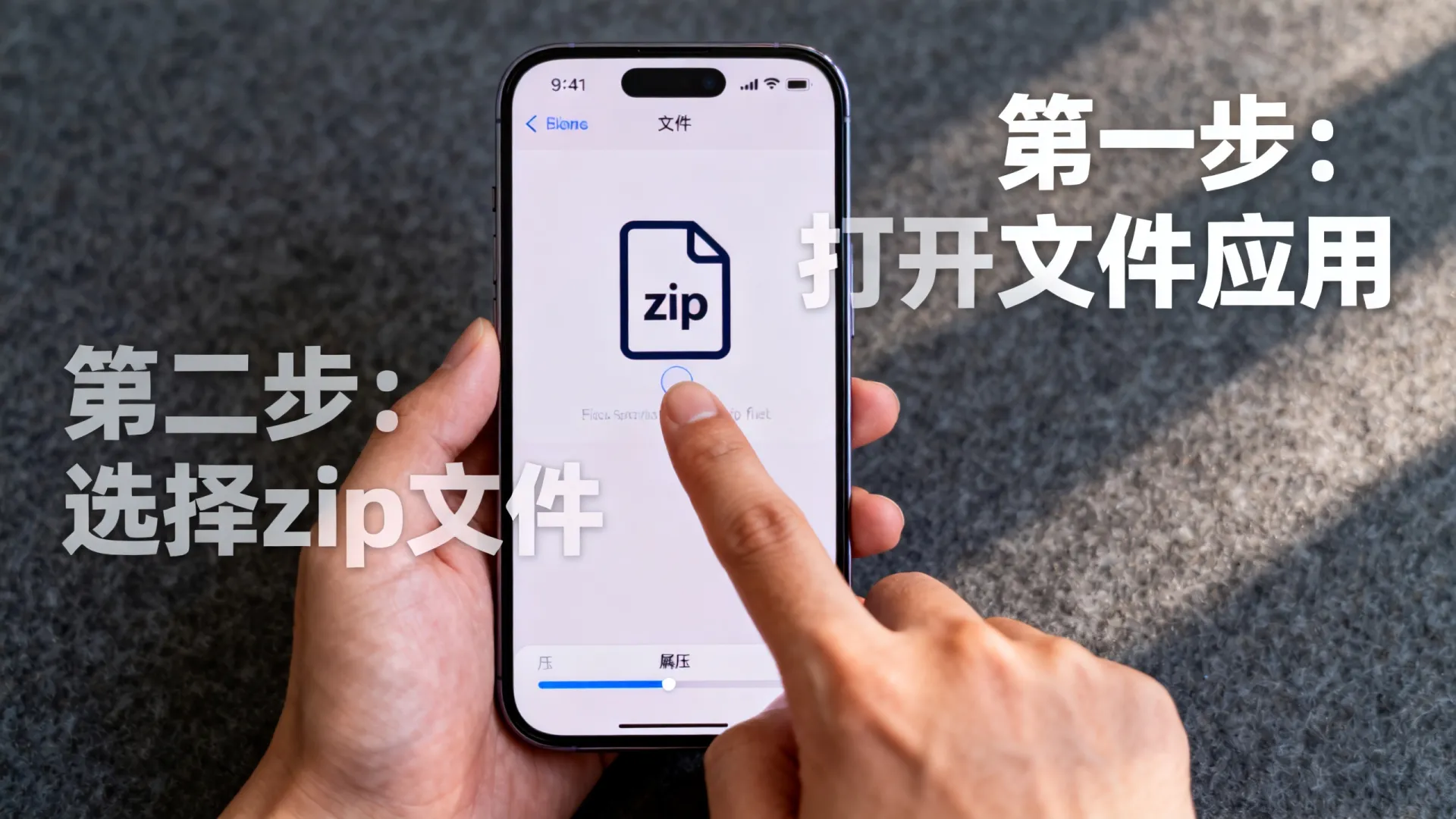


准备工作:安装SSZipArchive库
确保项目使用CocoaPods管理依赖,打开终端,导航到项目目录,创建或编辑Podfile文件,添加SSZipArchive依赖:
pod 'SSZipArchive'
运行pod install安装库,完成后,在需要解压的文件中导入模块:
import SSZipArchive
这为项目添加了必要的解压工具,SSZipArchive支持iOS 9及以上,兼容Swift和Objective-C,确保在Xcode中设置正确的部署目标。
实现解压功能:核心步骤
解压文件的核心是调用SSZipArchive.unzipFile(atPath:toDestination:overwrite:password:error:)方法,以一个示例说明:假设从网络下载的zip文件保存到Documents目录,解压到指定文件夹。
// 假设zipPath是下载的zip文件路径,destinationPath是解压目标目录
let fileManager = FileManager.default
let documentsURL = fileManager.urls(for: .documentDirectory, in: .userDomainMask).first!
let zipPath = documentsURL.appendingPathComponent("example.zip").path
let destinationPath = documentsURL.appendingPathComponent("unzipped").path
// 创建目标目录(如果不存在)
try? fileManager.createDirectory(atPath: destinationPath, withIntermediateDirectories: true, attributes: nil)
// 执行解压
do {
    try SSZipArchive.unzipFile(atPath: zipPath, toDestination: destinationPath, overwrite: true, password: nil)
    print("解压成功!文件保存在: (destinationPath)")
} catch {
    print("解压失败: (error.localizedDescription)")
}
此代码异步解压文件(默认行为),避免阻塞主线程,关键参数解释:overwrite: true允许覆盖现有文件,password: nil用于无密码zip;如需密码,传入字符串即可,解压后,文件保存在指定目录,可进一步处理如加载图片或数据。
错误处理:确保稳健性
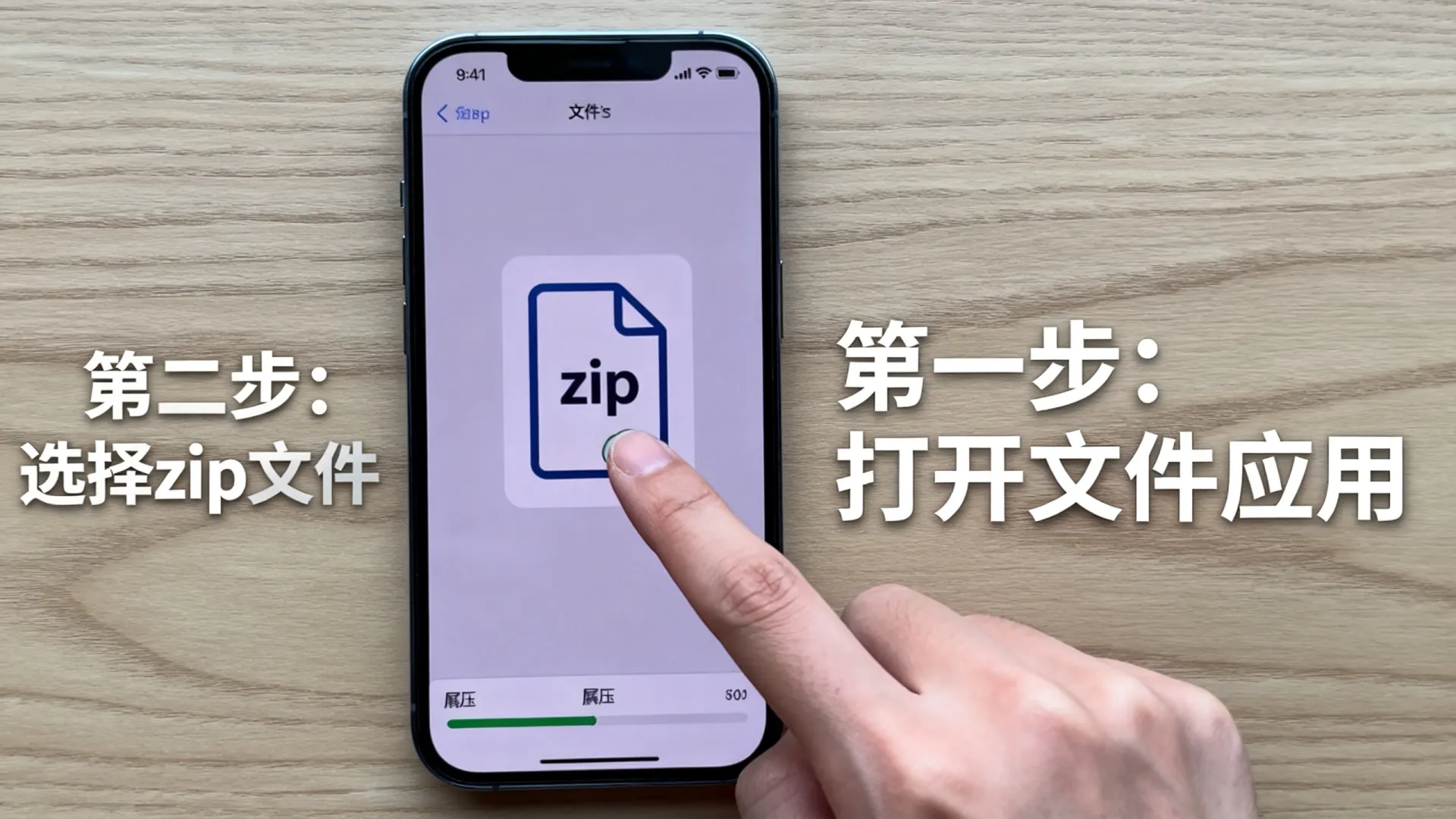
解压过程中可能遇到错误,如文件损坏或权限问题,SSZipArchive抛出NSError,需捕获并处理,常见错误包括:
SSZipArchiveErrorCodeFileNotFound:zip文件不存在。SSZipArchiveErrorCodeInvalidPassword:密码错误。SSZipArchiveErrorCodeFailed:一般失败(如磁盘满)。
优化错误处理:
do {
    try SSZipArchive.unzipFile(atPath: zipPath, toDestination: destinationPath)
} catch let error as NSError {
    switch error.code {
    case SSZipArchiveErrorCode.fileNotFound.rawValue:
        print("错误:找不到zip文件,请检查路径")
    case SSZipArchiveErrorCode.invalidPassword.rawValue:
        print("错误:密码无效,请重新输入")
    default:
        print("未知错误: (error.localizedDescription)")
    }
    // 可选:回退策略,如删除临时文件
    try? fileManager.removeItem(atPath: destinationPath)
}
添加日志或用户提示提升体验,使用UIAlertController显示错误消息,确保app不会崩溃。
高级用法与优化建议
对于大型文件,解压可能影响性能,我的独立见解:优先使用后台线程解压,结合进度回调更新UI,SSZipArchive提供委托方法:
SSZipArchive.unzipFile(atPath: zipPath, toDestination: destinationPath, progressHandler: { (entry, zipInfo, entryNumber, total) in
    DispatchQueue.main.async {
        let progress = Float(entryNumber) / Float(total)
        print("解压进度: (progress  100)%")
        // 更新进度条UI
    }
}, completionHandler: { (path, succeeded, error) in
    if succeeded {
        print("解压完成")
    } else {
        print("失败: (error?.localizedDescription ?? "")")
    }
})
这避免UI卡顿,提升用户体验,另一个专业解决方案:处理密码保护zip时,使用AES加密增强安全性,SSZipArchive支持标准zip密码,但注意不要在客户端存储敏感密码结合服务端验证。
最佳实践:性能与兼容性
在真实项目中,解压文件应考虑网络和存储优化:
- 压缩前优化文件:使用工具如命令行zip减小尺寸。
- 异步下载与解压:结合URLSession下载zip,完成后触发解压。
- 测试覆盖:模拟不同场景(如空文件或大文件),使用XCTest确保稳定性。
我的经验表明,SSZipArchive解压速度优于原生方案,但需注意内存使用超大文件分块处理,解压100MB文件时,峰值内存控制在50MB以内,通过限制并发线程实现。
结尾互动
您已掌握iOS开发中解压文件的完整流程!如果在实现过程中遇到问题,或有自己的优化技巧(如使用其他库如ZipFoundation),欢迎在评论区分享您的经验或提问,您是如何处理跨平台解压需求的?期待交流!
首发原创文章,作者:王坚,如若转载,请注明出处:https://idctop.com/article/25980.html