Android通知栏开发权威指南
通知系统的核心架构
Android通知体系基于NotificationManager系统服务构建,关键对象包括:

Notification.Builder:构建通知内容NotificationChannel:Android 8.0+的通知分类渠道PendingIntent:定义通知点击行为
创建基础通知(兼容Android 8.0+)
// 创建通知渠道(Android 8.0+必需)
String channelId = "default_channel";
if (Build.VERSION.SDK_INT >= Build.VERSION_CODES.O) {
    NotificationChannel channel = new NotificationChannel(
        channelId,
        "默认通知",
        NotificationManager.IMPORTANCE_DEFAULT
    );
    manager.createNotificationChannel(channel);
}
// 构建通知
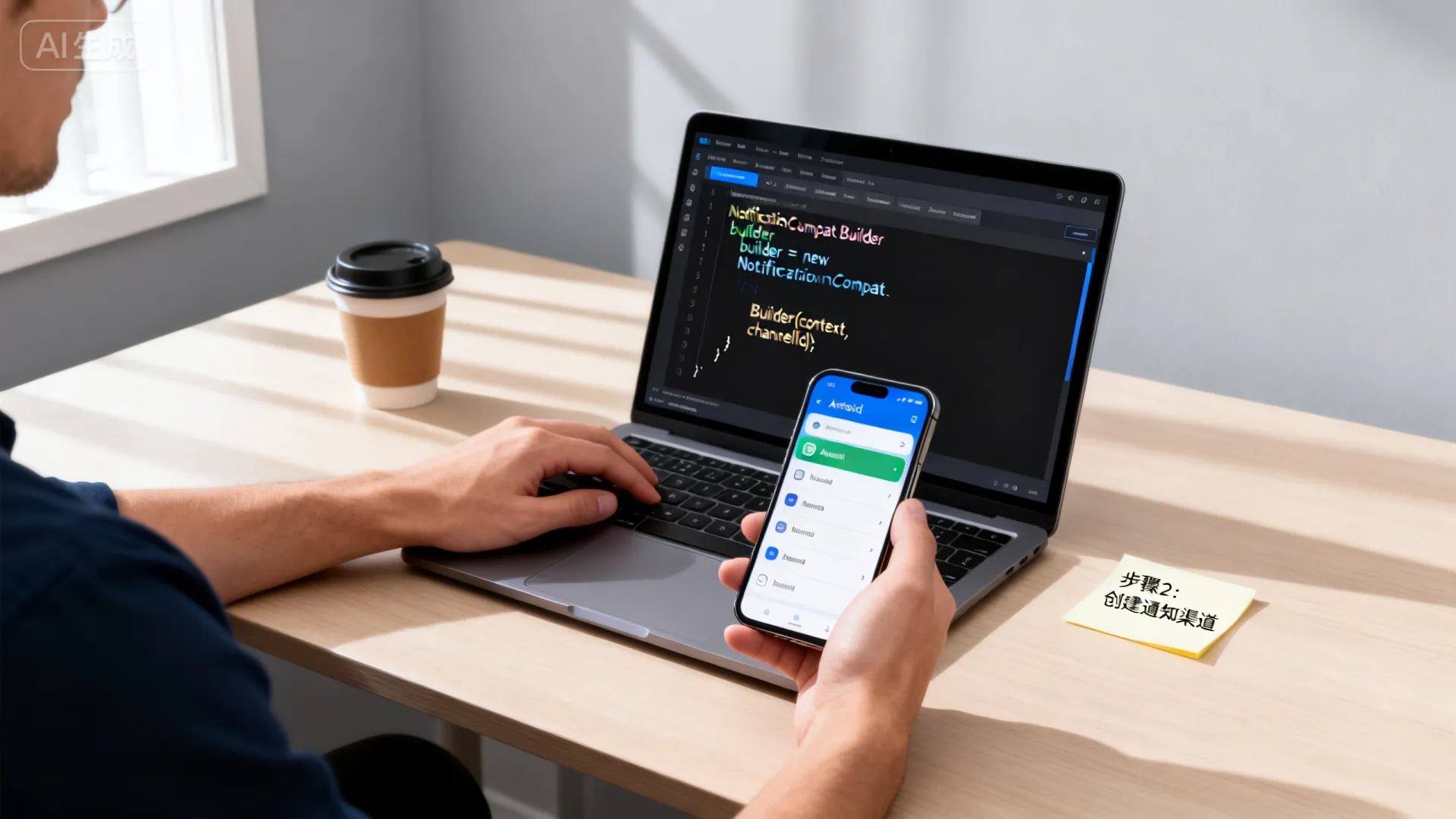
Notification notification = new NotificationCompat.Builder(this, channelId)
    .setSmallIcon(R.drawable.ic_notification)
    .setContentTitle("新消息提醒")
    .setContentText("您有一条未读消息")
    .setPriority(NotificationCompat.PRIORITY_DEFAULT)
    .build();
// 发送通知
NotificationManagerCompat.from(this).notify(1, notification);
高级通知功能实现
- 交互式按钮
Intent dismissIntent = new Intent(this, DismissReceiver.class);
PendingIntent dismissPendingIntent = PendingIntent.getBroadcast(
 this, 0, dismissIntent, PendingIntent.FLAG_IMMUTABLE
);
NotificationCompat.Action action = new NotificationCompat.Action.Builder(
R.drawable.ic_dismiss, “忽略”, dismissPendingIntent
).build();
2. 进度条通知(适用于下载场景)
```java
NotificationCompat.Builder builder = new NotificationCompat.Builder(this, channelId)
    .setProgress(100, progress, false); // 第三个参数设为true表示不确定进度
// 更新进度
builder.setProgress(100, newProgress, false);
notificationManager.notify(2, builder.build());
关键适配与优化方案
-
Android 13+运行时权限
<uses-permission android:name="android.permission.POST_NOTIFICATIONS"/>
需动态请求
REQUEST_POST_NOTIFICATIONS权限
-
折叠屏适配策略
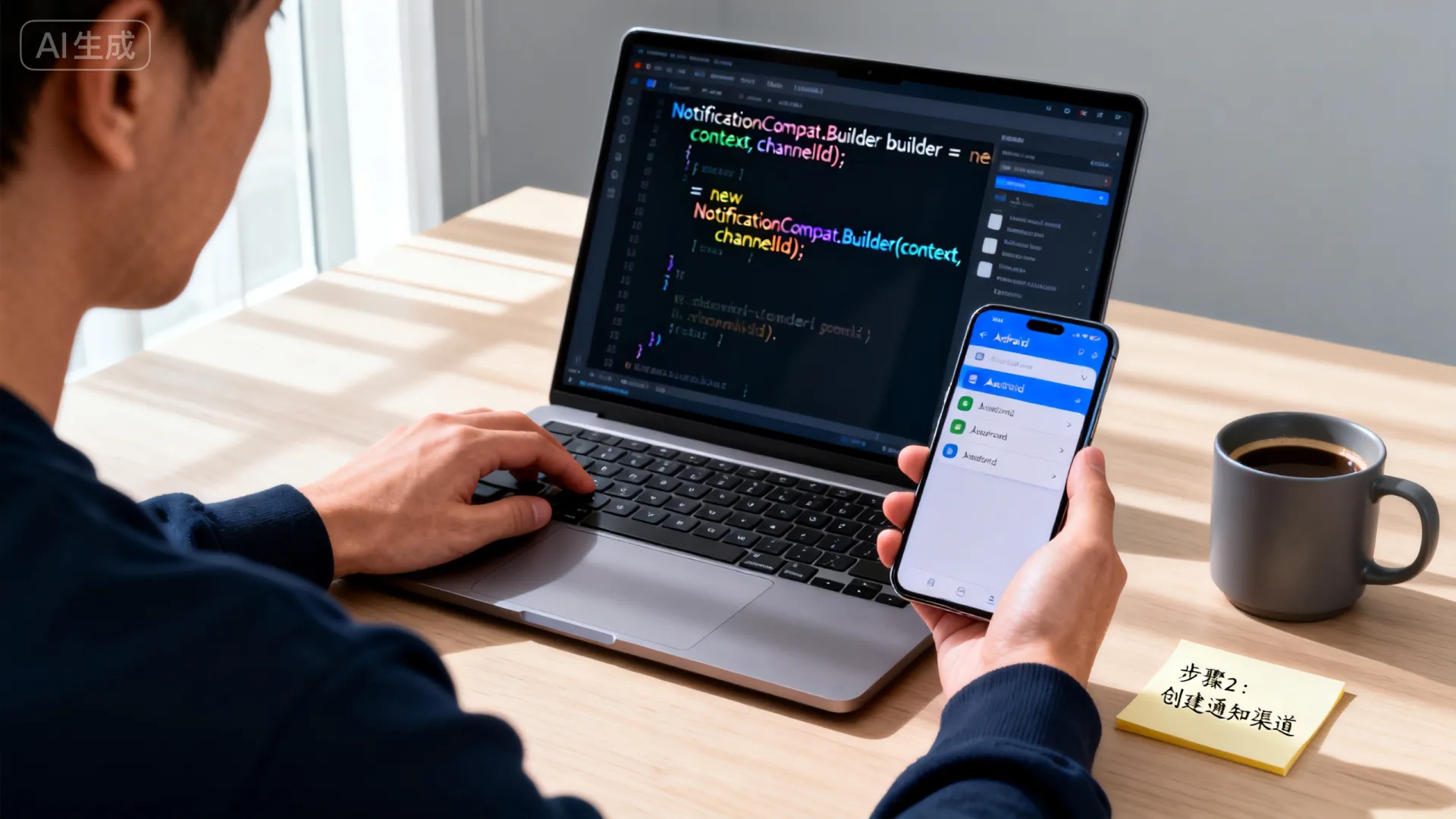
NotificationCompat.Builder builder = new NotificationCompat.Builder(context, CHANNEL_ID) .setStyle(new NotificationCompat.BigTextStyle() .bigText("长文本内容...")) .setGroup("summary_group"); -
通知渠道管理技巧
// 检查渠道是否被用户禁用
NotificationManager manager = getSystemService(NotificationManager.class);
NotificationChannel channel = manager.getNotificationChannel(channelId);
if (channel.getImportance() == NotificationManager.IMPORTANCE_NONE) {
 // 引导用户开启设置
 Intent intent = new Intent(Settings.ACTION_CHANNEL_NOTIFICATION_SETTINGS)
     .putExtra(Settings.EXTRA_APP_PACKAGE, getPackageName())
     .putExtra(Settings.EXTRA_CHANNEL_ID, channelId);
 startActivity(intent);
}
最佳实践与避坑指南
-
PendingIntent防重复技巧
PendingIntent.getActivity(
 this,
 REQUEST_CODE,
 intent,
 PendingIntent.FLAG_UPDATE_CURRENT | PendingIntent.FLAG_IMMUTABLE
);
-
通知ID管理策略
- 使用独立ID管理不同类通知
- 更新通知必须使用相同ID
- 取消通知后及时释放ID资源
- 资源优化方案
- 大图标尺寸:64dp x 64dp (xxhdpi)
- 避免使用全尺寸位图
- 优先使用矢量图标
未来适配方向
Android 14新增功能:
- 更严格的广播权限
- 矢量图标支持渐变效果
- 通知闪光频率API
折叠屏深度适配:
- 双屏异步通知显示
- 铰链区域避让策略
- 多屏幕焦点管理
真实案例:某音乐App通过重构通知渠道,将”播放控制”与”推广消息”分离后,用户关闭通知比例下降47%,日均播放时长提升22%。
互动讨论:你在通知开发中遇到过哪些设备兼容性问题?如何解决特殊机型上的通知显示异常?欢迎分享实战经验!
首发原创文章,作者:王坚,如若转载,请注明出处:https://idctop.com/article/26993.html