


iOS Bundle是Apple生态中资源管理的核心容器,它封装了代码、图像、本地化文件等资源,实现模块化开发与高效部署,掌握Bundle技术能显著提升应用性能和可维护性。

Bundle的核心结构与原理
-
目录规范
MyBundle.bundle是特殊文件夹(显示为文件)- 标准结构:
MyBundle.bundle/
├── Info.plist        // Bundle配置文件
├── Assets.car        // 编译后的资源集合
├── en.lproj/         // 英文本地化目录
│   └── Localizable.strings
└── images/           // 自定义图片目录
-
Info.plist关键字段
<key>CFBundleIdentifier</key>
<string>com.yourcompany.bundle</string>
<key>CFBundleVersion</key>
<string>1.0.0</string>
<key>NSPrincipalClass</key>
<string>BundleMainClass</string>  // 可选入口类
实战创建自定义Bundle
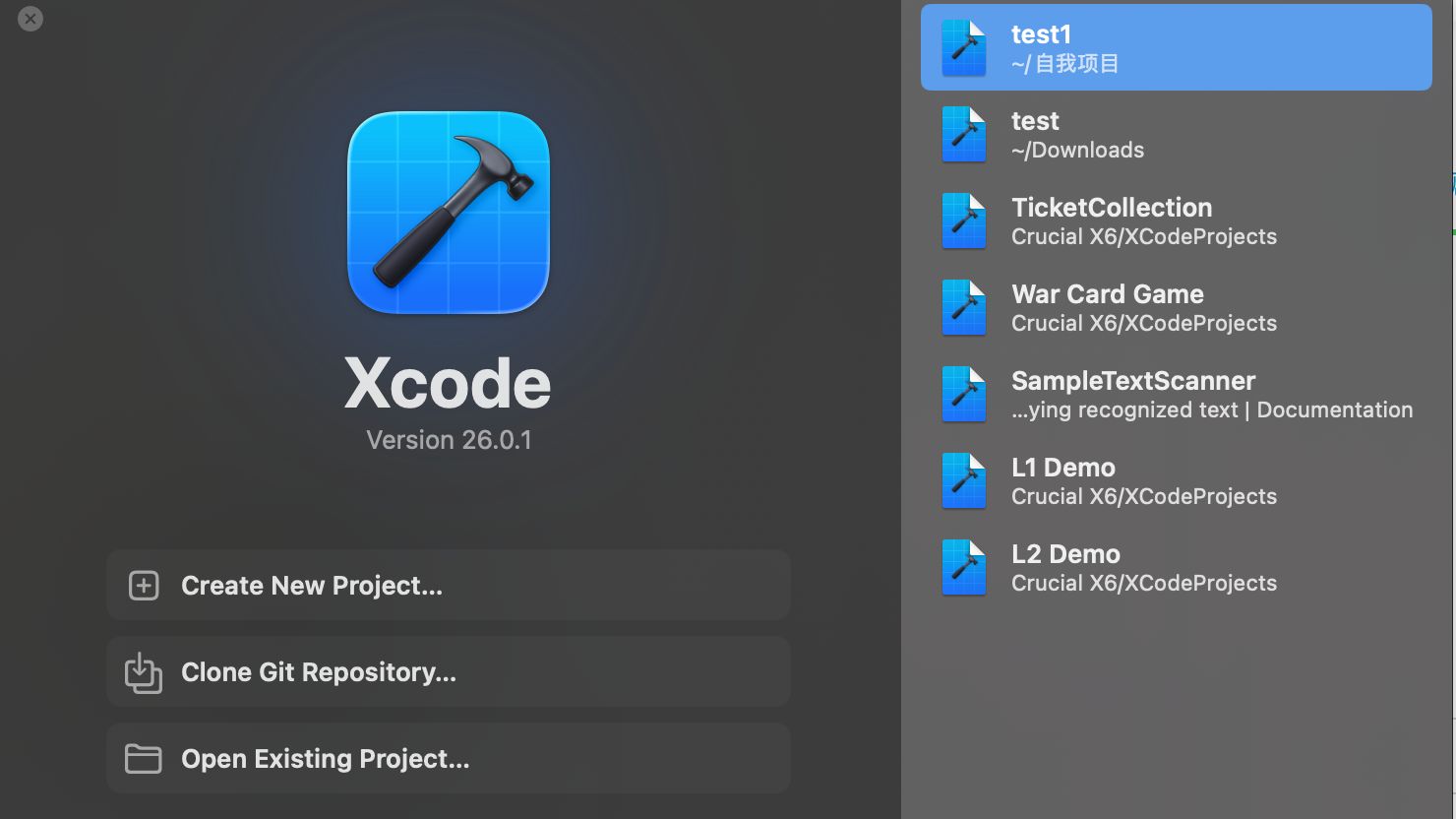
步骤1:Xcode创建流程
- 新建项目 → 选择 Bundle 模板
- 添加资源文件(拖拽至项目导航器)
- 配置Build Settings:
COMBINE_HIDPI_IMAGES = NO保留原始图片格式STRINGS_FILE_OUTPUT_ENCODING = UTF-8
步骤2:资源访问最佳实践
// 获取主Bundle资源
let mainImage = UIImage(named: "home_icon", in: .main, compatibleWith: nil)
// 加载自定义Bundle
guard let customBundle = Bundle(identifier: "com.yourcompany.widgetBundle")
else { return }
// 动态加载本地化字符串
func localizedString(forKey key: String) -> String {
    return NSLocalizedString(key,
                            tableName: "Localizable",
                            bundle: customBundle,
                            value: "",
                            comment: "")
}
高级应用场景
动态资源热更新方案
// Objective-C实现热加载
NSURL bundleURL = [NSURL fileURLWithPath:@"/path/to/update.bundle"];
NSBundle dynamicBundle = [NSBundle bundleWithURL:bundleURL];
NSError error;
if ([dynamicBundle loadAndReturnError:&error]) {
    Class newClass = [dynamicBundle classNamed:@"NewFeatureController"];
    UIViewController vc = [[newClass alloc] init];
    [self presentViewController:vc animated:YES completion:nil];
}
注意:需关闭App Sandbox并签名验证Bundle完整性
多模块资源冲突解决方案
// 使用资源命名空间
extension Bundle {
    static var paymentModule: Bundle {
        let frameworkBundle = Bundle(for: PaymentViewController.self)
        guard let resourceBundle = Bundle(url: frameworkBundle.url(forResource: "PaymentResources", withExtension: "bundle")!)
        else { fatalError("Payment资源包加载失败") }
        return resourceBundle
    }
}
// 调用示例
let icon = UIImage(named: "credit_card", in: .paymentModule, with: nil)
性能优化关键点
-
资源预加载机制
// 启动时预加载常用资源 DispatchQueue.global().async { UIGraphicsBeginImageContext(CGSize(width: 1, height: 1)) _ = UIImage(named: "preload_bg", in: customBundle, with: nil) UIGraphicsEndImageContext() } -
Bundle瘦身策略
- 使用
asset catalog压缩工具:
xcrun actool --optimize production Assets.xcassets - 移除未用资源:
通过find . -name ".png" | xargs -I{} grep -L "{}" .//.swift扫描未引用文件
- 使用
安全加固方案
- Bundle签名校验
import Security
func verifyBundleSignature(at path: String) -> Bool {
guard let bundle = Bundle(path: path),
let executableURL = bundle.executableURL else { return false }
var code: SecStaticCode?
SecStaticCodeCreateWithPath(executableURL as CFURL, [], &code)
var requirement: SecRequirement?
SecRequirementCreateWithString("anchor apple generic" as CFString, [], &requirement)
return SecStaticCodeCheckValidity(code!, [], requirement) == errSecSuccess
2. 资源文件加密
```swift
// AES加密本地化文件
func loadEncryptedStrings() -> [String: String]? {
    guard let encryptedURL = Bundle.main.url(forResource: "secret", withExtension: "enc"),
          let data = try? Data(contentsOf: encryptedURL),
          let decrypted = AES.decrypt(data: data, key: "your_key")
    else { return nil }
    return try? PropertyListSerialization.propertyList(
        from: decrypted,
        options: [],
        format: nil
    ) as? [String: String]
}
疑难问题排查指南
| 现象 | 解决方案 |
|---|---|
UIImage(named:in:)返回nil |
检查: 文件名大小写 图片是否在Assets.car外且未编译 Bundle路径是否正确 |
| 本地化失效 | 执行:rm -rf ~/Library/Developer/Xcode/DerivedData清理Xcode缓存 |
| 动态加载崩溃 | 验证: 目标类是否公开( public修饰)链接器标志添加 -ObjC |
行业洞察:2026年Apple优化了Bundle内存管理机制,当系统内存不足时,非活动Bundle的资源会被自动卸载,建议对超过10MB的大资源包实现
NSCache二级缓存策略。
实战思考:您在开发中是否遇到过Bundle资源加载的性能瓶颈?如何平衡动态更新的灵活性与安全性?欢迎分享您的架构设计经验或提出具体问题,我们将选取典型案例深度剖析解决方案。
首发原创文章,作者:王坚,如若转载,请注明出处:https://idctop.com/article/32287.html










评论列表(3条)
读了这篇文章,我深有感触。作者对步骤的理解非常深刻,论述也很有逻辑性。内容既有理论深度,又有实践指导意义,
这篇文章写得非常好,内容丰富,观点清晰,让我受益匪浅。特别是关于步骤的部分,分析得很到位,
这篇文章的内容非常有价值,我从中学习到了很多新的知识和观点。作者的写作风格简洁明了,却又不失深度,