在 Python 中处理 TIFF 图像,最常用且推荐的库是 Pillow(PIL 的现代分支),虽然你提到了 libtiff,但通常我们不会直接调用底层的 C 库 libtiff,而是通过 Python 封装好的库来使用它。
以下是几种常见方式:


✅ 1. 使用 Pillow(推荐)
安装
pip install Pillow
基本用法
读取 TIFF 图像
from PIL import Image
img = Image.open("example.tif")
img.show()  # 显示图像
print(img.format, img.size, img.mode)
保存为 TIFF
img.save("output.tif", format="TIFF")
处理多页 TIFF(如扫描文档)
from PIL import Image
# 打开多页 TIFF
img = Image.open("multipage.tif")
# 遍历每一页
page = 0
while True:
    try:
        img.seek(page)
        img.save(f"page_{page}.tif")
        print(f"Saved page {page}")
        page += 1
    except EOFError:
        break

✅ 2. 使用 tifffile 库(适合科学计算/大数据)
tifffile 是专门用于处理大型 TIFF 文件的库,支持 NumPy 数组,性能更好。
安装
pip install tifffile
基本用法
读取 TIFF 为 NumPy 数组
import tifffile
import numpy as np
# 读取 TIFF 文件
data = tifffile.imread("example.tif")
print(data.shape, data.dtype)
保存 NumPy 数组为 TIFF
tifffile.imwrite("output.tif", data)
读取多页 TIFF
with tifffile.TiffFile("multipage.tif") as tif:
    for i, page in enumerate(tif.pages):
        print(f"Page {i}: shape={page.shape}, dtype={page.dtype}")
        # 可选:读取为数组
        # array = page.asarray()
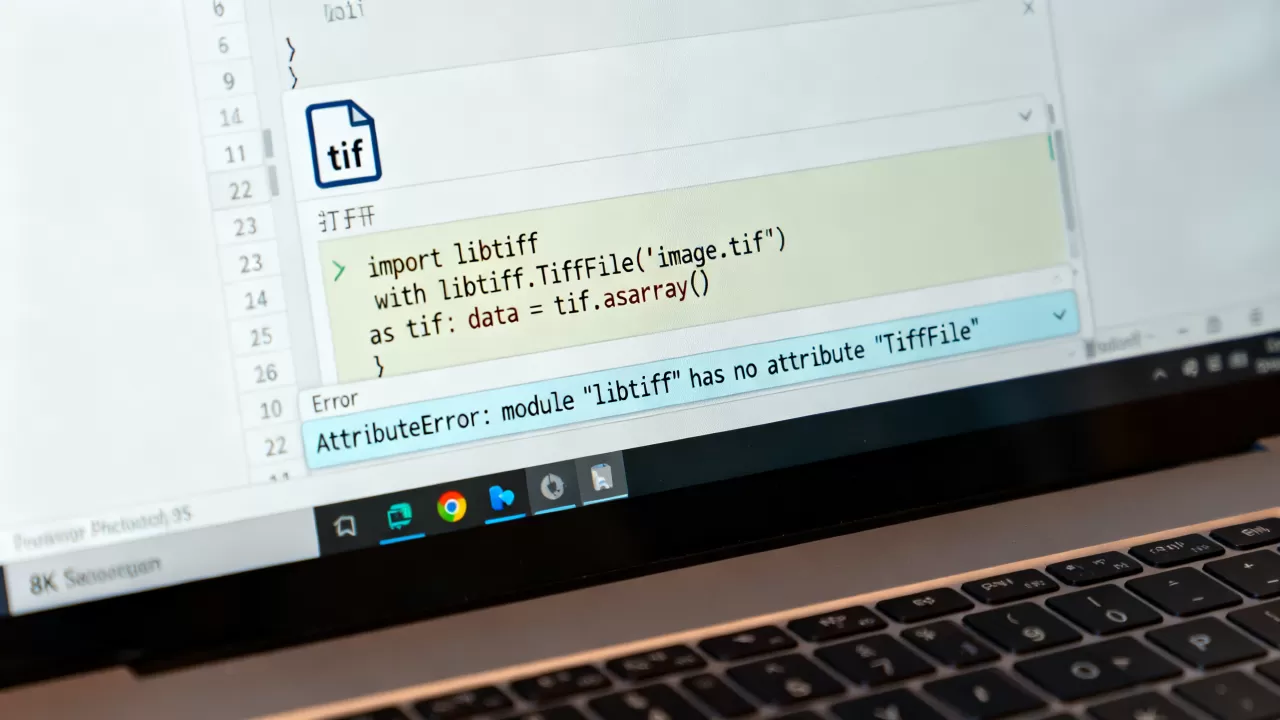
✅ 3. 使用 libtiff 直接绑定(较少用)
如果你需要更底层的控制,可以使用 libtiff 的 Python 绑定:
安装
pip install libtiff
基本用法
from libtiff import TIFF
# 读取
with TIFF.open("example.tif", mode="r") as tif:
    data = tif.read_image()
    print(data.shape)
# 写入
with TIFF.open("output.tif", mode="w") as tif:
    tif.write_image(data)
⚠️ 注意:
libtiff包在 Windows 上可能安装困难,需要预编译的二进制文件。

| 特性 | Pillow | tifffile | libtiff |
|---|---|---|---|
| 易用性 | |||
| 性能(大文件) | |||
| 多页支持 | |||
| NumPy 集成 | ✅(需转换) | ✅(原生) | |
| 安装难度 | 低 | 低 | 中/高 |
| 适用场景 | 通用图像处理 | 科学计算/大数据 | 底层控制 |
💡 建议
- 日常使用:用
Pillow - 科学计算/大数据:用
tifffile - 需要底层控制:用
libtiff
如果你有具体的使用场景(如读取、写入、转换格式等),可以告诉我,我可以提供更详细的代码示例!
首发原创文章,作者:王坚,如若转载,请注明出处:https://idctop.com/article/477528.html