在 Java 中连接 FTP 服务器,最常用且推荐的方式是使用 Apache Commons Net 库,它提供了稳定、易于使用的 API 来处理 FTP、FTPS 和 SFTP 协议。
下面我将提供两种常见场景的代码示例:


- 标准 FTP 连接(明文传输,端口 21)
- FTPS 连接(加密传输,推荐用于生产环境)
✅ 前置依赖
如果你使用 Maven,请在 pom.xml 中添加以下依赖:
<dependency>
    <groupId>commons-net</groupId>
    <artifactId>commons-net</artifactId>
    <version>3.9.0</version> <!-- 请使用最新版本 -->
</dependency>
⚠️ 注意:Apache Commons Net 不直接支持 SFTP(SSH File Transfer Protocol),SFTP 需要使用 JSch 或 Apache Commons VFS 等库,本文聚焦于 FTP/FTPS。
📌 示例 1:标准 FTP 连接(非加密)
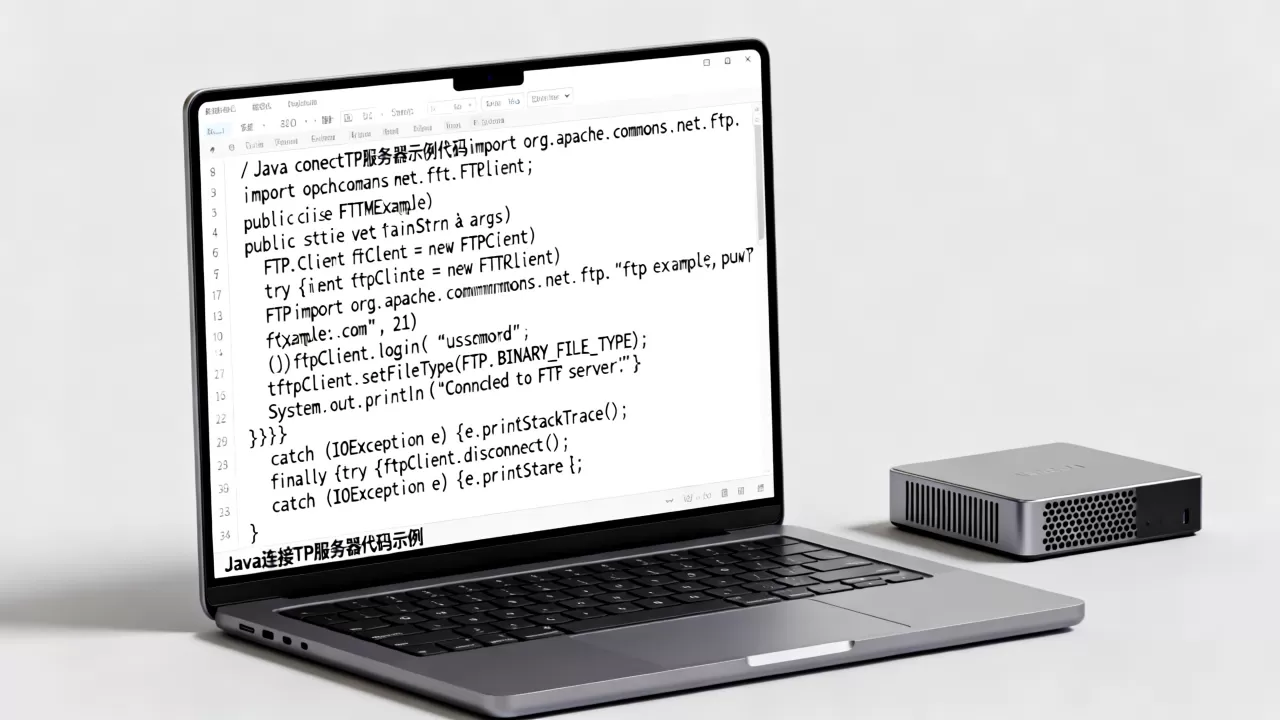
import org.apache.commons.net.ftp.FTP;
import org.apache.commons.net.ftp.FTPClient;
import org.apache.commons.net.ftp.FTPReply;
import java.io.IOException;
public class FtpExample {
public static void main(String[] args) {
String host = "ftp.example.com";
int port = 21;
String username = "your_username";
String password = "your_password";
FTPClient ftpClient = new FTPClient();
try {
// 连接服务器
ftpClient.connect(host, port);
System.out.println("Connected to " + host);
// 登录
boolean loginSuccess = ftpClient.login(username, password);
if (!loginSuccess) {
System.out.println("Login failed!");
return;
}
System.out.println("Logged in successfully.");
// 检查响应码
int reply = ftpClient.getReplyCode();
if (!FTPReply.isPositiveCompletion(reply)) {
ftpClient.disconnect();
System.err.println("Server refused connection.");
return;
}
// 设置被动模式(推荐,尤其通过防火墙/NAT 时)
ftpClient.enterLocalPassiveMode();
// 设置文件类型为二进
制(避免文件损坏)
ftpClient.setFileType(FTP.BINARY_FILE_TYPE);
// 示例:列出根目录文件
String[] files = ftpClient.listNames();
if (files != null) {
for (String file : files) {
System.out.println("File: " + file);
}
}
// 断开连接
ftpClient.logout();
System.out.println("Disconnected.");
} catch (IOException e) {
e.printStackTrace();
} finally {
if (ftpClient.isConnected()) {
try {
ftpClient.disconnect();
} catch (IOException ex) {
ex.printStackTrace();
}
}
}
}
}

🔒 示例 2:FTPS 连接(显式 SSL/TLS 加密)
FTPS 是 FTP over SSL,更安全,使用 FTPClient 并启用 SSL 即可。
import org.apache.commons.net.ftp.FTP;
import org.apache.commons.net.ftp.FTPClient;
import org.apache.commons.net.ftp.FTPReply;
import javax.net.ssl.SSLContext;
import javax.net.ssl.TrustManagerFactory;
import java.io.FileInputStream;
import java.io.IOException;
import java.security.KeyStore;
import java.security.Security;
public class FtpsExample {
public static void main(String[] args) {
String host = "ftps.example.com";
int port = 990; // 或 21(显式模式)
String username = "your_username";
String password = "your_password";
FTPClient ftpClient = new FTPClient();
try {
// 可选:配置 SSL 上下文(如需要自定义信任库)
// SSLContext sslContext = createSSLContext();
// ftpClient.execPBSZ(0);
// ftpClient.execPROT("P");
// ftpClient.setAuthSSL(sslContext);
// 连接(显式 FTPS,端口通常为 21)
ftpClient.connect(host, port);
System.out.println("Connected to " + host);
// 登录
boolean loginSuccess = ftpClient.login(username, password);
if (!loginSuccess) {
System.out.println("Login failed!");
return;
}
System.out.println("Logged in successfully.");
int reply = ftpClient.getReplyCode();
if (!FTPReply
.isPositiveCompletion(reply)) {
ftpClient.disconnect();
System.err.println("Server refused connection.");
return;
}
// 启用显式 FTPS(自动处理 SSL 握手)
ftpClient.execPBSZ(0);
ftpClient.execPROT("P"); // 数据通道也加密
// 被动模式
ftpClient.enterLocalPassiveMode();
// 二进制模式
ftpClient.setFileType(FTP.BINARY_FILE_TYPE);
// 示例:列出文件
String[] files = ftpClient.listNames();
if (files != null) {
for (String file : files) {
System.out.println("File: " + file);
}
}
ftpClient.logout();
System.out.println("Disconnected.");
} catch (IOException e) {
e.printStackTrace();
} finally {
if (ftpClient.isConnected()) {
try {
ftpClient.disconnect();
} catch (IOException ex) {
ex.printStackTrace();
}
}
}
}
// 如需自定义信任库,可取消注释并实现此方法
/
private static SSLContext createSSLContext() throws Exception {
KeyStore trustStore = KeyStore.getInstance(KeyStore.getDefaultType());
try (FileInputStream fis = new FileInputStream("truststore.jks")) {
trustStore.load(fis, "changeit".toCharArray());
}
TrustManagerFactory tmf = TrustManagerFactory.getInstance(TrustManagerFactory.getDefaultAlgorithm());
tmf.init(trustStore);
SSLContext sslContext = SSLContext.getInstance("TLS");
sslContext.init(null, tmf.getTrustManagers(), null);
return sslContext;
}
/
}

📤 上传/下载文件示例
上传文件
import java.io.FileInputStream;
import java.io.IOException;
import org.apache.commons.net.ftp.FTP;
import org.apache.commons.net.ftp.FTPClient;
public boolean uploadFile(FTPClient ftpClient, String remotePath, String localFilePath) throws IOException {
    try (FileInputStream inputStream = new FileInputStream(localFilePath)) {
        boolean success = ftpClient.storeFile(remotePath, inputStream);
        if (success) {
            System.out.println("File uploaded successfully: " + remotePath);
        } else {
            System.out.println("Upload failed for: " + remotePath);
        }
        return success;
    }
}
下载文件
import java.io.FileOutputStream;
import java.io.IOException;
import org.apache.commons.net.ftp.FTPClient;
public boolean downloadFile(FTPClient ftpClient, String remoteFilePath, String localFilePath) throws IOException {
    try (FileOutputStream outputStream = new FileOutputStream(localFilePath)) {
        boolean success = ftpClient.retrieveFile(remoteFilePath, outputStream);
        if (success) {
            System.out.println("File downloaded successfully: " + remoteFilePath);
        } else {
            System.out.println("Download failed for: " + remoteFilePath);
        }
        return success;
    }
}
⚠️ 注意事项
- 被动模式(Passive Mode):始终调用
ftpClient.enterLocalPassiveMode(),否则在 NAT/防火墙后可能无法传输数据。 - 字符编码:如果文件名包含中文,需设置编码:
ftpClient.setControlEncoding("UTF-8"); - 资源关闭:务必在
finally块中关闭FTPClient和输入/输出流,避免资源泄漏。 - FTPS vs SFTP:
- FTPS:使用
commons-net的FTPClient+ SSL。 - SFTP:使用 JSch 或 Apache Commons VFS。
- FTPS:使用
- 超时设置:可设置连接和数据超时:
ftpClient.setConnectTimeout(5000); // 5秒
ftpClient.setDataTimeout(30000);   // 30秒
| 协议 | 库 | 是否加密 | 推荐场景 |
|---|---|---|---|
| FTP | commons-net |
内网、测试环境 | |
| FTPS | commons-net + SSL |
外网、生产环境 | |
| SFTP | JSch 或 VFS |
SSH 环境、高安全要求 |
如需 SFTP 示例,请告诉我,我可以提供 JSch 的实现代码。
首发原创文章,作者:王坚,如若转载,请注明出处:https://idctop.com/article/482293.html