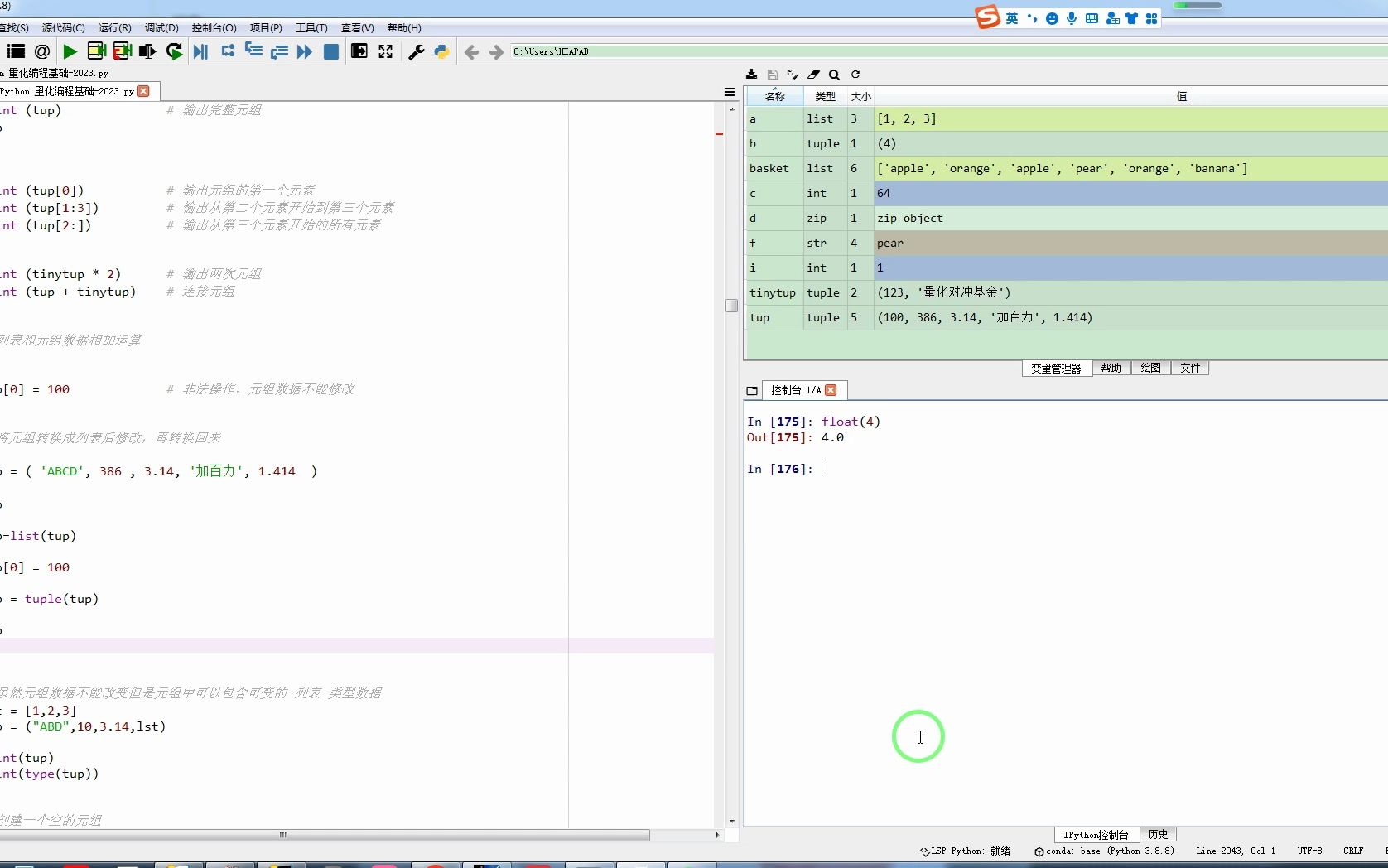
在 Python 中,float() 是一个内置函数,用于将数字或数字字符串转换为浮点数(即带有小数点的数字)。
✅ 基本语法
float(value)
value:可以是整数、浮点数、字符串(表示数字),或NaN、Infinity等特殊值。
✅ 常见用法示例
将整数转换为浮点数
x = 5
y = float(x)
print(y)   # 输出: 5.0
print(type(y))  # <class 'float'>
将字符串转换为浮点数
s = "3.14"
f = float(s)
print(f)   # 输出: 3.14


处理带单位的字符串(需先清理)
s = "3.14米"
# 直接转换会报错,需先提取数字部分
import re
num = float(re.search(r'd+.d+', s).group())
print(num)  # 输出: 3.14
转换科学计数法字符串
s = "1.23e-4"
f = float(s)
print(f)  # 输出: 0.000123
特殊值处理
print(float('nan'))   # 输出: nan (Not a Number)
print(float('inf'))   # 输出: inf (Infinity)
print(float('-inf'))  # 输出: -inf
⚠️ 注意事项
-
无效字符串会抛出异常

:
float("abc") # ValueError: could not convert string to float: 'abc' -
空字符串也会报错:
float("") # ValueError: could not convert string to float: '' -
浮点数精度问题:
print(float(0.1 + 0.2)) # 输出: 0.30000000000000004
这是由于 IEEE 754 浮点数表示的限制,如需高精度计算,可使用
decimal模块。

✅ 与 int() 的区别
| 特性 | float()
|
int() |
|---|---|---|
| 返回值类型 | 浮点数(如 3.14) | 整数(如 3) |
| 小数处理 | 保留小数部分 | 截断小数部分 |
| 字符串转换 | 支持 "3.14" |
支持 "3",不支持 "3.14" |

✅ 实用技巧:安全转换
def safe_float(value, default=0.0):
    try:
        return float(value)
    except (ValueError, TypeError):
        return default
print(safe_float("3.14"))   # 3.14
print(safe_float("abc"))    # 0.0
print(safe_float(None))     # 0.0
首发原创文章,作者:王坚,如若转载,请注明出处:https://idctop.com/article/484029.html