开发一个功能完善的安卓计时器需融合现代架构组件与后台处理能力,核心步骤分解如下:
技术栈选择
dependencies {
    implementation("androidx.core:core-ktx:1.12.0")
    implementation("androidx.appcompat:appcompat:1.6.1")
    implementation("androidx.lifecycle:lifecycle-runtime-ktx:2.7.0")
    implementation("androidx.activity:activity-compose:1.8.2")
    implementation("androidx.compose.material3:material3:1.2.0")
}
- Jetpack Compose:声明式UI框架提升开发效率
- ViewModel + StateFlow:状态管理保证数据持久性
- ForegroundService:确保后台计时精准性
核心逻辑实现
状态机建模
sealed class TimerState {
    object Idle : TimerState()
    data class Running(val remainingTime: Long) : TimerState()
    data class Paused(val remainingTime: Long) : TimerState()
}
ViewModel 计时引擎
class TimerViewModel : ViewModel() {
    private val _state = MutableStateFlow<TimerState>(TimerState.Idle)
    val state: StateFlow<TimerState> = _state.asStateFlow()
    private var timerJob: Job? = null
    private var initialDuration = 0L
    fun startTimer(duration: Long) {
        initialDuration = duration
        timerJob?.cancel()
        timerJob = viewModelScope.launch {
            _state.value = TimerState.Running(duration)
            var remaining = duration
            while (remaining > 0) {
                delay(1000)
                remaining -= 1000
                _state.value = TimerState.Running(remaining)
            }
            _state.value = TimerState.Idle
        }
    }
    // 暂停/恢复逻辑略
}
后台服务保活策略
前台服务实现(Android 8.0+)
class TimerService : Service() {
    override fun onStartCommand(intent: Intent?, flags: Int, startId: Int): Int {
        val notification = buildNotification()
        startForeground(1, notification)
        // 绑定ViewModel状态监听
        viewModel.state.collect { ... }
        return START_STICKY
    }
    private fun buildNotification(): Notification {
        return NotificationCompat.Builder(this, "timer_channel")
            .setContentTitle("计时中")
            .setSmallIcon(R.drawable.ic_timer)
            .setOngoing(true)
            .build()
    }
}
关键配置:
<service android:name=".TimerService" android:foregroundServiceType="shortService"/>
<uses-permission android:name="android.permission.FOREGROUND_SERVICE"/>
解决三大技术难点
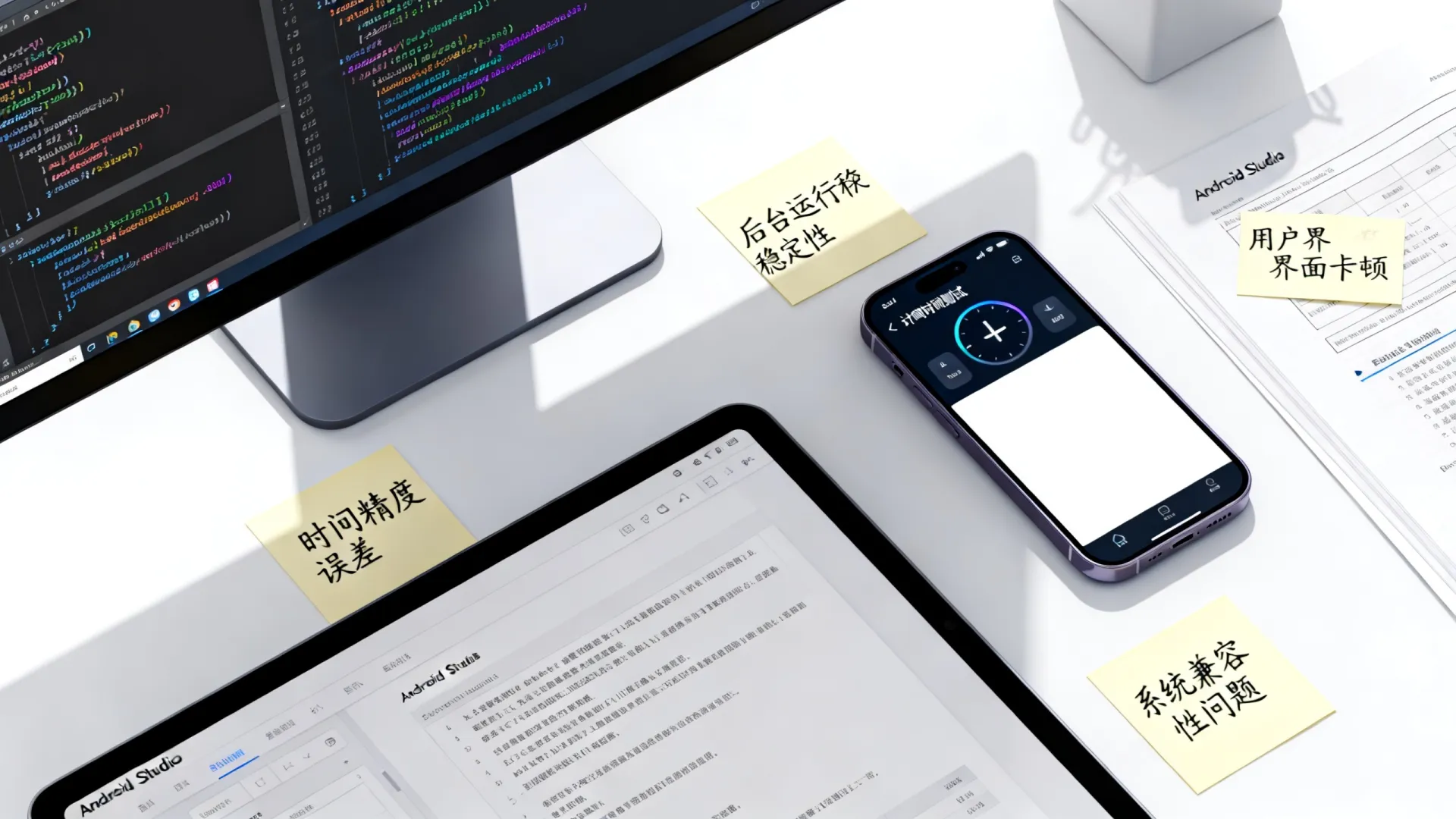
- 精确计时补偿
val systemTime = SystemClock.elapsedRealtime() // 使用系统启动时间基准
- 配置变更数据保留
ViewModelProvider(activity).get(TimerViewModel::class.java)
- 耗电优化
val wakeLock = powerManager.newWakeLock(
 PowerManager.PARTIAL_WAKE_LOCK,
 "MyApp::TimerWakeLock"
).apply { acquire(10601000L) }
UI层最佳实践(Jetpack Compose)
@Composable
fun TimerScreen(viewModel: TimerViewModel) {
    val state by viewModel.state.collectAsState()
    Column(horizontalAlignment = Alignment.CenterHorizontally) {
        Text(
            text = when (state) {
                is TimerState.Running -> formatTime((state as TimerState.Running).remainingTime)
                is TimerState.Paused -> formatTime((state as TimerState.Paused).remainingTime)
                TimerState.Idle -> "00:00:00"
            },
            style = MaterialTheme.typography.displayMedium
        )
        Button(onClick = {
            if(state is TimerState.Running) viewModel.pauseTimer()
            else viewModel.resumeTimer()
        }) {
            Text(if (state is TimerState.Running) "暂停" else "继续")
        }
    }
}
private fun formatTime(millis: Long): String {
    // 时间格式化实现
}
符合现代规范的关键优化
- 深色模式支持
MaterialTheme(colorScheme = if(isDarkTheme) darkColors() else lightColors())
- 无障碍适配
android:contentDescription="计时器主界面"
- 内存泄漏防护
DisposableEffect(viewModel) {
    onDispose { timerJob?.cancel() }
}
进阶能力扩展
- 多计时器管理:使用
Map<Int, TimerState>存储多个实例 - 历史记录存储:Room数据库记录完成事件
- 跨设备同步:通过WorkManager同步至云端
- 动态主题:监听系统主题变化实时切换
深度思考:现代计时器不应仅是倒计时工具,而应成为时间管理系统的入口,建议集成「番茄工作法」「习惯追踪」等场景化功能,提升用户留存。
现在轮到您实践:您认为在计时结束时添加哪种交互反馈(震动模式/声音选择/动画特效)最能提升用户体验?欢迎在评论区分享您的设计思路!
首发原创文章,作者:王坚,如若转载,请注明出处:https://idctop.com/article/8890.html