“仿 JS 特效”通常指的是在前端开发中,通过 JavaScript 配合 CSS 实现的视觉交互效果,由于特效种类繁多,我将为你提供 4 种最经典、实用且易于理解的 JavaScript 特效代码示例,涵盖:
- 鼠标跟随光晕效果(炫酷背景)
- 打字机效果(文字动画)
- 滚动视差/淡入效果(页面滚动交互)
- 点击涟漪效果(Material Design 风格)
鼠标跟随光晕效果(Mouse Follow Glow)
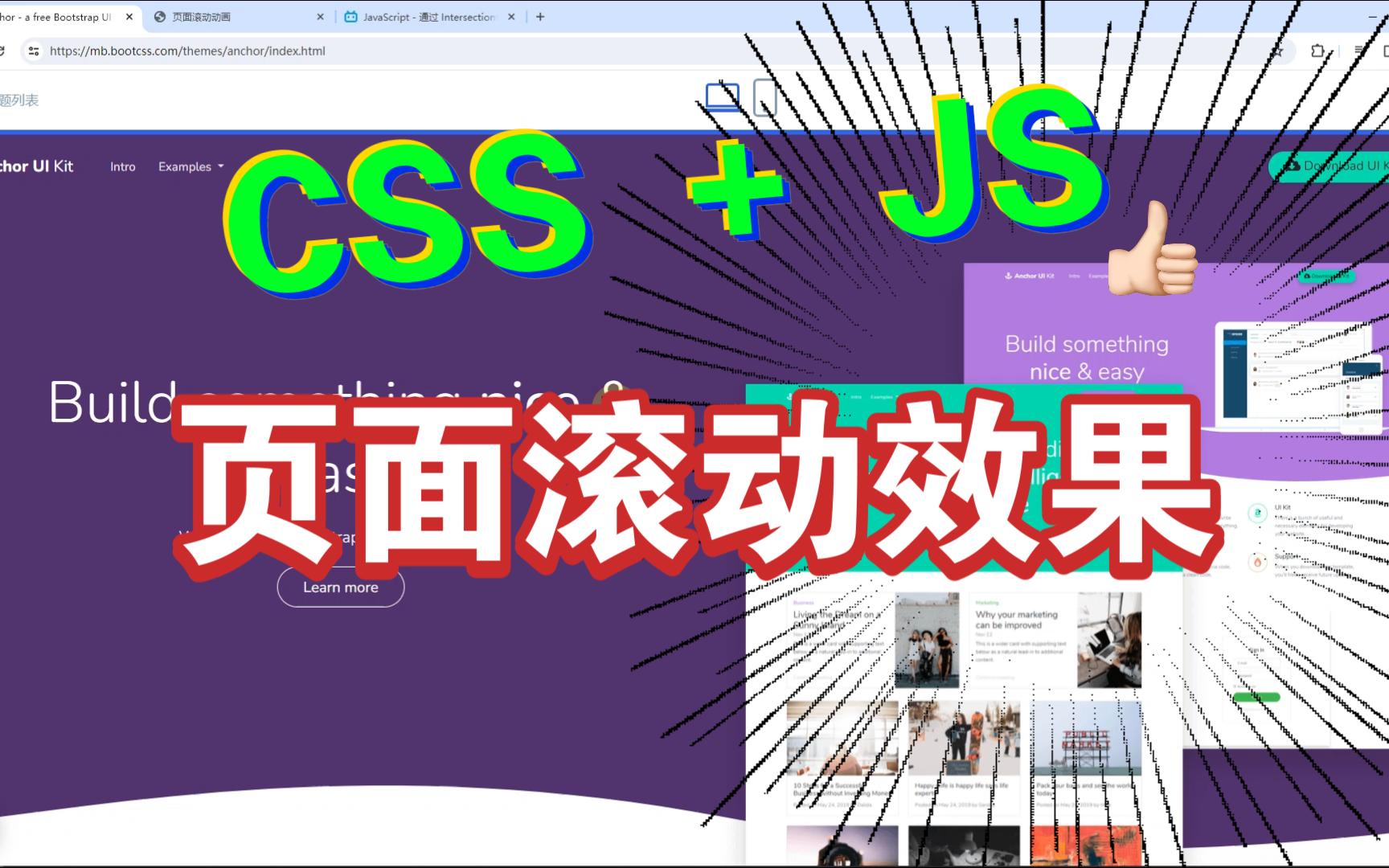
效果描述:鼠标移动时,背景出现一个跟随鼠标的柔和光晕。

<!DOCTYPE html>
<html lang="zh">
<head>
    <meta charset="UTF-8">鼠标跟随光晕</title>
    <style>
        body {
            margin: 0;
            height: 100vh;
            background: #111;
            overflow: hidden;
            display: flex;
            justify-content: center;
            align-items: center;
            color: white;
            font-family: Arial, sans-serif;
        }
        .glow {
            position: fixed;
            width: 300px;
            height: 300px;
            background: radial-gradient(circle, rgba(0, 255, 255, 0.3) 0%, rgba(0, 0, 0, 0) 70%);
            border-radius: 50%;
            pointer-events: none; / 让鼠标事件穿透 /
            transform: translate(-50%, -50%);
            z-index: -1;
            transition: transform 0.1s ease; / 轻微延迟让效果更平滑 /
        }
    </style>
</head>
<body>
    <h1>移动鼠标看看效果</h1>
    <div class="glow" id="glow"></div>
    <script>
        const glow = document.getElementById('glow');
        document.addEventListener('mousemove', (e) => {
            // 获取鼠标位置
            const x = e.clientX;
            const y = e.clientY;
            // 更新光晕位置
            glow.style.left = x + 'px';
            glow.style.top = y + 'px';
        });
    </script>
</body>
</html>
打字机效果(Typewriter Effect)
效果描述:文字逐个字符显示,类似打字机。
<!DOCTYPE html>
<html lang="zh">
<head>
    <meta charset="UTF-8">打字机效果</title>
    <style>
        body {
            background: #222;
            color: #0f0;
            font-family: 'Courier New', monospace;
            display: flex;
            justify-content: center;
            align-items: center;
            height: 100vh;
            font-size: 24px;
        }
        #typewriter {
            border-right: 2px solid #0f0;
            white-space: nowrap;
            overflow: hidden;
            animation: blink 0.7s step-end infinite;
        }
        @keyframes blink {
            50% { border-color: transparent; }
        }
    </style>
</head>
<body>
    <span id="typewriter"></span>
    <script>
        const text = "你好,我是AI助手,我正在学习JavaScript特效!";
        const element = document.getElementById('typewriter');
        let index = 0;
        function typeWriter() {
            if (index < text.length) {
                element.innerHTML += text.charAt(index);
                index++;
                setTimeout(typeWriter, 100); // 每个字符间隔100ms
            }
        }
        // 页面加载后开始
        window.onload = typeWriter;
    </script>
</body>
</html>
滚动淡入效果(Scroll Reveal)
效果描述:当元素进入视口时,逐渐显示(淡入+上移)。
<!DOCTYPE html>
<html lang="zh">
<head>
<meta charset="UTF-8">滚动淡入效果</title>
<style>
body {
background: #f5f5f5;
font-family: sans-serif;
padding: 50px;
}
.reveal {
opacity: 0;
transform: translateY(50px);
transition: all 0.8s ease-out;
padding: 20px;
margin: 20px 0;
background: white;
box-shadow: 0 2px 10px rgba(0,0,0,0.1);
}
.reveal.active {
opacity: 1;
transform: translateY(0);
}
.spacer {
height: 300px;
background: #e0e0e0;
margin: 20px 0;
display: flex;

justify-content: center;
align-items: center;
color: #666;
}
</style>
</head>
<body>
<h1>向下滚动查看效果</h1>
<div class="reveal">内容块 1</div>
<div class="spacer">滚动到这里...</div>
<div class="reveal">内容块 2</div>
<div class="spacer">继续滚动...</div>
<div class="reveal">内容块 3</div>
<script>
// 使用 Intersection Observer API(现代浏览器推荐)
const observer = new IntersectionObserver((entries) => {
entries.forEach(entry => {
if (entry.isIntersecting) {
entry.target.classList.add('active');
}
});
}, {
threshold: 0.1 // 元素出现10%时触发
});
document.querySelectorAll('.reveal').forEach(el => {
observer.observe(el);
});
</script>
</body>
</html>
点击涟漪效果(Click Ripple)
效果描述:点击按钮或元素时,从点击位置扩散出圆形波纹。
<!DOCTYPE html>
<html lang="zh">
<head>
<meta charset="UTF-8">点击涟漪效果</title>
<style>
body {
display: flex;
justify-content: center;
align-items: center;
height: 100vh;
background: #333;
}
.ripple-btn {
position: relative;
padding: 15px 40px;
background: #007bff;
color: white;
border: none;
border-radius: 5px;
cursor: pointer;
overflow: hidden; / 关键:隐藏溢出 /
font-size: 18px;
}
.ripple {
position: absolute;
border-radius: 50%;
background: rgba(255, 255, 255, 0.6);
transform: scale(0);
animation: ripple-animation 0.6s linear;
pointer-events: none;
}
@keyframes ripple-animation {
to {
transform: scale(4);
opacity: 0;
}
}
</style>
<
/head>
<body>
<button class="ripple-btn" id="btn">点击我</button>
<script>
const btn = document.getElementById('btn');
btn.addEventListener('click', function(e) {
// 创建涟漪元素
const ripple = document.createElement('span');
ripple.classList.add('ripple');
// 获取按钮尺寸和点击位置
const rect = btn.getBoundingClientRect();
const size = Math.max(rect.width, rect.height);
const x = e.clientX - rect.left - size / 2;
const y = e.clientY - rect.top - size / 2;
// 设置样式
ripple.style.width = ripple.style.height = `${size}px`;
ripple.style.left = `${x}px`;
ripple.style.top = `${y}px`;
// 添加到按钮
btn.appendChild(ripple);
// 动画结束后移除元素
ripple.addEventListener('animationend', () => {
ripple.remove();
});
});
</script>
</body>
</html>
✅ 使用建议
| 特效类型 | 适用场景 | 性能提示 |
|---|---|---|
| 鼠标跟随 | 登录页、创意首页 | 避免频繁操作 DOM,使用 transform 和 opacity |
| 打字机 | 个人简介、加载提示 | 使用 setTimeout 或 requestAnimationFrame |
| 滚动淡入 | 长页面、产品展示 | 推荐使用 IntersectionObserver,性能优于 scroll 事件 |
| 点击涟漪 | 按钮、卡片交互 | 及时移除 DOM 元素,防止内存泄漏 |
🚀 进阶推荐库
如果你需要更复杂的特效,建议使用成熟库:
- GSAP (GreenSock):最强大的动画库,适合复杂时间线动画。
- Three.js:3D WebGL 特效。
- Lottie:播放 After Effects 导出的 JSON 动画。
- AOS (Animate On Scroll):轻量级滚动动画库。
需要我针对某个特效进行更深入的解释或定制吗?
首发原创文章,作者:王坚,如若转载,请注明出处:https://idctop.com/article/483474.html