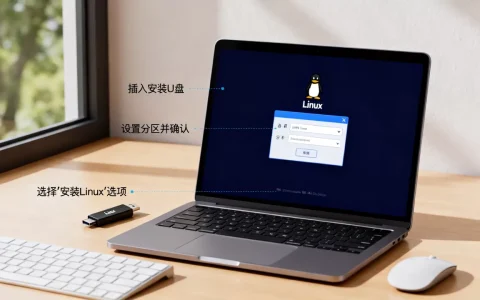
在 Linux 系统中,X Window System(通常简称为 X11 或 Xorg)是图形用户界面(GUI)的基础,启动 X Window 的方式取决于你当前的运行级别(Runlevel/Systemd target)以及你希望以何种方式启动它。
以下是几种常见的启动和管理 X Window 的方法:


通过 Systemd 切换图形界面(推荐)
在现代 Linux 发行版(如 Ubuntu、CentOS 7+、Fedora、Debian 8+ 等)中,系统使用 systemd 管理启动目标。
查看当前运行目标
systemctl get-default
- 如果输出是
graphical.target,说明默认启动图形界面。 - 如果输出是
multi-user.target,说明默认启动命令行界面。
切换到图形界面(启动 X + 显示管理器)
sudo systemctl set-default graphical.target
sudo systemctl isolate graphical.target
注意:这会启动显示管理器(如 GDM、LightDM、SDDM),然后加载桌面环境(如 GNOME、KDE、XFCE)。
切换到命令行界面
sudo systemctl set-default multi-user.target
sudo systemctl isolate multi-user.target
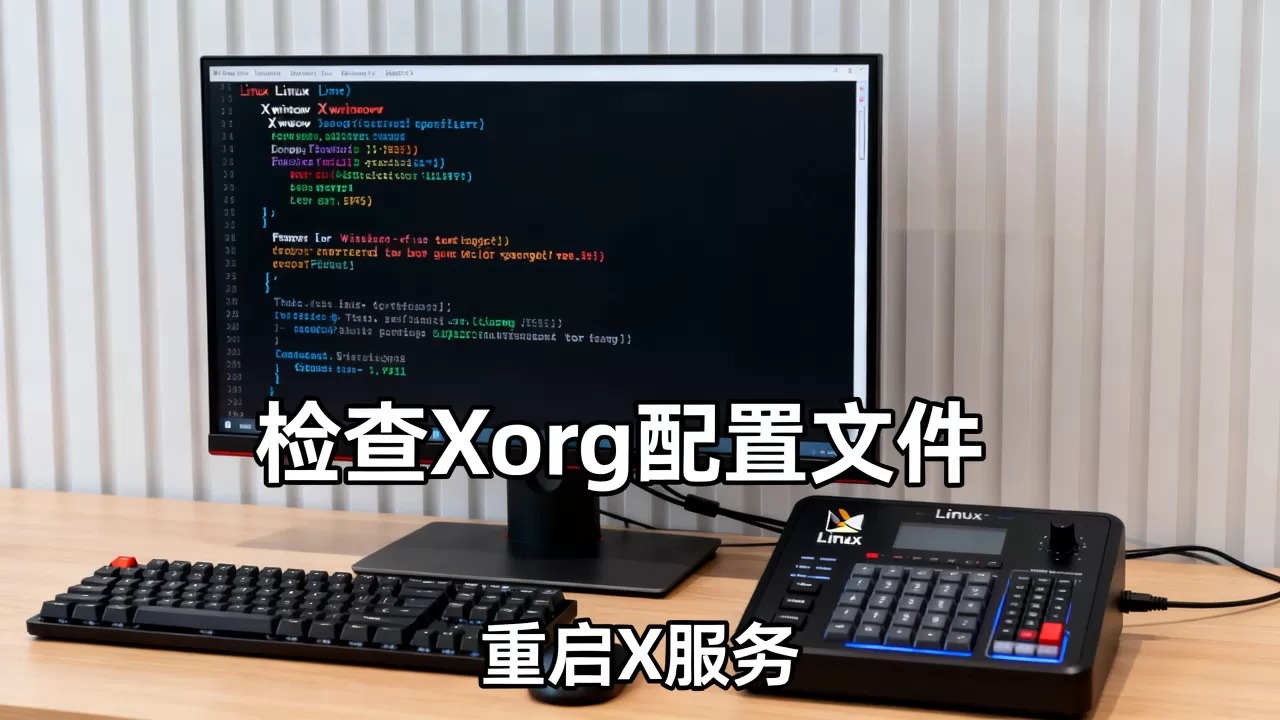
手动启动 X Server(不启动显示管理器)
如果你已经处于图形终端(TTY,如 Ctrl+Alt+F1~F6),并且想手动启动 X Server,可以使用以下命令:
启动 Xorg
startx
startx是一个脚本,它会读取~/.xinitrc或/etc/X11/xinit/xinitrc来决定启动哪个窗口管理器或桌面环境。- 如果未配置,可能会启动默认的
twm或xterm。
直接启动 Xorg 服务器
Xorg
- 这会启动 X 服务器,但不会自动加载任何窗口管理器或桌面环境。
- 你需要手动启动一个窗口管理器(如
openbox、i3、fluxbox等)才能看到窗口。
使用显示管理器(Display Manager)
大多数桌面环境通过显示管理器自动启动 X Window,常见的显示管理器包括:
| 显示管理器 | 常见桌面环境 | 启动命令 |
|---|---|---|
| GDM | GNOME | sudo systemctl start gdm |
| LightDM | XFCE, MATE | sudo systemctl start lightdm |
| SDDM | KDE Plasma | sudo systemctl start sddm |
| LXDMD | LXDE/LXQt | sudo systemctl start lxdm |
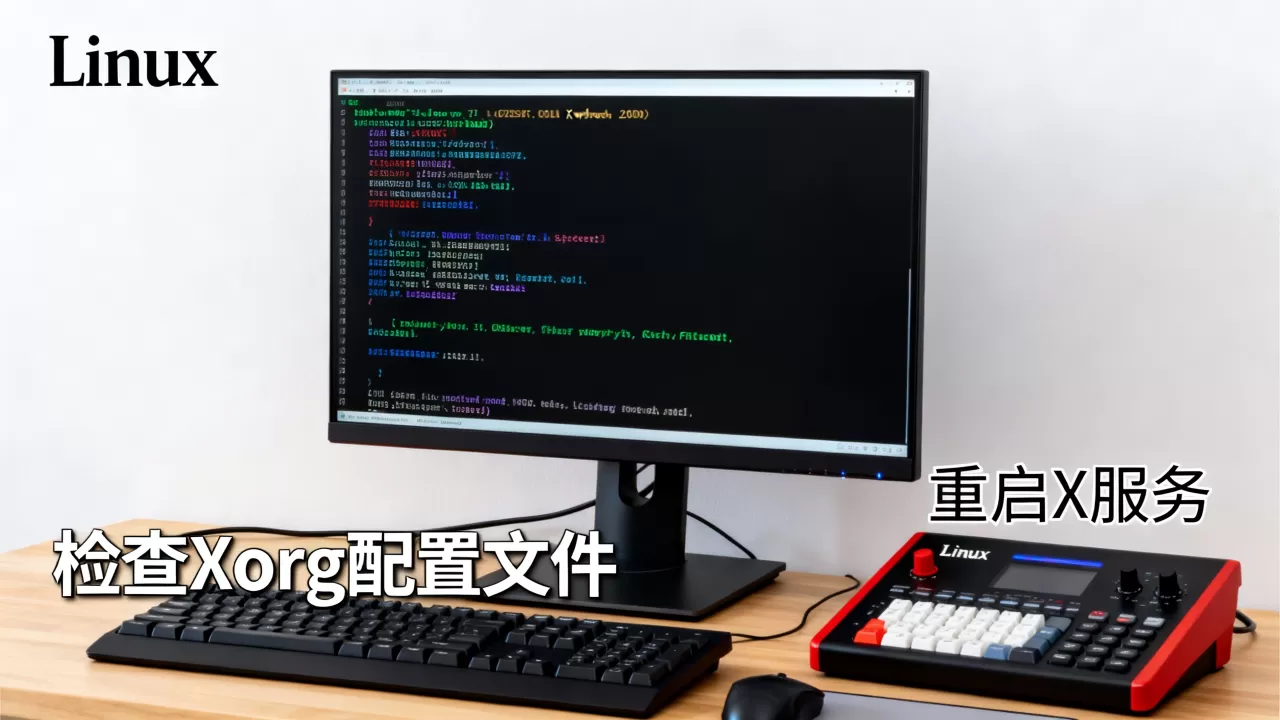
你可以直接启动某个显示管理器:
sudo systemctl start gdm
常见问题与排查
问题 1:startx 失败,提示 “No such file or directory” 或 “xauth: file … does not exist”
- 原因:缺少
xauth或~/.Xauthority文件权限问题。 - 解决:
sudo apt install xauth  # Debian/Ubuntu
sudo yum install xorg-x11-xauth  # CentOS/RHEL
问题 2:X Server 启动后黑屏或无响应
- 原因:显卡驱动问题或显示管理器冲突。
- 解决:
- 检查显卡驱动是否正确安装(如 NVIDIA、AMD、Intel)。
- 尝试切换 TTY(Ctrl+Alt+F3),登录用户,然后运行:
sudo systemctl stop gdm  # 或 lightdm/sddm
startx

问题 3:无法从命令行切换到图形界面
- 原因:系统默认设置为命令行模式。
- 解决:
sudo systemctl set-default graphical.target
sudo reboot
检查 X Server 是否正在运行
ps aux | grep Xorg
或
systemctl status gdm # 替换为你的显示管理器
| 场景 | 命令 |
|---|---|
| 默认启动图形界面 | sudo systemctl set-default graphical.target |
| 立即切换到图形界面 | sudo systemctl isolate graphical.target |
| 手动启动 X + 桌面环境 | startx |
| 仅启动 X Server | Xorg |
| 启动特定显示管理器 | sudo systemctl start gdm |
根据你的需求选择合适的方式,对于大多数用户,建议使用 systemctl 管理默认启动目标,或使用 startx 进行临时测试。
首发原创文章,作者:王坚,如若转载,请注明出处:https://idctop.com/article/476448.html