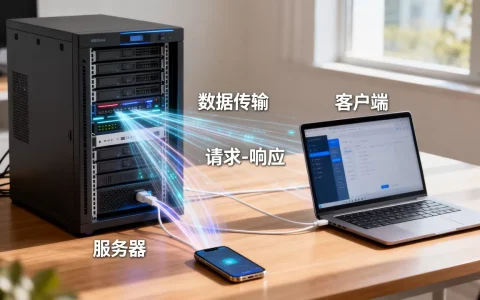
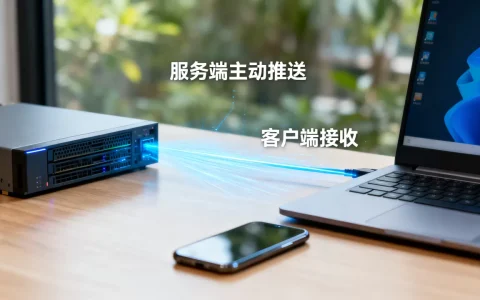
服务器端向客户端发送消息是 Web 开发、即时通讯(IM)、物联网(IoT)等场景中的核心功能,实现方式取决于你的技术栈、实时性要求以及网络环境。
以下是几种主流的实现方案,按实时性从高到低排序:
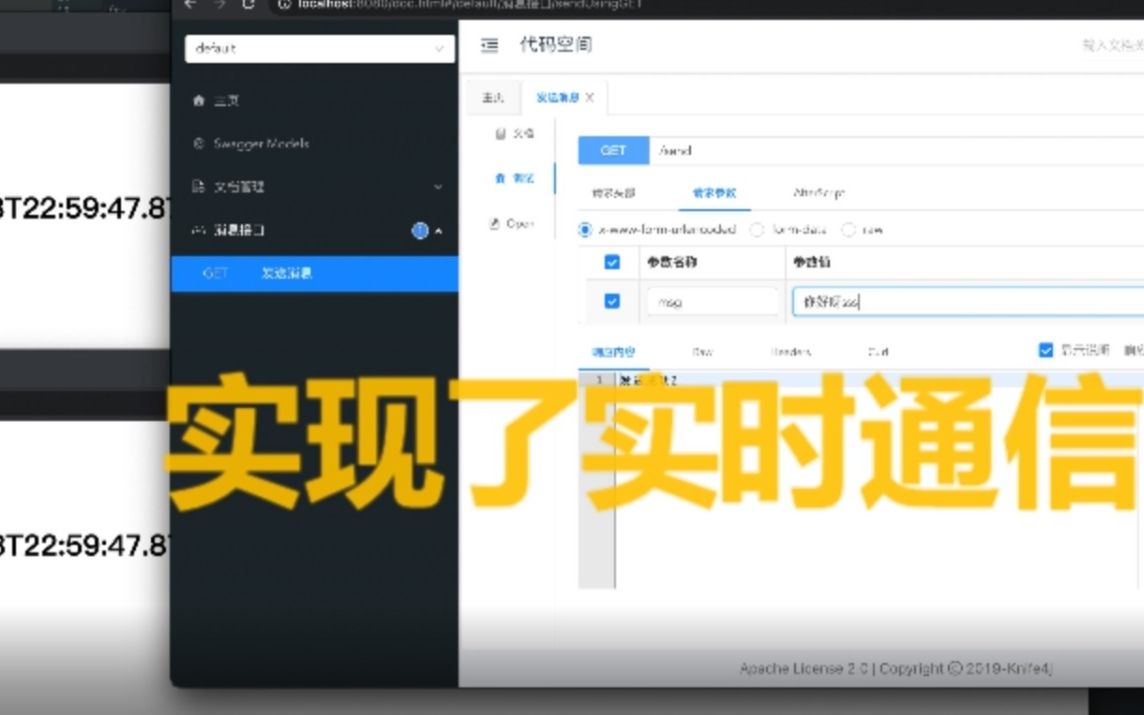

WebSocket(推荐:全双工实时通信)
适用场景:聊天室、游戏、实时股票行情、协同编辑、即时通知。
特点:建立连接后,服务器和客户端可以互相主动发送消息,延迟极低。
后端示例 (Node.js + ws 库)
const WebSocket = require('ws');
const wss = new WebSocket.Server({ port: 8080 });
wss.on('connection', (ws) => {
  console.log('客户端已连接');
  // 向特定客户端发送消息
  ws.send(JSON.stringify({ type: 'welcome', message: 'Hello Client!' }));
  // 监听客户端消息
  ws.on('message', (message) => {
    console.log('收到消息:', message);
    // 广播给所有连接者(包括自己)
    wss.clients.forEach((client) => {
      if (client.readyState === WebSocket.OPEN) {
        client.send(JSON.stringify({ type: 'broadcast', data: message }));
      }
    });
  });
});
前端示例 (JavaScript)
const ws = new WebSocket('ws://localhost:8080');
ws.onopen = () => {
  console.log('连接已建立');
  ws.send(JSON.stringify({ type: 'login', userId: 123 }));
};
ws.onmessage = (event) => {
  const data = JSON.parse(event.data);
  console.log('收到服务器消息:', data);
};
ws.onerror = (error) => {
  console.error('WebSocket 错误:', error);
};
Server-Sent Events (SSE)(单向实时推送)
适用场景:新闻推送、股票价格更新、日志监控(服务器→客户端单向)。
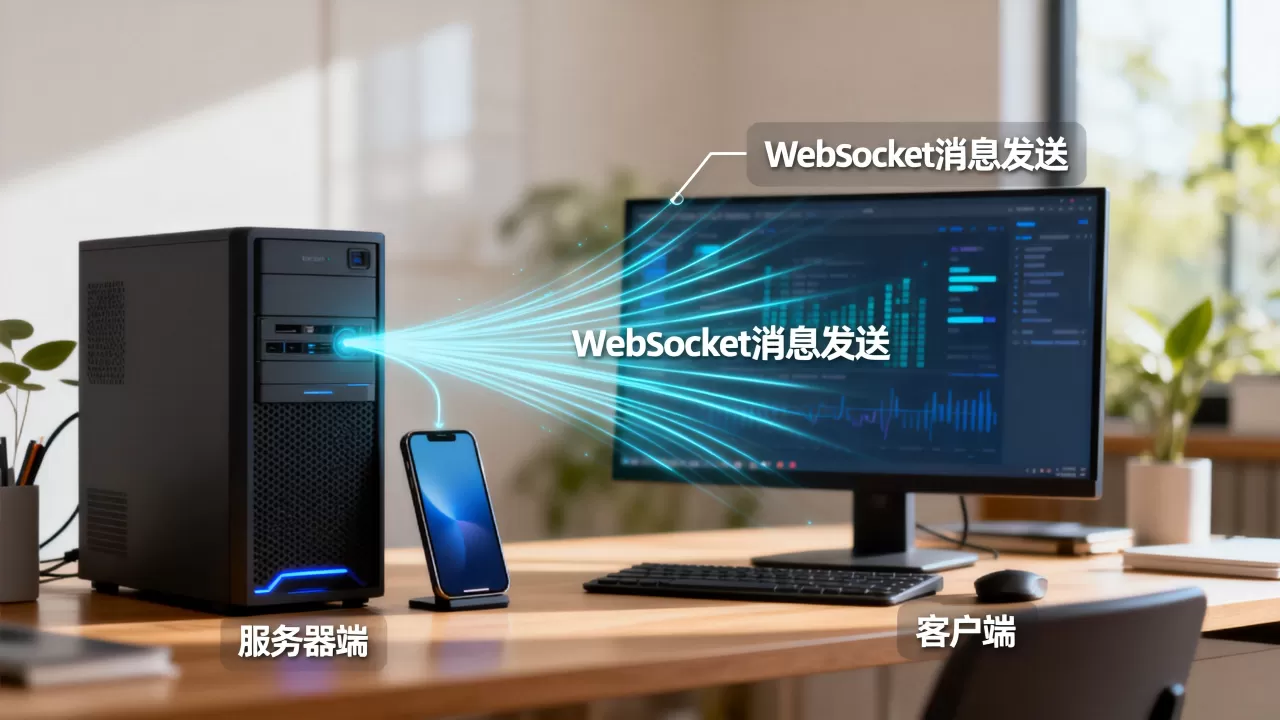
特点:基于 HTTP,只需客户端发起一次请求,服务器即可持续推送数据,比 WebSocket 轻量,但客户端无法主动通过该通道发送数据。
后端示例 (Node.js + Express)
app.get('/stream', (req, res) => {
  res.writeHead(200, {
    'Content-Type': 'text/event-stream',
    'Cache-Control': 'no-cache',
    'Connection': 'keep-alive'
  });
  // 定期发送消息
  const interval = setInterval(() => {
    const time = new Date().toISOString();
    res.write(`data: ${JSON.stringify({ time, message: 'Server time update' })}nn`);
  }, 1000);
  // 客户端断开时清理
  req.on('close', () => {
    clearInterval(interval);
  });
});
前端示例 (JavaScript)
const eventSource = new EventSource('/stream');
eventSource.onmessage = (event) => {
  const data = JSON.parse(event.data);
  console.log('收到 SSE 消息:', data);
};
eventSource.onerror = (error) => {
  console.error('SSE 错误:', error);
  eventSource.close();
};
HTTP 长轮询 (Long Polling)(兼容性好)
适用场景:不支持 WebSocket 的旧浏览器、防火墙严格限制的环境。
特点:客户端发起请求,服务器保持连接直到有新消息才响应,模拟实时效果,但开销较大。
后端示例 (Node.js)
const pendingRequests = [];
app.get('/poll', (req, res) => {
// 将当前请求挂起
pendingRequests.push(res);
// 当有消息时,响应并移除请求
const respond = (data) => {
res.json(data);
const index = pendingRequests.indexOf(res);
if (index > -1) pendingRequests.splice(index, 1);
};
// 设置超时,避免连接永远挂起
req.on('close', () => {
const index = pendingRequests.indexOf(res);
if (index > -1) pendingRequests.splice(index, 1);
});
// 模拟:5秒后如果有新消息则响应
setTimeout(() => {
if (pendingRequests.includes(res)) {
respond({ message: 'New data!' });
}
}, 5000);
});
MQTT(物联网/移动优先)
适用场景:IoT 设备、移动 App、弱网环境。
特点:轻量级发布/订阅协议,节省带宽和电量。
后端示例 (Node.js + mqtt 库)
const mqtt = require('mqtt');
const client = mqtt.connect('mqtt://broker.hivemq.com');
client.on('connect', () => {
  console.log('MQTT 连接成功');
  // 发布消息到主题 'news/update'
  client.publish('news/update', JSON.stringify({ title: 'Breaking News' }));
});
前端/客户端示例
client.subscribe('news/update');
client.on('message', (topic, message) => {
  console.log('收到 MQTT 消息:', message.toString());
});
轮询 (Short Polling)(最简单但效率最低)
适用场景:非实时、低频更新(如每 5 秒检查一次)。
特点:客户端定时发起 HTTP GET 请求,服务器返回最新数据。
// 前端
setInterval(async () => {
  const response = await fetch('/api/messages');
  const data = await response.json();
  console.log(data);
}, 5000);
方案对比与选择建议
| 特性 | WebSocket | SSE |
长轮询 | MQTT | 短轮询 |
|---|---|---|---|---|---|
| 实时性 | |||||
| 双向通信 | ✅ 支持 | ❌ 仅服务器→客户端 | ❌ 仅客户端→服务器 | ✅ 支持 | ❌ 仅客户端→服务器 |
| 服务器开销 | 中等 | 低 | 高 | 低 | 高 |
| 浏览器支持 | 现代浏览器 | 现代浏览器 | 所有浏览器 | 需库支持 | 所有浏览器 |
| 防火墙友好 | 一般 | ✅ 好 | ✅ 好 | 一般 | ✅ 好 |
| 适用场景 | 聊天、游戏、协同 | 新闻、股票、日志 | 兼容旧系统 | IoT、移动 App | 简单状态检查 |
最佳实践建议
- 首选 WebSocket:如果需要双向、低延迟通信,WebSocket 是行业标准。
- 考虑降级:如果客户端可能不支持 WebSocket,可以使用
Socket.IO等库自动降级到长轮询。 - 消息格式:始终使用 JSON 序列化消息,并定义清晰的消息结构(如
{ type, payload, timestamp })。 - 心跳机制:在 WebSocket 和 SSE 中,实现心跳检测以处理断线重连。
- 安全性:
- 使用
wss://(WebSocket Secure) 和https://。 - 对消息进行身份验证和授权。
- 防止 XSS 和注入攻击(尤其在前端解析消息时)。
- 使用
根据你的具体需求选择合适的方案,如果需要进一步帮助(如具体框架集成),请提供更多信息!
首发原创文章,作者:王坚,如若转载,请注明出处:https://idctop.com/article/479607.html