FileStream 是 .NET 框架中用于对文件进行字节级别读写的核心类,它位于 System.IO 命名空间下。
与 StreamReader/StreamWriter(处理文本)不同,FileStream 处理的是原始字节(byte[]),因此它可以用于读写任何类型的文件,包括文本文件、图片、音频、视频、序列化对象等。

基本用法
创建 FileStream 对象
构造函数通常接收文件路径、访问模式(读/写/追加)、共享模式等参数。
using System;
using System.IO;
class Program
{
    static void Main()
    {
        string filePath = "example.txt";
        // 1. 写入文件(如果文件存在则覆盖,不存在则创建)
        using (FileStream fs = new FileStream(filePath, FileMode.Create, FileAccess.Write))
        {
            byte[] data = System.Text.Encoding.UTF8.GetBytes("Hello, FileStream!");
            fs.Write(data, 0, data.Length);
        }
        // 2. 读取文件
        using (FileStream fs = new FileStream(filePath, FileMode.Open, FileAccess.Read))
        {
            byte[] buffer = new byte[fs.Length];
            fs.Read(buffer, 0, buffer.Length);
            string content = System.Text.Encoding.UTF8.GetString(buffer);
            Console.WriteLine(content); // 输出: Hello, FileStream!
        }
    }
}
注意:
using语句确保FileStream在使用后自动调用Dispose(),从而释放文件句柄和内存资源。
关键枚举参数
FileMode(文件模式)
| 值 | 说明 |
|---|---|
CreateNew |
创建新文件,如果文件已存在则抛出异常 |
Create |
创建新文件,如果文件已存在则覆盖 |
Open |
打开现有文件,如果文件不存在则抛出异常 |
OpenOrCreate |
如果存在则打开,否则创建 |
Truncate |
打开现有文件并清空内容(长度变为0),必须配合 FileAccess.Write |
Append |
打开文件并将指针移到末尾,用于追加内容,必须配合 FileAccess.Write |

FileAccess(访问权限)
| 值 | 说明 |
|---|---|
Read |
只读 |
Write |
只写 |
ReadWrite |
可读可写 |
FileShare(共享模式)
| 值 | 说明 |
|---|---|
None |
独占访问,其他进程无法打开该文件 |
Read |
允许其他进程读取 |
Write |
允许其他进程写入 |
ReadWrite |
允许其他进程读写 |
常用方法
| 方法 | 说明 |
|---|---|
Write(byte[] buffer, int offset, int count) |
将字节数组写入流 |
Read(byte[] buffer, int offset, int count) |
从流中读取字节到数组,返回实际读取的字节数 |
Seek(long offset, SeekOrigin origin) |
移动当前文件指针位置 |
Flush() |
清除缓冲区,将所有数据写入底层设备 |
Close() / Dispose() |
关闭流并释放资源 |
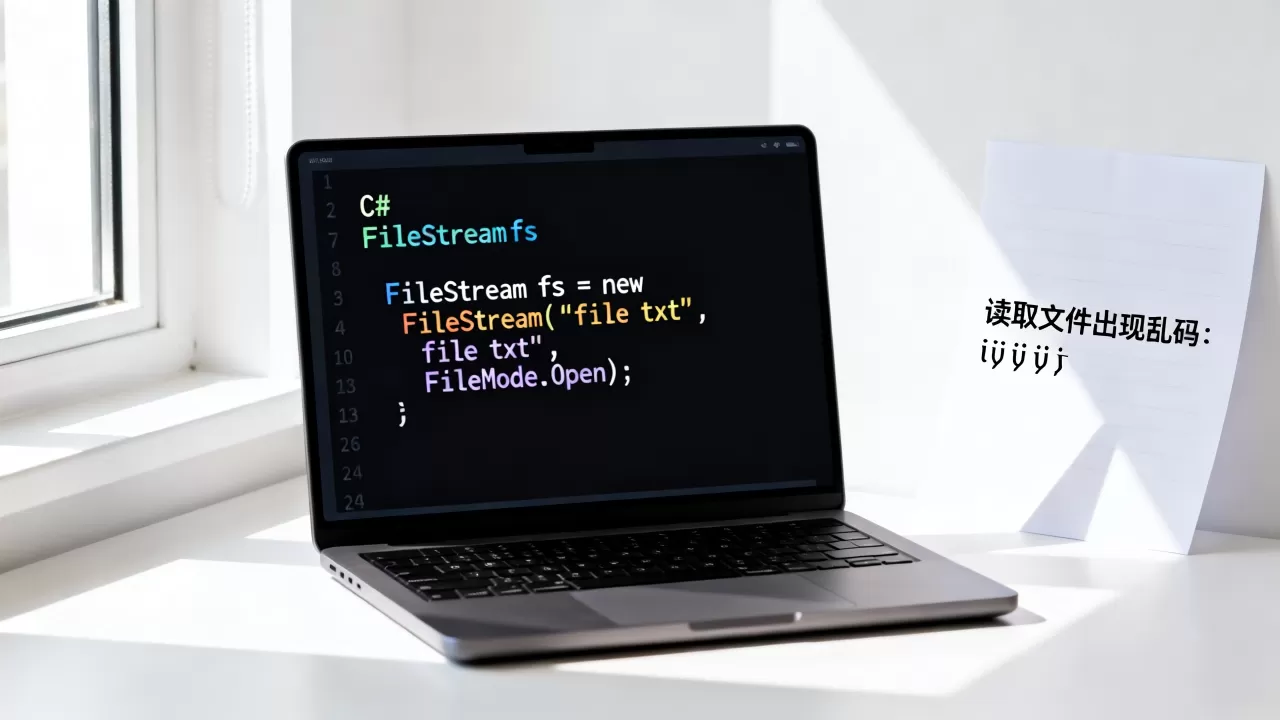
Seek 示例:随机访问文件
using (FileStream fs = new FileStream("data.bin", FileMode.Open, FileAccess.ReadWrite))
{
    // 移动到文件第100个字节处
    fs.Seek(100, SeekOrigin.Begin);
    byte[] data = new byte[10];
    fs.Read(data, 0, 10); // 从第100字节开始读取10个字节
}
异步操作(推荐用于高性能场景)
在 I/O 密集型应用中(如 Web 服务器、大文件传输),建议使用异步方法以避免阻塞线程。
static async Task CopyFileAsync(string sourcePath, string destPath)
{
    using (FileStream sourceStream = new FileStream(sourcePath, FileMode.Open, FileAccess.Read, FileShare.Read, bufferSize: 4096, useAsync: true))
    using (FileStream destStream = new FileStream(destPath, FileMode.Create, FileAccess.Write, FileShare.None, bufferSize: 4096, useAsync: true))
    {
        byte[] buffer = new byte[4096];
        int bytesRead;
        while ((bytesRead = await sourceStream.ReadAsync(buffer, 0, buffer.Length)) > 0)
        {
            await destStream.WriteAsync(buffer, 0, bytesRead);
        }
    }
}
提示:从 .NET Core 2.0 / .NET Standard 2.1 开始,
FileStream构造函数支持useAsync: true参数,启用后内部使用异步 I/O 完成端口,性能更优。
与 StreamReader/StreamWriter 的区别
| 特性 | FileStream | StreamReader/StreamWriter |
|---|---|---|
| 数据类型 | 字节(byte) |
字符(char)/ 字符串 |
| 编码处理 | 需手动指定编码(如 UTF8) | 自动处理编码 |
| 适用场景 | 二进制文件(图片、音频、视频)、自定义格式 | 纯文本文件 |
| 性能 | 更底层,控制更精细 | 更高层,使用更方便 |
最佳实践
- 始终使用
using语句:确保文件句柄被正确释放,避免文件被锁定。 - 设置合适的缓冲区大小:默认缓冲区为 4KB,对于大文件操作,可适当增大(如 64KB 或 1MB)以提升性能。
- 异步优先:在高并发或大文件场景中,使用
ReadAsync/WriteAsync。 - 处理异常:文件操作可能因权限、路径不存在等原因失败,应捕获
IOException、UnauthorizedAccessException等异常。 - 避免在循环中频繁创建 FileStream:如果需要对同一文件多次读写,复用同一个
FileStream实例(注意线程安全)。
完整示例:安全地复制文件
using System;
using System.IO;
using System.Threading.Tasks;
public class FileHelper
{
    public static async Task CopyFileAsync(string source, string destination)
    {
        if (!File.Exists(source))
            throw new FileNotFoundException("源文件不存在", source);
        try
        {
            using (var sourceStream = new FileStream(source, FileMode.Open, FileAccess.Read, FileShare.Read, 4096, true))
            using (var destStream = new FileStream(destination, FileMode.Create, FileAccess.Write, FileShare.None, 4096, true))
            {
                await sourceStream.CopyToAsync(destStream);
            }
        }
        catch (IOException ex)
        {
            Console.WriteLine($"IO 错误: {ex.Message}");
            throw;
        }
        catch (UnauthorizedAccessException ex)
        {
            Console.WriteLine($"权限不足: {ex.Message}");
            throw;
        }
    }
}
FileStream 是 .NET 中文件操作的基石,掌握它能让你灵活处理各种文件 I/O 场景。
首发原创文章,作者:王坚,如若转载,请注明出处:https://idctop.com/article/485367.html